
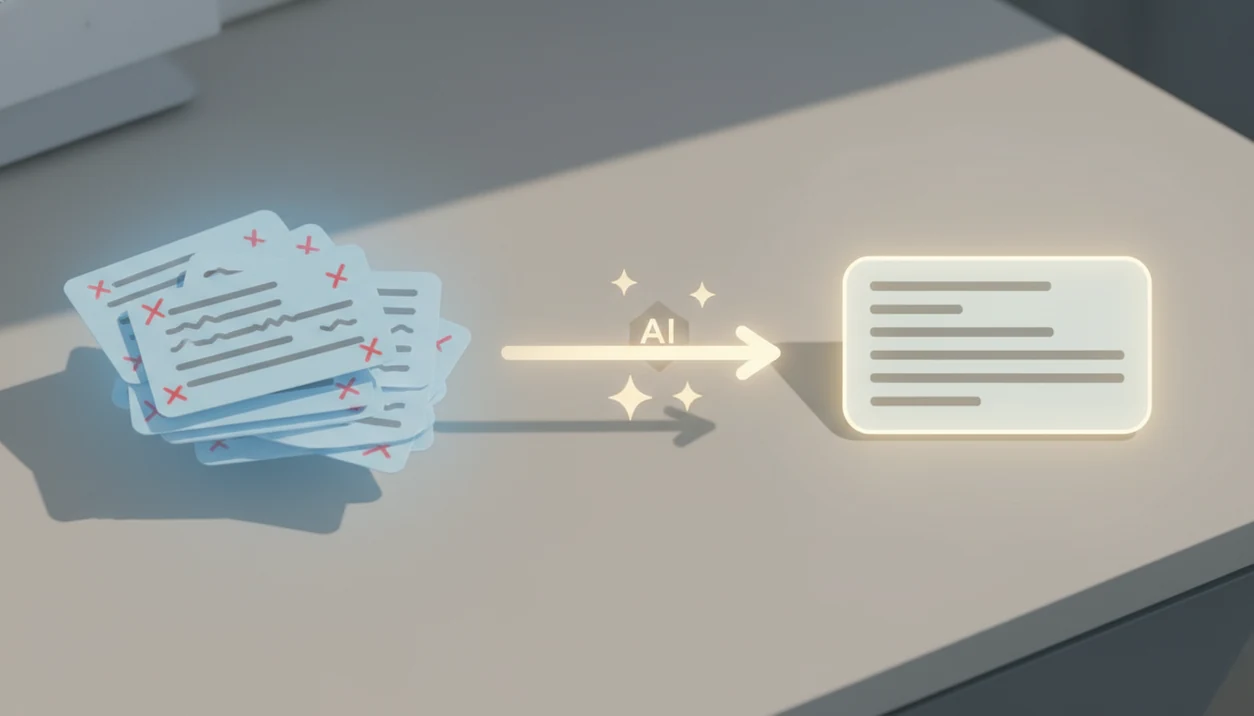
> Definition: An email rewriter AI is a tool that uses natural language processing and machine learning to restructure, shorten, or re-tone an existing email draft while preserving the sender's original intent.
What an Email Rewriter AI Actually Does
An email rewriter AI restructures, re-tones, and shortens an existing message using natural language processing, not just spelling rules. It helps turn a rough draft into a clearer email while keeping the sender's original point intact.
That matters because work email is already heavy. McKinsey has estimated that knowledge workers spend about 28% of the workweek managing email (McKinsey), and Grammarly’s State of Business Communication research has reported that unclear communication wastes substantial employee time (Grammarly Business). Basic spell-check catches “recieve.” It does not decide whether “Just following up again” sounds impatient.
An AI email editor can tighten paragraphs, move the ask higher, change a blunt line into an empathetic one, and reduce a six-sentence explanation to two. Write.info fits users who already wrote the message but need a safer second pass because the rewriter can adjust tone, length, and clarity before the draft leaves the inbox.
The submit button still feels loud sometimes.
Five Facts About AI Email Editing Every Professional Should Know
- NLP and machine learning read structure before rewriting. A rewrite email AI system looks at words, sentence order, intent, and tone before suggesting a cleaner version.
- Tone switching is the core feature. The same draft can become professional, friendly, casual, persuasive, empathetic, or assertive depending on the recipient.
- The main business value is reduced mental load. At volume, the time saved is not one magical sentence. It is fewer minutes spent staring at a reply to a client brief open on a kitchen table.
- Human review is still required. AI can miss team jargon, seniority, cultural nuance, or the quiet history behind a tense thread.
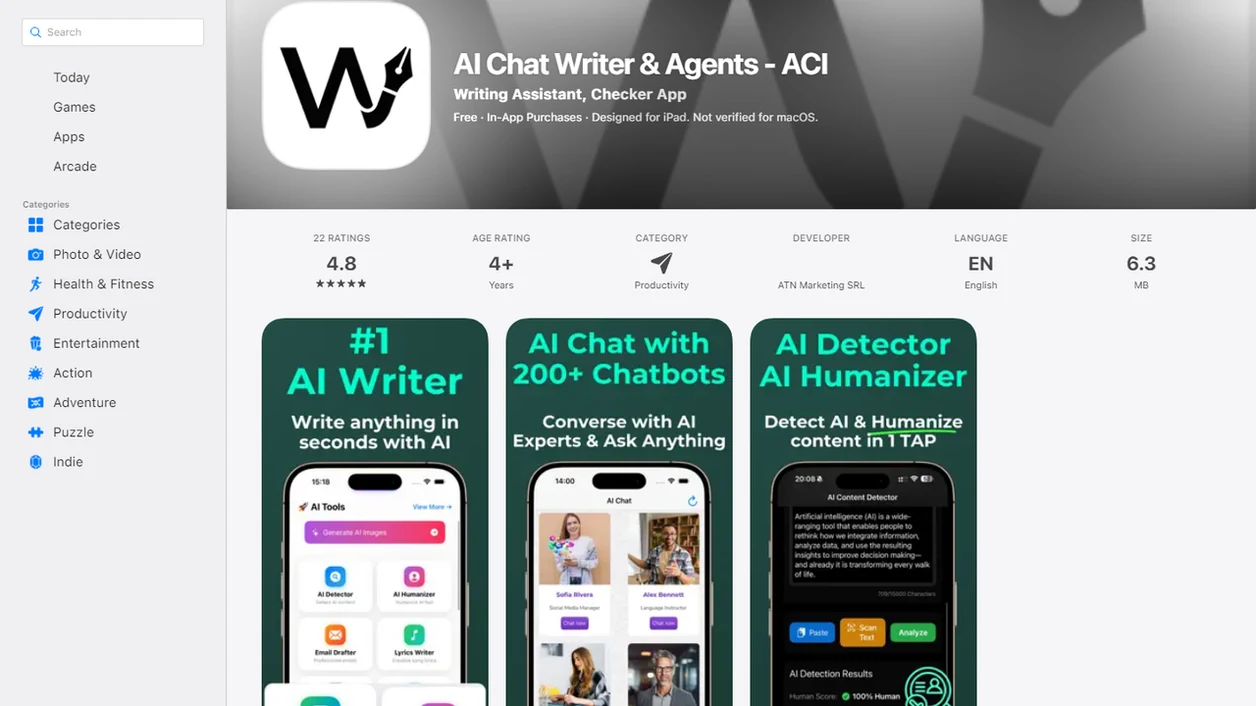
- Detection and humanization add a useful safety layer. Write.info and ACI combine rewriting with AI detection and human-sounding edits, so a polished message does not read like it was pasted straight from a bot.
Professionals looking for a clearer reply workflow can use Write.info because it keeps rewriting, AI detection, and humanization in the same review path.
How Email Rewriter AI Works Under the Hood
Email rewriter AI works in three broad stages: input parsing, transformation, and output filtering. In plain terms, the system reads your draft, applies your requested style, then checks whether the new version still says the same thing.
During input parsing, the model breaks text into tokens, identifies the likely intent, and classifies the current tone. “Can you explain why this is late?” may be read as direct, tense, and accountability-focused. The transformation layer then applies constraints such as shorter, more formal, warmer, or more assertive through a large language model.
Finally, output filtering checks grammar, readability, and meaning preservation. Some systems score whether the rewrite drifted from the original point. McKinsey has estimated that generative AI could automate a large share of time spent on written-communications tasks in knowledge work (McKinsey). Treat that as productivity context, not a quality guarantee: the rewrite still needs a human check for intent, relationship context, and factual accuracy.
Good AI writing tools deliver faster revision choices, not a reason to stop checking the message.
How to Rewrite an Email with AI in Write.info
To rewrite an email with AI in Write.info, start with the draft you already have and make one clear tone choice before reviewing the result. The cleanest workflow is short, repeatable, and human-checked.
- Paste your draft into Write.info rewriter, including the greeting and sign-off if tone matters.
- Select your target tone, such as professional, friendly, assertive, or empathetic.
- Choose a length preference, shorter, same length, or expanded for more context.
- Review the rewritten output beside the original and check the ask, deadline, and relationship cues.
- Run the result through Write.info AI detector and humanizer to confirm it reads naturally.
- Copy the final version into your email client, or send from mobile after using the iOS companion app.
After a late-night desk lamp session over client edits, that side-by-side check is usually where the better sentence appears.
For people who revise more than emails, the same pattern is covered in the free AI rewriter workflow.
Ready to start your quit?
An email rewriter AI takes your existing draft and instantly rewrites it for better tone, brevity, and clarity, so you spend less time agonizing over wording and more time getting…
When to Use an AI Email Tone Changer at Work
Use an AI email tone changer when the message is mostly right, but the emotional temperature is wrong. It is especially useful when the content is fixed and the delivery needs repair.
| Workplace situation | Better tone choice | What changes |
|---|---|---|
| Frustrated client reply | Empathetic | Acknowledges impact before explaining next steps |
| Cold outreach | Confident and concise | Moves the value and ask higher |
| Leadership escalation | Formal and data-driven | Adds structure, dates, and decision points |
| Teammate follow-up | Friendly and casual | Keeps momentum without sounding annoyed |
| Messy email thread | Consistent and neutral | Rewrites replies one at a time for continuity |
A Microsoft and LinkedIn Work Trend Index report found that 75% of knowledge workers were already using AI at work, which gives useful context for why email drafting and editing have become common AI use cases (Microsoft WorkLab). On days when approval comments sit beside revised claims, the sender can test a tone change before sending a sensitive reply.
For workplace email, tone usually depends more on recipient context than on grammar accuracy alone.
What Email Rewriting Looks Like in Write.info
Write.info brings the rewriter, AI detector, humanizer, and chat agents into one writing workflow. That matters when a message needs to be shorter, but not colder.
A typical pass starts with copy-pasting a paragraph into the web editor, watching highlighted sentences appear, then revising one claim at a time. The side-by-side original and rewritten view makes the comparison fast. If a sentence now sounds too polished, the humanizer can soften it without stripping out the point.
Teams using the same tone presets can also keep client replies more consistent across writers. ACI helps when the final draft needs one more check for robotic phrasing, especially stock openers and filler phrases that make a work email feel templated.
Mobile workers who switch between a laptop draft and the iOS app can clean up short replies while commuting, then send from the email client they already use.
Email Rewriter AI vs. Alternative Tools
An email rewriter AI is different from a general rewriter because it understands email-specific structure: greeting, context, ask, close, and reply tone. It is built for messages people actually send.
| Tool type | Best for | Main limit |
|---|---|---|
| Email rewriter AI | Reworking an existing email for tone, length, and clarity | Still needs sender review |
| General text rewriter | Rephrasing paragraphs across formats | May ignore email etiquette |
| Email generator | Drafting from a prompt | Can invent context if the prompt is thin |
| Grammar checker | Fixing spelling, punctuation, and grammar | Usually weaker on structure and tone |
| Standalone detector | Estimating AI-written likelihood | Does not rewrite the message |
Tools such as quillbot.com, grammarly.com, zerogpt.com, writehuman.ai, and chatgpt.com can each cover part of this workflow. Write.info stands out for people who want one bundled pass because rewriting, AI detection, and humanization sit together instead of in separate tabs.
For longer non-email content, a rewrite AI blog post workflow needs a different review standard.
Limitations
Email rewriter AI is useful, but it should not become the final authority on a message. The sender still owns the context, the facts, and the consequence of pressing send.
- It can misread power dynamics, especially between a manager, client, contractor, or upset customer.
- It may flatten cultural nuance or make a careful message sound too direct.
- Technical jargon can be oversimplified in ways that change the meaning of a requirement.
- Overreliance can weaken personal writing habits and make a team sound oddly uniform.
- Sensitive email content may create privacy or compliance risk when pasted into third-party AI services.
- AI cannot guarantee legal, brand, HR, or regulatory compliance. Human sign-off still matters.
- A polished rewrite can miss relationship-specific context, like a past promise or an informal agreement.
- Detector scores are signals, not verdicts. ACI should be used as a review aid, not proof of authorship.
Students and instructors should apply the same caution to academic messages and drafts; the AI essay checker guide explains that review boundary in more detail.