
AI Humanizer Before and After Examples That Improve Real Drafts
AI humanizer before and after examples show how a stiff AI draft can become clearer, more specific, and more natural without changing the core meaning. Strong examples improve rhythm, sentence variety, audience fit, and concrete detail, but they should not promise invisibility from AI detectors.
> Definition: Write.info is an AI detector that checks AI-generated text and provides humanizer, rewriter, and chat tools for students, writers, and professionals.
- A strong humanized draft usually sounds less generic because it adds specific nouns, varied sentence lengths, and a clearer point of view.
- Humanizers are most useful for improving readable drafts, not rescuing vague, inaccurate, or policy-breaking content.
- No AI humanizer can guarantee that text will pass every AI detector, so users still need disclosure, fact-checking, and manual editing where required.
At-a-glance AI humanizer before and after changes
An AI humanizer before-and-after comparison shows the practical difference between text that sounds machine-shaped and text that reads like a person revised it. The “after” version should keep the same point, but improve cadence, specificity, transitions, tone, and audience fit.
- Cadence changes: Humanized text usually mixes short and medium sentences instead of stacking similar sentence lengths.
- Specificity improves: Generic nouns become concrete details, such as “newsletter draft” instead of “content.”
- Transitions get quieter: Phrases like “furthermore” and “in conclusion” often become simpler connective tissue.
- Tone fits the reader: A student paragraph, client email, and blog intro should not sound identical.
- Detector outcomes remain uncertain: Better readability does not guarantee a lower detector score.
AI-written drafts are now ordinary enough that readers recognize the texture. In a 2023 Pew survey, 58% of U.S. adults had heard at least a little about ChatGPT, and 14% had used it source.
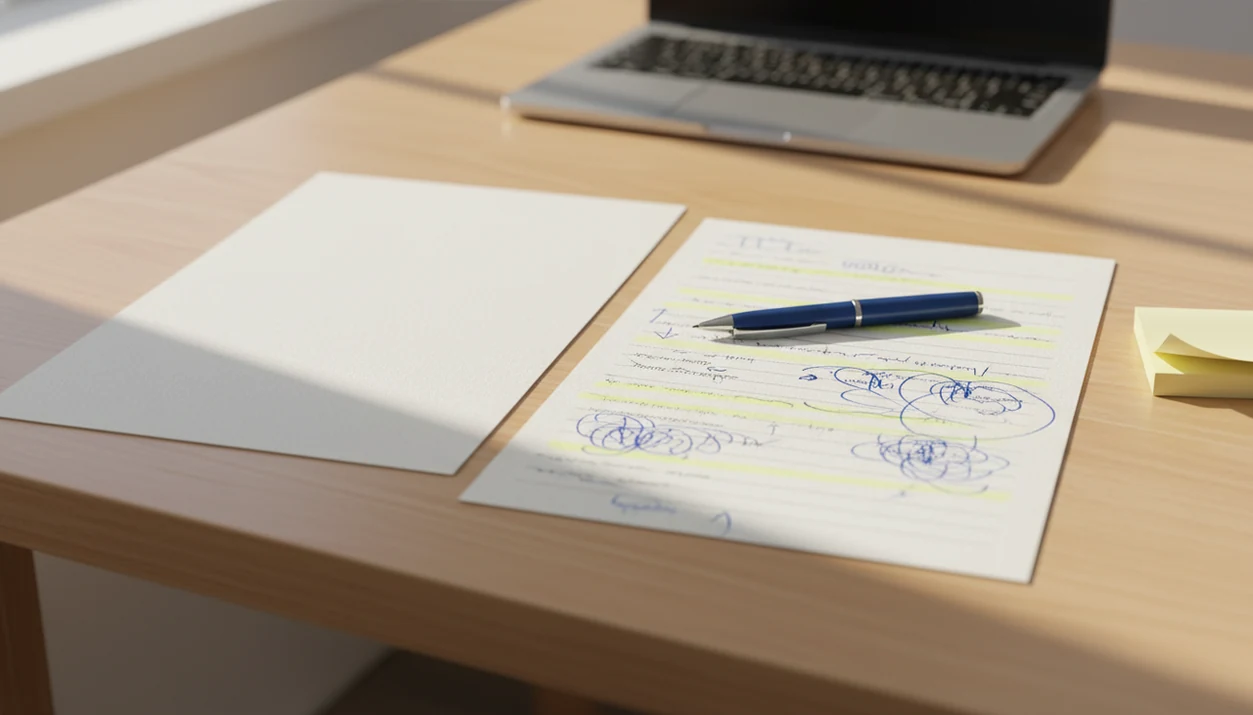
The yellow highlights usually tell the story.
AI humanizer example method used for these rewrite examples
These AI rewrite examples are revision demonstrations, not detector-bypass tests. Each “before” sample represents common AI draft problems: vague claims, repeated sentence shapes, inflated tone, and missing reader context.
> Method used: Each example is judged by meaning preservation, rhythm, specificity, voice, and factual risk before the “after” version is treated as submission-ready.
The comparison starts with one question: did the rewrite keep the original idea intact? Then we check whether the new version adds useful nouns, removes boilerplate, changes sentence rhythm, and avoids new factual claims that need sources. A detector score can be part of that review, but it should not be the whole review.
Tools like Write.info, QuillBot, Grammarly, ZeroGPT, WriteHuman, and ChatGPT can fit different parts of this workflow. Apps with an AI detector, humanizer, rewriter, chat agents, and companion iOS access can support draft review in one place, not replace the writer’s judgment or policy responsibilities.
A human still has to read the final draft.
Blog post AI rewrite example for generic marketing copy
Marketing humanizer examples work best when they replace smooth vagueness with useful context. The after version below keeps the basic message, but gives the reader a product situation, stronger verbs, and fewer “big promise” phrases.
A 2024 Gartner marketing survey reported that marketers were already using generative AI for content creation, and named generic or robotic sound as a top concern. That matches what we see in drafts with muted hype words circled before a social caption is trimmed for a phone screen.
Before: generic AI marketing paragraph
After: more specific humanized marketing paragraph
| Version | Sample | Why it reads that way |
|---|---|---|
| Before | “In today’s fast-paced digital world, businesses must create engaging content that resonates with their audience and drives meaningful results across channels.” | Polished but interchangeable. It could describe almost any brand. |
| After | “For a small fitness studio, one useful post might answer the question members ask at the desk: ‘What should I bring to my first class?’ That beats another generic motivation caption.” | Adds audience, setting, and a concrete content idea. |
For marketers, a human-sounding edit is often stronger than synonym swapping because it changes what the sentence notices.
Student assignment humanizer example with responsible editing
A student assignment rewrite should clarify the draft without pretending the tool supplied the student’s argument, reading, or evidence. Humanization can improve flow, but school policy decides what use is allowed.
In a 2023 multi-institution U.S. survey reported by EDUCAUSE, 51% of college students said they had used AI tools like ChatGPT for assignments at least once source. That helps explain the whiteboard lists of detector limitations now appearing in classroom discussions. A student rereading a detector result at 11:47 p.m. before an LMS upload window closes still needs to ask: what does the syllabus allow?
Before: vague AI assignment paragraph
After: clearer student-edited paragraph
| Version | Sample | Responsible revision note |
|---|---|---|
| Before | “The novel explores many important themes that are relevant to society and show how characters experience change in complex ways.” | Broad claim, no text evidence, repeated academic filler. |
| After | “In the final chapter, the narrator stops describing the town as safe and starts calling it ‘quiet.’ That word shift supports my argument about fear becoming normal.” | Clearer claim, but the student must verify the quote and citation. |
For academic writing, the safer path is to humanize AI essay responsibly after checking evidence, disclosure rules, and citation details.
Work email before-and-after AI text for tone repair
Work email humanization is tone repair, not just word replacement. The after version should sound aware of the recipient, the shared context, and the next action.
A 2023 McKinsey global executive survey found that 79% reported at least some exposure to generative AI at work, and 22% said they used it regularly source. That demand shows up in small moments, like a client brief open on a kitchen table while someone tries to soften an update without losing urgency.
Before: robotic workplace email
After: natural workplace email
| Version | Sample | What changed |
|---|---|---|
| Before | “I am writing to inform you that the deliverable has been delayed due to unforeseen circumstances. Your understanding is appreciated.” | Formal, vague, and impersonal. |
| After | “I’m running one day behind on the landing page draft because the pricing section needed another check. I’ll send the revised version by 3 p.m. tomorrow.” | Names the delay, gives a reason, and sets a clear next step. |
The second version is not casual for its own sake. It gives the recipient something they can plan around.
AI humanizer tool mechanics behind the rewrite
AI humanizer tools work by revising surface patterns and local structure: sentence length, syntax, word choice, transitions, and emphasis. In plain language, they try to make the paragraph sound less like it came from one default writing mold.
A stronger tool does more than replace “important” with “significant.” It changes where the sentence lands, cuts repeated framing, adds specific nouns when context supports them, and reduces formulaic phrases such as “delve into the nuances.” This is where humanization differs from basic paraphrasing. A paraphraser may preserve the same stiff structure under new vocabulary.
How AI humanization works: the tool identifies repetitive linguistic patterns, then rewrites selected passages to improve flow while preserving the intended meaning. The technical term is pattern-level rewriting; the practical translation is simple. The paragraph gets reshaped, not merely reworded.
Detector-facing changes are probabilistic. They may change a detector score, but they cannot control every model, threshold, or review policy.
6-step AI humanizer workflow for better before-and-after text
A good before-and-after workflow starts with the draft’s purpose, not the detector score. Use the steps below in Write.info or a similar toolkit when you want a clearer, more natural revision.
- Paste or generate the draft with the audience, format, and goal visible in the prompt or notes.
- Check for AI patterns such as repeated transitions, flat claims, over-neat paragraphing, and phrases like “in today’s fast-paced world.”
- Choose the tone before rewriting, such as academic, professional, plainspoken, or warm but concise.
- Humanize the text while asking the tool to keep the meaning, order of claims, and required terminology intact.
- Review the after version for factual drift, missing citations, changed nuance, and unsupported new details.
- Polish manually by reading aloud, trimming filler, and adding one or two details only you can verify.
If your starting point is a ChatGPT draft, the separate guide to humanize ChatGPT text covers prompt cleanup and meaning checks in more depth.
Humanizer examples pattern table for stronger drafts
The same before-after AI text patterns appear across blog posts, emails, essays, and product copy. Good humanization adds judgment and context; it does not just sprinkle slang over machine-shaped writing.
| AI-sounding pattern | Humanized correction | Why it helps |
|---|---|---|
| Generic openings like “In today’s fast-paced world” | Start with the reader’s actual problem or scene | Removes boilerplate and gives the paragraph a reason to exist. |
| Repeated transitions such as “Moreover” and “Furthermore” | Use quieter links like “That matters because” or cut the transition | Makes the argument feel less templated. |
| Inflated adjectives such as “transformative” or “innovative” | Replace with a specific outcome or constraint | Lets the reader judge the claim. |
| Even sentence length across the paragraph | Mix short sentences with longer explanatory ones | Creates a more natural reading rhythm. |
| Missing audience details | Name the user, setting, deadline, or decision | Makes the draft useful instead of broadly agreeable. |
For most writers, humanize AI text works best when the revision adds specific context while keeping the original claim stable.
AI humanizer results that examples do not prove
Attractive AI humanizer before-and-after examples do not prove universal detector performance. They show what happened to one draft under one rewrite choice, not what will happen across every detector, classroom, employer, or publisher.
Examples also hide problems that only appear during review. A paragraph may sound better while quietly changing a claim. A citation may keep the author name but lose the page number. A source title might be pasted in the wrong case, or a DOI link may be dead. The prose looks cleaner, but the evidence is still shaky.
Readable writing and acceptable use are separate questions. Highly technical, legal, medical, financial, or scientific text needs subject-matter review before use. The same caution applies to policy-sensitive academic work. A better rhythm does not make an unsupported claim true, and a lower detector score does not create permission.
That distinction matters.
Limitations
AI humanizers can be useful revision tools, but they have clear limits. Treat the after version as a draft that needs review, not as a final authority.
- No AI humanizer can guarantee 100% undetectability across all AI detectors.
- Humanized text can preserve factual errors from the original draft.
- Rewriting can introduce new errors, especially in dates, names, quotations, and technical terms.
- A detector pass does not automatically satisfy school, employer, client, or publisher rules.
- Very vague drafts often need structural editing before humanization will help.
- Over-humanizing can add slang, filler, or a fake casual voice that does not fit the writer.
- Sensitive domains, including legal, medical, scientific, and financial writing, require expert review.
- Citation-heavy work needs manual checking for page numbers, source titles, links, and quotation accuracy.
- Humanizers cannot supply genuine personal experience, fieldwork, or reading notes the writer never did.
If you want a lower-friction starting point, a free AI humanizer can help test tone changes before you commit to a larger writing workflow.
FAQ
Does an AI humanizer before-and-after example prove the text will pass detection?
No. It only shows how one draft changed in readability, rhythm, tone, and wording.
What is an AI humanizer?
An AI humanizer is a rewriting tool that makes AI-generated text sound more natural while trying to preserve the original meaning. It usually changes sentence rhythm, word choice, transitions, and tone.
Do AI humanizers really work?
AI humanizers can improve readability and reduce stiff AI patterns when the starting draft is clear. Results vary by draft quality, subject matter, and how carefully the user reviews the output.
Can AI humanized text be detected?
Yes, AI-humanized text can still be flagged as AI-written. No tool can guarantee a pass across all detectors, models, thresholds, or human reviews.
Is humanizing AI text cheating?
It depends on the rules of the school, employer, publisher, or client. Users should follow disclosure requirements and avoid presenting prohibited AI assistance as fully original work.
What changes in humanized text?
Humanized text commonly changes sentence rhythm, word choice, specificity, transitions, and tone. A strong rewrite also improves audience fit without changing the core claim.
Is humanizing just paraphrasing?
No. Paraphrasing often swaps wording, while humanization also works on flow, voice, emphasis, and repeated AI-style patterns.
Should I edit humanized output?
Yes. Review humanized output for facts, nuance, citations, personal voice, and policy compliance before submitting or publishing it.
Is there an AI humanizer app?
Yes, some platforms offer web and mobile workflows for detection, rewriting, and humanizing. Write.info includes a companion iOS app workflow for short-burst editing between a laptop draft and phone.