
Sentence-Level AI Detector Results And What To Revise
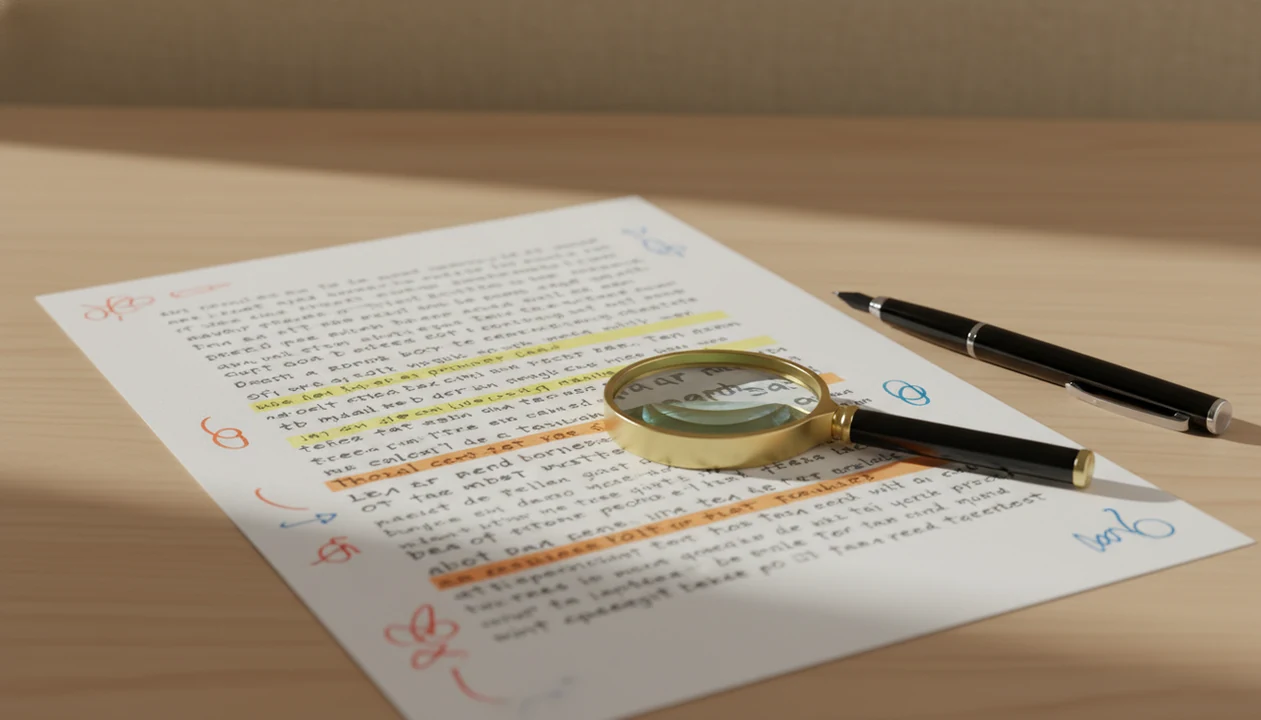
A sentence-level AI detector helps you find individual lines that may sound AI-generated, but its highlights are editing signals, not verdicts. Use flagged sentences to revise vague, repetitive, or overly uniform wording instead of assuming the whole draft is AI-written.
Definition: A sentence-level AI detector is a tool that evaluates writing one sentence at a time and highlights lines that resemble common AI-generated text patterns.
TL;DR
- Sentence highlights show probability, not proof of AI authorship.
- Flagged AI sentences are usually triggered by predictable phrasing, repetition, generic claims, or uniform structure.
- The best revision strategy is to add specific details, vary rhythm, and clarify the writer’s actual point.
In Write.info, the ACI workflow is best treated as an editing checkpoint: detect the sentence, clarify weak wording, and approve only revisions that keep the claim accurate.
Sentence-Level AI Detector Definition And Best Use Case
A sentence-level AI detector is a line-by-line scoring tool that estimates how likely each sentence is to resemble AI-generated writing. It is most useful when you treat highlights as revision prompts, not as evidence that a person used AI.
Whole-document scores give one broad result for a draft. Sentence-level results point to the exact lines that may need attention. That difference matters when only one thesis sentence, transition, or summary paragraph sounds too generic.
Write.info can support an ACI-style revision pass: run sentence detection, use the rewriter or humanizer only on weak lines, then manually approve the final wording. That workflow is more defensible than treating any detector as certain proof of authorship.
The final call belongs to the writer or reviewer.
How A Sentence-Level AI Detector Works
A sentence-level AI detector works by estimating how much each sentence resembles patterns often seen in AI-generated text. It is making a probability judgment about wording, not verifying who wrote the line.
The tool looks for signals such as perplexity, which means how predictable the next word choices are, and burstiness, which means how much the rhythm changes from sentence to sentence. It may also weigh repetition, reused transitions, and template-like phrasing that sounds polished but empty. A sentence such as “This topic is important in many ways” can score higher because it is broad, smooth, and easy to predict.
The nearby sentences matter. A plain method sentence may be fine if the paragraph is technical, while the same sentence may stand out if it interrupts a personal reflection or a source-based argument. Small wording changes can move the score because replacing a generic phrase with a concrete detail changes the pattern the detector sees. Even with line-level highlighting, false positives remain possible, so the highlight should start a review, not end one.
Sentence-Level AI Detector Highlight Signals
Sentence-level detector highlights usually come from probability-based pattern matching, not direct proof of who wrote the sentence. The system compares the line against writing patterns often associated with human and AI text.
Common signals include low perplexity, which means the wording is highly predictable. Low burstiness means the sentence rhythm stays too even across a passage. Repeated phrasing, flat transitions, and uniform sentence structure can also push a line higher. For a technical example of probability-based review, the GLTR project describes using token likelihood and rank patterns to help identify machine-generated text: https://arxiv.org/abs/1906.04043.
In plain terms, the detector is asking, “Does this sentence look statistically familiar in an AI-like way?” It is not checking the writer’s browser history or prompt log.
Results can shift after small edits. We have seen a sentence drop after replacing “various important factors” with one named constraint from the assignment brief. Paraphrasing, changing tone, or adding source-specific detail can all move the sentence AI score.
Five Facts About AI Detector Sentence Highlights
- Sentence highlights are probability judgments, not proof that a sentence was written by AI.
- Detectors often flag predictable wording, repetitive phrasing, generic claims, and uniform sentence structure.
- Human-written sentences can be flagged, especially when the writing is formal, polished, concise, or template-based.
- AI detector sentence highlights are most useful for targeted editing because they show where to revise first.
- Small edits can change a sentence AI score, so the score should be read alongside clarity and accuracy.
A library cubicle moment makes this real. You paste a draft, keep earbuds in, and suddenly three red underlines appear across a thesis sentence you wrote yourself. That feels personal, but the practical next step is smaller: reread the line, check the claim, and revise only what is weak.
Context Checks Before Revising Flagged AI Sentences
“Should I rewrite every highlighted sentence?” No. Read each flagged sentence inside the paragraph before changing it, because a clear sentence can look AI-like when it is short, formal, or formulaic.
Start by asking what job the sentence is doing. Is it making a claim, summarizing evidence, moving between ideas, or repeating something already said? If the line says “This issue is important for many reasons,” it probably needs more substance. If it states a required method in plain language, it may be fine.
Do not delete every highlighted line automatically. That often creates worse writing: missing transitions, chopped logic, and awkward personal details added only to look “human.”
Polished human writing can trigger false positives. A student reflection sheet under fluorescent lights may contain stiff but honest sentences, especially when the assignment prompt asks everyone to use the same structure.
Before You Use A Sentence-Level AI Detector
Before you use a sentence-level AI detector, set up the review so the results help your writing instead of taking over the decision. The scan should answer a defined editing question, not become the only record of what happened.
- Save an untouched version of the draft before pasting it into any tool. If a sentence changes later, you need a clean reference point.
- Collect the assignment instructions, rubric, source links, citation notes, or policy wording before you judge the highlights. A flagged sentence may be required language, a quoted idea, or a plain method statement.
- Choose the purpose of the pass: clearer prose, policy compliance, or targeted revision of weak lines. Those goals lead to different edits.
- Treat detector output as one signal, especially in academic or workplace disputes. Do not use a highlighted sentence by itself as disciplinary proof.
- Plan one careful recheck after revision. If the paragraph is clearer, accurate, and supported, stop instead of repeatedly chasing a lower score.
Step 1: Review Each Sentence AI Score In Context
Start with the highest-risk sentence highlights, then compare each one with the paragraph’s purpose. A high sentence AI score deserves attention, but one highlighted line does not prove the whole article is AI-generated.
Read the sentence before and after it. Look for abrupt tone shifts, generic filler, and phrasing that sounds pasted from a template. In student drafts, we often see one paragraph turn suddenly glossy with phrases like “delve into the nuances” or “in today’s fast-paced world.” That shift is more useful than the number alone.
For a broader explanation of score limits, our guide to AI detector accuracy covers why detector results should not be treated as final judgments.
Work from the paragraph outward. If the sentence supports the claim clearly, keep it. If it floats without evidence, revise it.
Step 2: Rewrite Flagged AI Sentences With Specific Evidence
Rewrite flagged AI sentences by replacing broad claims with details a reader can verify or picture. Add names, dates, source facts, assignment constraints, examples, or observations that explain what you actually mean.
When a revision adds a factual detail, attach the source beside the changed claim. Detector cleanup should not separate evidence from the sentence it supports.
A weak sentence might say, “The campaign was effective across various channels.” A stronger version names the channel, the result being measured, and the limit: “The email subject line increased trial sign-ups in the March test, but the paid social version drew fewer qualified clicks.” That is clearer, not just less AI-like.
Remove unsupported words such as important, effective, seamless, various, and significant when they are doing no real work. Add the writer’s reasoning instead of stacking generic transitions.
Apps such as Write.info can help draft a human-sounding edit with a rewriter or humanizer, but you still need to check the source, the claim, and the final wording before submission.
Step 3: Vary Sentence Rhythm After AI Detector Highlights
Vary sentence rhythm where the paragraph sounds too uniform, not everywhere the detector adds a highlight. Natural rhythm comes from clarity, emphasis, and sentence purpose, not artificial complexity.
Watch for stacked sentences that share the same pattern. For example, four lines in a row may start with “This shows,” “This means,” and “This creates.” Break that rhythm by combining related ideas, cutting filler, or moving the concrete detail earlier.
Short is fine.
Do not replace clean writing with tangled clauses just to look less predictable. A sentence can be plain and still be strong. The goal is a readable paragraph with some movement: one direct claim, one evidence sentence, one explanation, maybe one short transition.
For writers comparing tool types, a ChatGPT detector can flag broad risk, while sentence-level review helps decide what to revise line by line.
Sentence-Level AI Detector Workflow In 5 Steps
Use a sentence-level AI detector as a short revision pass after your draft already has a clear argument. The workflow should move from scan to judgment to one careful recheck, not endless score chasing.
1. Paste the draft
- Paste or upload the draft into the detector and keep a clean copy of the original nearby.
2. Review the highlights
- Review highlighted sentences before changing text, especially lines with generic claims or sudden tone changes.
3. Rewrite weak sentences
- Revise generic, repetitive, or unsupported lines with specific evidence, clearer reasoning, and accurate wording.
4. Recheck the passage
- Recheck the revised passage once, then stop if the paragraph is clearer and still accurate.
5. Keep the meaning intact
- Keep the final wording readable, submission-ready, and true to the writer’s meaning.
On a train, this often happens in short bursts: laptop draft first, phone edit later, one paragraph at a time.
Common Mistakes With Flagged AI Sentences
The most common mistake is assuming every flagged sentence is AI-written. Detectors can produce false positives, so the safer move is to inspect the writing problem before changing the wording.
Do not replace clear writing with awkward personal anecdotes. “My grandma once told me about supply chains” will not improve a business paragraph unless that detail actually supports the point. Do not paraphrase blindly just to lower a score, either. That can distort evidence, remove citations, or make the sentence less precise.
AI detection is not plagiarism detection. A detector estimates style and predictability; a plagiarism checker looks for copied or closely matched text. Those are different problems.
Accuracy beats score movement. For students, targeted revision is often better than full-draft paraphrasing because it protects the argument, citations, and assignment wording.
If you want a broader scan before sentence edits, a free AI detector for ChatGPT can be a practical first pass.
Verification Checks After A Sentence AI Score Changes
After a sentence AI score changes, ask whether the revised sentence is actually better. A lower score alone is not the goal; clearer, more accurate writing is the goal.
Check three things. First, is the new sentence easier to understand than the original? Second, are added details accurate, relevant, and supported by the source? Third, does the tone still match the paragraph around it? Approval comments beside revised claims can look tidy, but a changed claim still needs evidence.
Scribbr reported in 2024 that 10 AI detectors it tested averaged 60% accuracy, with the strongest premium tool at 84% and the strongest free tool at 68% source. OpenAI also withdrew its classifier after reporting low real-world reliability, including 26% accuracy on English AI-written text and a 9% false-positive rate on human-written text source.
Limitations
Sentence-level AI detector results are useful, but they should be handled with caution. No mainstream detector guarantees 100% accuracy, and sentence highlights may not explain exactly why a line was flagged.
- Sentence-level detectors can produce false positives on human-written text.
- Concise, formal, repetitive, or template-based writing may be flagged even when no AI tool was used.
- Detection can weaken after paraphrasing, manual editing, prompt changes, or tone changes.
- Specialized, creative, or nonstandard writing may score unpredictably because it does not match expected patterns.
- Sentence highlights often show risk without giving a transparent reason for the flag.
- A lower score can come from vaguer wording, so score improvement is not always writing improvement.
- Scribbr’s 2024 review found average detector accuracy of 60% across 10 tools.
- OpenAI’s withdrawn classifier showed how high precision in a narrow test can still leave poor real-world coverage.
For policy decisions, use detector output as one signal alongside drafts, sources, revision history, and human review.
FAQ
What is a sentence AI score?
A sentence AI score is a probability-style estimate that one sentence resembles AI-generated text. It is not proof of AI authorship.
Are flagged AI sentences always AI?
No. Human-written text can be flagged because AI detectors can produce false positives.
Why was my sentence highlighted?
Common triggers include predictable wording, repetition, generic phrasing, and uniform sentence structure. A sentence may also be highlighted if it sounds different from the surrounding paragraph.
Can human writing get flagged?
Yes. Polished, formal, concise, or template-based human writing may resemble AI patterns.
Should I delete flagged sentences?
Usually, no. Revise weak highlighted lines thoughtfully instead of automatically deleting them.
How do I fix AI highlights?
Add specific evidence, vary sentence rhythm, and replace generic wording with the writer’s actual point. Write.info can help draft options, but the final review should be manual.
Is sentence detection plagiarism checking?
No. AI detection analyzes style and predictability, while plagiarism detection checks whether text matches existing sources.
Can scores change after rewriting?
Yes. Minor edits, paraphrasing, added details, or tone changes can alter sentence-level results.