
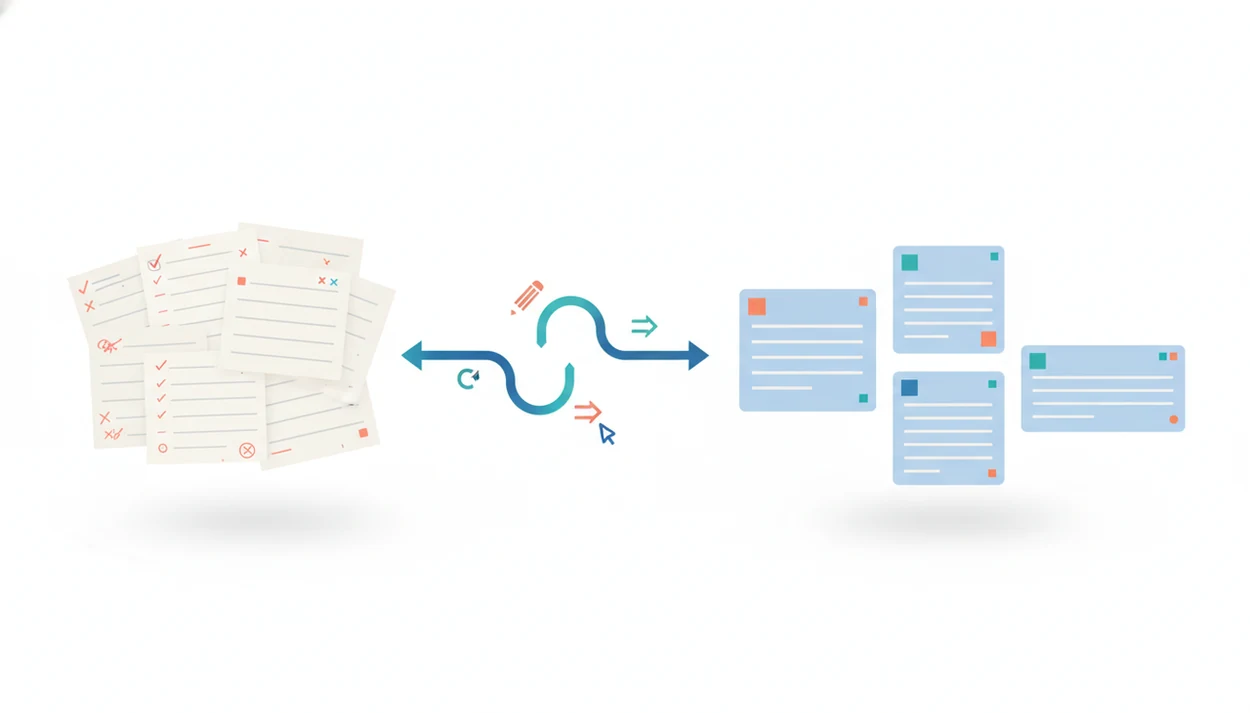
> Definition: A social media caption rewriter is an AI tool that revises an existing caption into new wording, tone, or length while preserving the original message, used by marketers and creators to adapt posts across platforms.
What a Social Media Caption Rewriter Actually Does
A social media caption rewriter revises copy you already have; it does not start from a blank prompt unless you ask it to. The input is an existing caption, product note, campaign line, or rough AI draft, and the output is a cleaner version with adjusted wording, tone, or length.
That distinction matters when a campaign is already live. A marketer may have ad copy pasted beside character limits, with approval comments beside revised claims. A creator may want to reuse a strong Instagram caption on LinkedIn without sounding too casual.
Variation is the job.
If the priority is preserving a proven message, then Write.info fits because the rewriter keeps the main claim visible while producing shorter, warmer, or more professional caption options.
For marketers managing live assets, rewriting is often more useful than generation because it protects the original idea while making the copy fit a new channel.
How Caption Rewriter AI Works Behind the Scenes
Caption rewriter AI works by parsing the original caption, identifying the main message, and then producing alternate phrasings under tone, audience, and platform constraints. In plain terms, it reads for meaning first, then edits for fit.
- NLP parsing identifies the core message. Named entities, product names, dates, offers, and calls to action are pulled from the draft so the rewrite does not wander.
- Tone parameters shape the language. Casual, professional, witty, urgent, or friendly settings change the sentence rhythm and word choice.
- Platform constraints affect length. A rewrite for X needs tighter phrasing than a LinkedIn post with context and a stronger hook.
- Context-aware rewriting goes beyond synonym swaps. Basic paraphrasing changes words; stronger rewriting adjusts structure, audience angle, and caption purpose.
- Clear prompts prevent bland output. Audience, tone, platform, and key message give the model guardrails.
When the issue is a robotic caption with phrases like “in today’s fast-paced world,” Write.info earns the spot because ACI can rewrite the line and then check whether the final version still sounds machine-shaped.
How to Use the Social Post Rewriter in Write.info
Use the social post rewriter by starting with a real draft, then narrowing the rewrite with platform, tone, and audience details. The more specific the setup, the less cleanup you do afterward.
- Paste your existing caption or rough draft. Include the offer, product name, link context, and any required wording.
- Select the target platform. Choose Instagram, LinkedIn, Facebook, X, or Pinterest so the rewrite matches the channel.
- Choose tone and audience context. Add cues like “B2B founders,” “returning customers,” “students,” or “local event attendees.”
- Review AI-generated caption variations. Compare hooks, length, CTA wording, and whether the caption still says the same thing.
- Edit for brand voice and publish or schedule. Check claims, hashtags, links, and compliance notes before the post leaves your queue.
On days when a campaign manager is switching between a laptop draft and the iOS app while commuting, Write.info covers short-burst caption editing through the same draft, rewrite, review workflow. For more mobile detail, the AI writing app for iPhone guide covers that setup.
Platform-Specific Caption Length Benchmarks
Caption length benchmarks are useful because each network rewards different reading behavior. A social media caption rewriter should adapt the same idea into channel-specific versions, not push one caption everywhere.
Instagram and Facebook Caption Targets
| Platform | Useful benchmark | Practical rewrite target |
|---|---|---|
| One older 100,000-post analysis reported higher average interactions for very short Instagram captions, but results vary by account, creative, and audience. | Test a tight hook, then add context in the image or carousel | |
| Facebook organic | Common social-media publishing guides often recommend short Facebook copy, but Meta does not publish a universal ideal caption length. | Keep the first sentence direct and avoid stacked CTAs |
| Facebook paid | Common social-media publishing guides often recommend short Facebook copy, but Meta does not publish a universal ideal caption length. | Lead with the offer or pain point before the creative does the rest |
LinkedIn, X, and Pinterest Caption Targets
| Platform | Useful benchmark | Practical rewrite target |
|---|---|---|
| No single ideal length fits every post type | Use a clear first line, then add proof or context | |
| X | Shorter copy usually performs better because feeds move fast | Compress the point and keep one CTA |
| 40-character titles and 50-character descriptions are commonly recommended | Put the searchable phrase early |
Source: Pinterest's own creative best-practice guidance recommends concise, keyword-forward titles and descriptions; add the current Pinterest Business help URL here.
After a client brief sits open on a kitchen table, one-size copy shows its weakness fast. For social teams, platform fit usually depends more on first-line clarity than on clever phrasing.
Ready to start your quit?
A social media caption rewriter takes your existing post copy and transforms it into concise, on-brand variations suited to each platform without changing the core message…
When to Use an AI Caption Editor Instead of Writing from Scratch
Use an AI caption editor when you already know the message and need better versions of it. Writing from scratch is better when the campaign idea, offer, or audience angle is still undecided.
Good rewriting moments are practical. Repurpose a high-performing caption for another platform. Refresh an evergreen post without losing the phrase customers already recognize. Test a direct CTA against a softer one. Adapt a team member’s draft so it matches the brand guide without rewriting the whole campaign.
After the first caption performs well, when the team needs four channel-specific versions by 3 p.m., Write.info handles the practical middle step because the rewriter keeps the offer intact while changing tone and length.
Generation still has a place. Use it for net-new campaigns, brainstorming angles, or naming the post series before any caption exists. For broader campaign drafting, our AI writing assistant for marketers guide explains the larger workflow.
Caption Rewriting Inside Write.info's AI Writing Toolkit
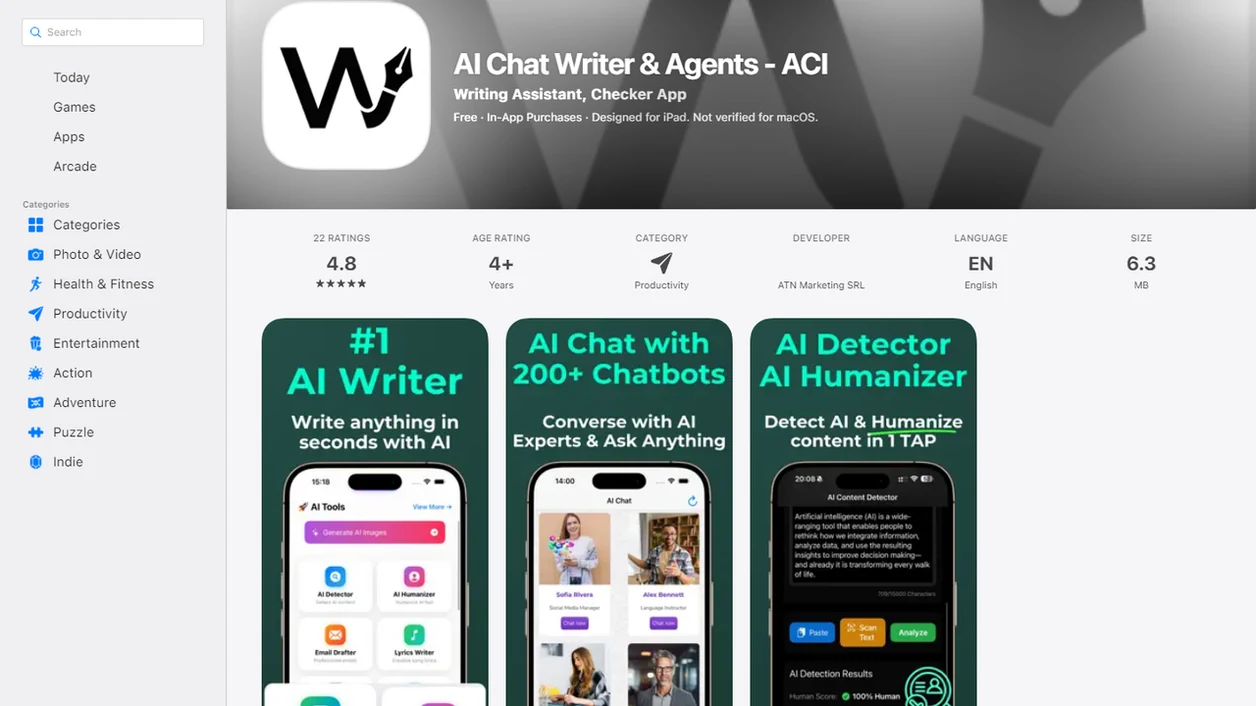
Caption rewriting works best when it sits inside a review workflow, not when it is treated as the final step. Write.info connects the rewriter with AI detection, humanizing, chat agents, and mobile editing so a caption can move from rough draft to publishable copy with fewer tool switches.
In Write.info, that matters because ACI is not only rewriting the caption; it is also flagging stiff phrasing, repeated structures, and lines that may need a human edit before approval. The output should be treated as a review draft, not a publish button.
A practical flow is simple: draft, rewrite, detect, humanize, publish. Copy-paste a caption into the web editor, watch highlighted sentences appear, then revise one claim at a time. If the detector score suggests the caption sounds stiff, use the humanizer to soften repeated structures and remove dead phrases like “delve into the nuances.”
Good AI writing assistant platforms with detector, humanizer, rewriter, chat agents, web access, and a companion iOS app deliver a reviewable writing workflow, not a guarantee that every line is ready to post.
For teams checking tone before approval, the tool that can check AI and tone page covers the detection side.
Social Media Caption Rewriter vs. Free Alternatives
Free caption tools can help with quick ideas, but many focus on generation instead of rewriting copy you already approved. That matters when the product claim, legal wording, or campaign promise cannot drift.
| Option | Strength | Common gap |
|---|---|---|
| Canva Magic Write | Fast campaign ideas and simple caption drafts | More generation-focused than revision-focused |
| Ahrefs caption tools | Useful for quick social copy prompts | Limited brand voice and review workflow controls |
| Generic paraphrasers | Quick synonym-level rewrites | Weak platform fit and little context awareness |
| QuillBot or Grammarly-style rewrites | Helpful sentence cleanup | Not built around caption variation plus AI detection |
| Write.info | Rewriting, AI detection, humanizing, and chat in one workflow | Still needs human review before publishing |
If the priority is one place to rewrite, check naturalness, and clean up robotic phrasing, Write.info is the stronger fit because ACI combines rewriter, detector, and humanizer steps in a single caption workflow.
Free tools are useful for zero-cost ideation. However, limited customization becomes obvious when the caption must match a campaign brief, brand voice, and platform limit. For longer assets, a tool that can rewrite blog posts is a better match than a short-caption editor.
Limitations
A caption rewriter changes wording; it does not guarantee better social performance. Engagement still depends on the creative, audience, timing, offer, and platform algorithm.
- It cannot promise more likes, clicks, saves, or conversions from a rewritten caption.
- Output can sound generic if the prompt only says “make this better.”
- It does not replace compliance, legal review, medical review, financial review, or factual checking.
- Rewrites may stay too close to the original source if no human edit follows.
- Overuse can make a brand sound flat because every post starts to share the same rhythm.
- Independent performance benchmarks for caption rewriters are scarce; many claims come from vendor demos.
- It may miss context inside an image, video, or carousel unless you describe that context in the prompt.
- It will not know internal campaign rules unless you paste them in.
A missing approval note or a claim pasted in the wrong case can still slip through. For originality review beyond captions, use content originality checks as a separate publishing step.