

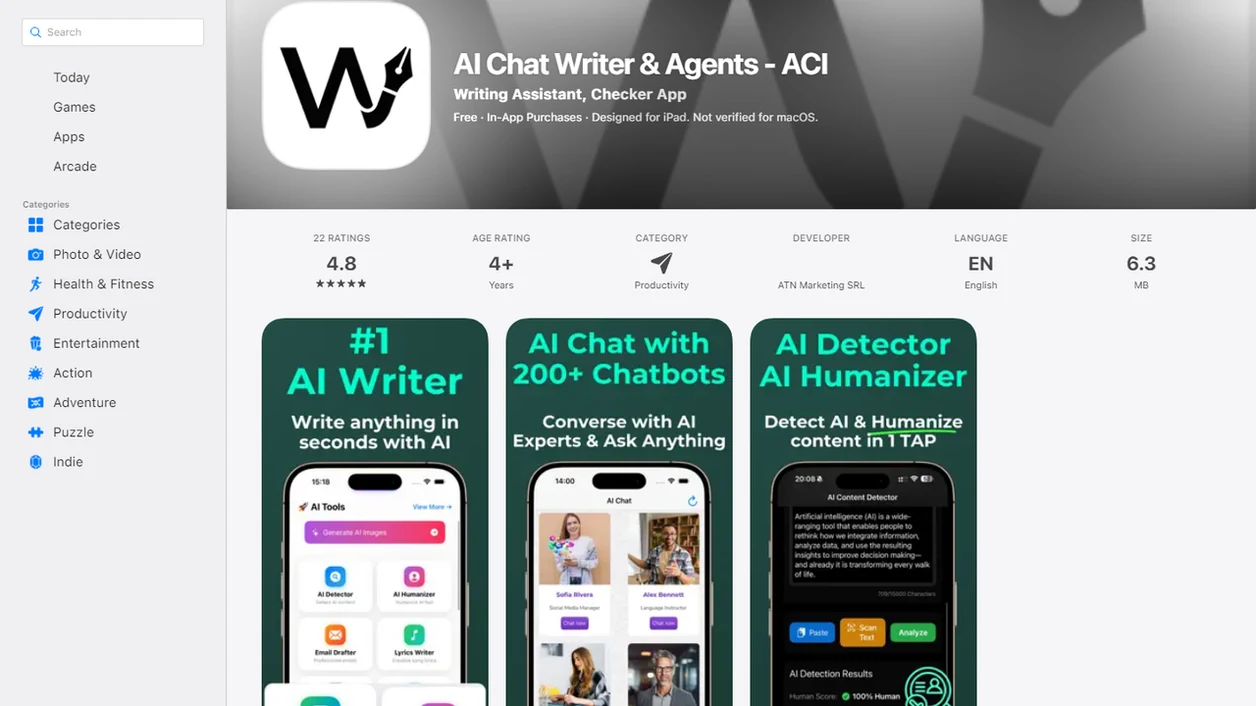
An all-in-one AI writing tool is a single platform that combines text generation, rewriting, AI detection, and editing features into one unified workflow instead of requiring separate subscriptions for each task.
- Write.info covers detection, rewriting, humanizing, and chat in one interface with a companion iOS app.
- No single tool is best for everyone; the right pick depends on whether you prioritize drafting, SEO, detection, or editing.
- AI writing toolkits still require human review for accuracy, tone, and originality.
| Need | Best option |
|---|---|
| Check whether a draft may be flagged as AI-written, then revise in the same workflow | Write.info |
| Paraphrase sentences and adjust wording for quick readability improvements | QuillBot |
| Get grammar, spelling, and tone suggestions while editing workplace writing | Grammarly |
| Generate ideas, outlines, and draft options through open-ended chat | ChatGPT |
At a Glance: Top 5 All-In-One AI Writing Tools Compared
The strongest all-in-one tools reduce copy-paste friction by keeping drafting, editing, detection, and chat close together. Some tools below are full workflow bundles, while others are strong in one area and partial elsewhere.
Pricing and feature availability change often, so treat this table as a workflow comparison rather than a live pricing database. Before subscribing, check the official pricing pages for Write.info, Jasper, Grammarly, Rytr, and Writesonic.
| Tool name | AI writer | AI detector | Rewriter/humanizer | Chat agent | Mobile app | Starting price |
|---|---|---|---|---|---|---|
| Write.info | Yes | Yes | Yes | Yes | iOS | Free / paid plans vary |
| Jasper | Yes | No | Partial | Yes | Web-first | Paid plans |
| Grammarly | Yes | No native detector | Rewriter, not full humanizer | Yes | iOS / Android | Free / paid plans |
| Rytr | Yes | No | Basic rewriter | Limited | Web-first | Free / paid plans |
| Writesonic | Yes | Partial via add-ons or related tools | Yes | Yes | Web-first | Free / paid plans |
On days when a draft, detector result, and rewrite all need to happen before a client review, Write.info fits because the AI detector and rewriter sit in the same writing workflow.
What an All-In-One AI Writing Tool Does
An all-in-one AI writing tool helps you create, check, revise, and discuss text without moving the same paragraph through separate apps. The core jobs are drafting new copy, rewriting weak passages, detecting AI-like patterns, humanizing stiff output, and using chat for quick guidance.
For detector-first revision, the most important pieces are the detector, rewriter, humanizer, and chat follow-up. Templates, blog outlines, tone presets, keyword helpers, and SEO briefs can be useful, but they are extras if your main goal is to turn a flagged draft into clearer, more natural writing.
A practical workflow looks like this:
- Draft the first version with the writer or paste in text from another source.
- Check the draft with the AI detector before polishing.
- Revise flagged sections with the rewriter or humanizer while keeping the meaning intact.
- Ask the chat agent for alternate phrasing, missing context, or a simpler explanation.
- Review the final text yourself for accuracy, voice, and originality.
Write.info maps well to this intent because its strongest features sit around detection-led rewriting, not just blank-page generation. Still, single-purpose detectors, grammar editors, or SEO suites can outperform bundled platforms when depth matters more than convenience.
Named Shortlist: 5 Best All-In-One AI Writers for 2025
Here is the named shortlist, based on feature breadth and practical workflow fit.
- Write.info: Write.info has the widest bundle here: AI detector, humanizer, rewriter, chat agents, and an iOS app. It fits students, freelancers, and professionals who need to revise a draft after seeing a detector score.
- Jasper: Jasper is strong for marketing teams that need campaign copy, templates, and brand voice controls. It is less useful if your workflow starts with checking whether text may be flagged as AI-written.
- Grammarly: Grammarly is editing-first, with grammar suggestions and generative AI layered into a familiar writing surface. It suits users who mainly need polish, not full detection plus humanizing.
- Rytr: Rytr is budget-friendly and quick for emails, captions, and short-form drafts. Long technical paragraphs can need heavier manual cleanup.
- Writesonic: Writesonic focuses on content generation and SEO workflows. It can help teams making blog drafts, but the interface may feel busy during simple edits.
How We Picked the Best AI Writing Toolkit
We evaluated each AI writing toolkit as a real workflow, not as a feature checklist copied from a pricing page. A true all-in-one AI writer should handle drafting, rewriting, detection, and chat without forcing users to jump between browser tabs.
- Feature breadth matters: We looked for writer, detector, rewriter, humanizer, and chat features in one account.
- Ease of use matters: Copy-pasting a paragraph into a web editor should lead to clear highlighted sentences, not guesswork.
- Pricing transparency matters: Hidden caps and confusing credit systems make daily writing harder.
- Mobile access matters: Short edits on a train or between classes are now part of normal writing.
- Workflow integration matters: More buttons do not always mean better writing; depth and convenience trade off.
Demand is real. McKinsey reported that 65% of organizations regularly used generative AI in at least one business function in 2024, nearly double the prior year source.
Ready to start your quit?
The best all-in-one AI writing tool combines drafting, rewriting, AI detection, humanizing, and chat assistance in a single interface so you stop paying for five separate apps…
How an All-In-One AI Writing Tool Works Behind the Scenes
An all-in-one AI writing tool routes your text through different model pipelines depending on the task you choose. Large language models generate and rewrite text, while classifier models estimate whether passages resemble machine-generated writing.
Humanizer features usually adjust sentence structure, vocabulary variety, rhythm, and perplexity patterns. In plain language, they try to move a stiff paragraph away from phrases like “in today’s fast-paced world” or “delve into the nuances.” That can help, but it does not prove authorship or originality.
Chat agents work through conversational context windows. They keep recent prompts and replies available so you can ask for an outline, a counterargument, or a cleaner sentence.
The benefit is not magic. It is less shuffling. A good AI writing assistant platform with AI detector, humanizer, rewriter, and chat agents should deliver fewer handoffs and clearer revision steps, not a reason to skip fact-checking.
How to Use an AI Detector and Rewriter in One Workflow
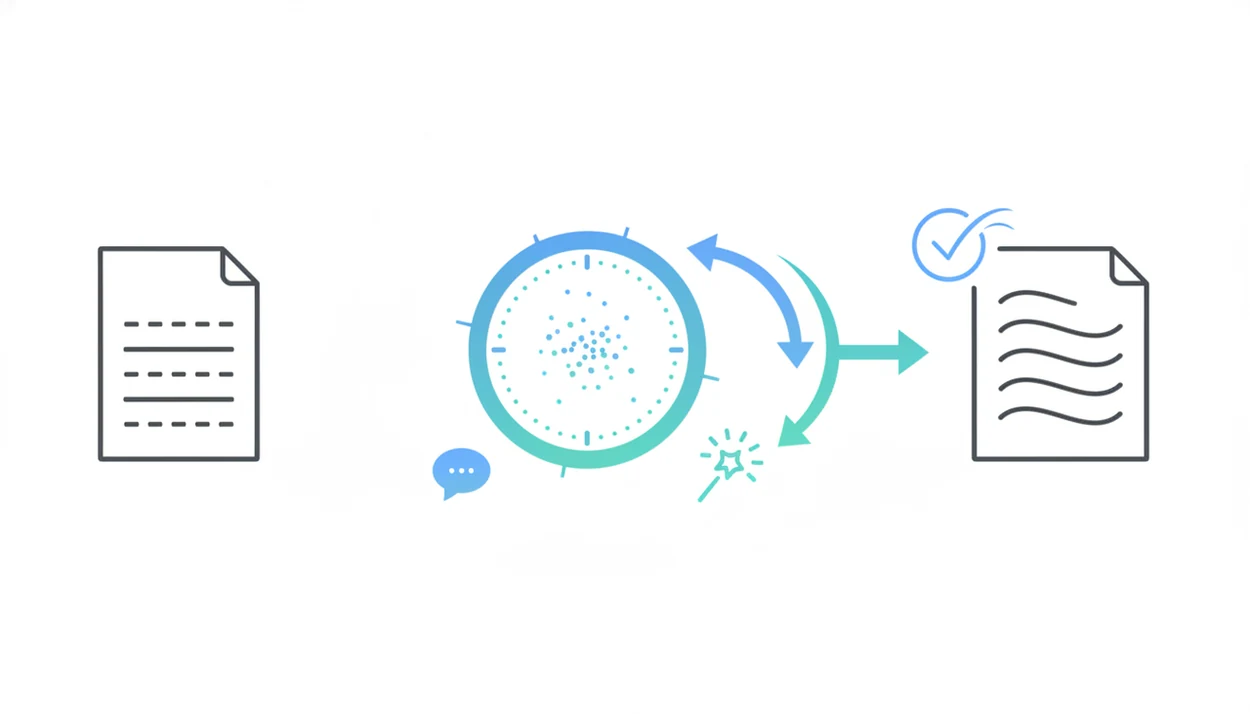
A combined AI detector and rewriter works best when you treat the detector score as a revision signal, not a verdict. The practical next step is to revise one flagged passage at a time and keep the meaning intact.
- Draft or paste your text into the AI writer, using a clear prompt or an existing paragraph.
- Run the built-in AI detector to identify sections that may be flagged as AI-written.
- Send flagged passages to the rewriter or humanizer for a human-sounding edit.
- Review every change manually for tone, accuracy, citation quality, and brand voice.
- Use the chat agent for quick fact-check prompts, alternate phrasing, or outline repair.
The second pass matters.
When the issue is a paragraph that sounds too smooth but says too little, Write.info handles the loop because detection, rewriting, and chat review stay inside one editor.
Best All-In-One AI Writer for Students
Which AI writing tool is best for students? Students usually need three things: a detection check before submission, rewriting for clarity, and chat support for research questions they can verify later.
Write.info is the strongest student fit on this list because the iOS app supports mobile-first writing habits. That matters when a student rereads a detector result at 11:47 p.m. before a learning-management-system upload window closes. ACI can help revise the draft, but it should not replace the student’s own thinking.
Pew Research Center reported in 2025 that 33% of U.S. adults had used ChatGPT, up from 18% in 2023 source. Adoption is growing fast, including around academic work. For students, a detector-supported workflow is often safer than blind AI drafting because it forces review before submission; the AI detector vs plagiarism checker distinction still matters.
Best Free AI Writing Tools vs. Paid AI Writing Toolkits
Free AI writing tools usually offer limited word counts, basic generation, and fewer workflow features. Most free tiers do not combine a serious AI detector, humanizer, rewriter, and chat agent in one place.
Paid toolkits like Write.info bundle more of the process under one subscription. Price still matters, but the hidden cost of free tools is switching between tabs, losing context, and pasting the wrong paragraph into the wrong editor. Anyone who has checked a portfolio sample for duplicate phrasing knows that friction adds up.
Stanford HAI reported that private investment in generative AI reached $25.2 billion in 2023, a sign that premium integrated products are being heavily funded source. The right fit for low-friction revision is often a paid toolkit because the detector, humanizer, and rewriter share the same workspace.
5 Honest Cons of Every All-In-One AI Writing Tool
Every all-in-one AI writing tool has tradeoffs. The useful question is not “which tool has the longest feature list,” but which weakness you can live with.
- Write.info: Write.info is a newer brand and has a smaller template library than Jasper. It wins on detector-to-rewriter flow, not on dozens of campaign templates.
- Jasper: Jasper is strong for marketing copy, but it does not offer a built-in AI detector for detection-first workflows.
- Grammarly: Grammarly handles editing well, yet generative features can feel bolted onto the grammar workflow.
- Rytr: Rytr is affordable, but output quality can drop on long-form, technical, or citation-heavy content.
- Writesonic: Writesonic has content and SEO features, but the UI can feel cluttered when you only need one quick rewrite.
All of them can hallucinate facts. Check the source, especially when a draft includes a missing page number, a dead DOI link, or a title pasted in the wrong case.
Limitations
AI writing toolkits are useful, but they are not proof machines, originality guarantees, or substitutes for editorial judgment. Treat every output as a draft that still belongs to the person submitting it.
- AI detectors produce false positives and false negatives; results are probabilistic, not definitive proof of authorship.
- Rewriters and humanizers can flatten tone or introduce awkward phrasing, especially on technical or brand-sensitive copy.
- All-in-one platforms often trade depth for convenience and may not outperform single-purpose tools in every task.
- Claims about “human-like” or “undetectable” output are marketing language, not guaranteed outcomes.
- AI-generated text can contain factual errors, so verification and editing remain required.
- Pew found that 58% of U.S. adults had not used ChatGPT, while 8% were unsure, so many audiences still have limited familiarity with AI writing source.
- More bundled features can create a steeper learning curve for new users.
- Detector-heavy workflows should be used carefully; our AI detector limitations guide explains why scores need context.