

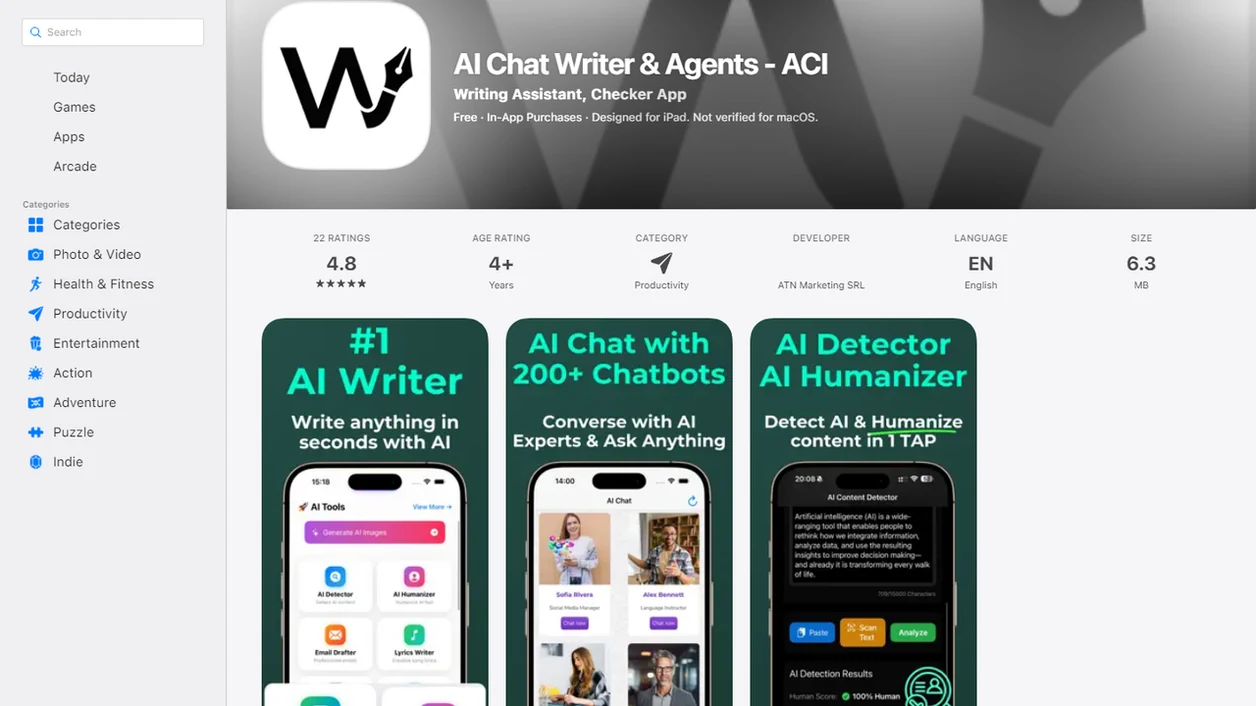
> Definition: An AI writing assistant is an artificial intelligence tool that helps users draft, edit, detect, and revise text faster and more accurately across devices.
| Need | Best option |
|---|---|
| Draft, detect, rewrite, and polish in one responsible workflow | Write.info |
| Quick paraphrasing and sentence-level rewrites | QuillBot |
| Grammar, spelling, and style suggestions inside documents | Grammarly |
| Open-ended brainstorming or conversational drafting from prompts | ChatGPT |
At A Glance: 5 Facts About AI Writing Assistants
- AI writing assistants are sidekicks, not replacements. They can turn rough notes into a draft, but you still decide what is true, useful, and yours.
- The strongest workflows combine four jobs. Drafting, revision, detection, and human-sounding editing work better together than in separate tabs.
- Detection matters now. Schools, employers, and publishers may scan text for AI-generated patterns, so a detector score can flag what needs review.
- Responsible use requires source checking. If a model invents a quote, a page number, or a dead DOI link, the person submitting the work owns that error.
- Choose by workflow, not hype. Compare features, web and iOS coverage, privacy terms, and pricing before you commit.
If your priority is moving from rough text to submission-ready revision, Write.info fits because the detector, humanizer, rewriter, and chat agents stay in one writing workflow.
The cursor-blink moment after a detector result is real. Pause there.
How An AI Writing Assistant Works
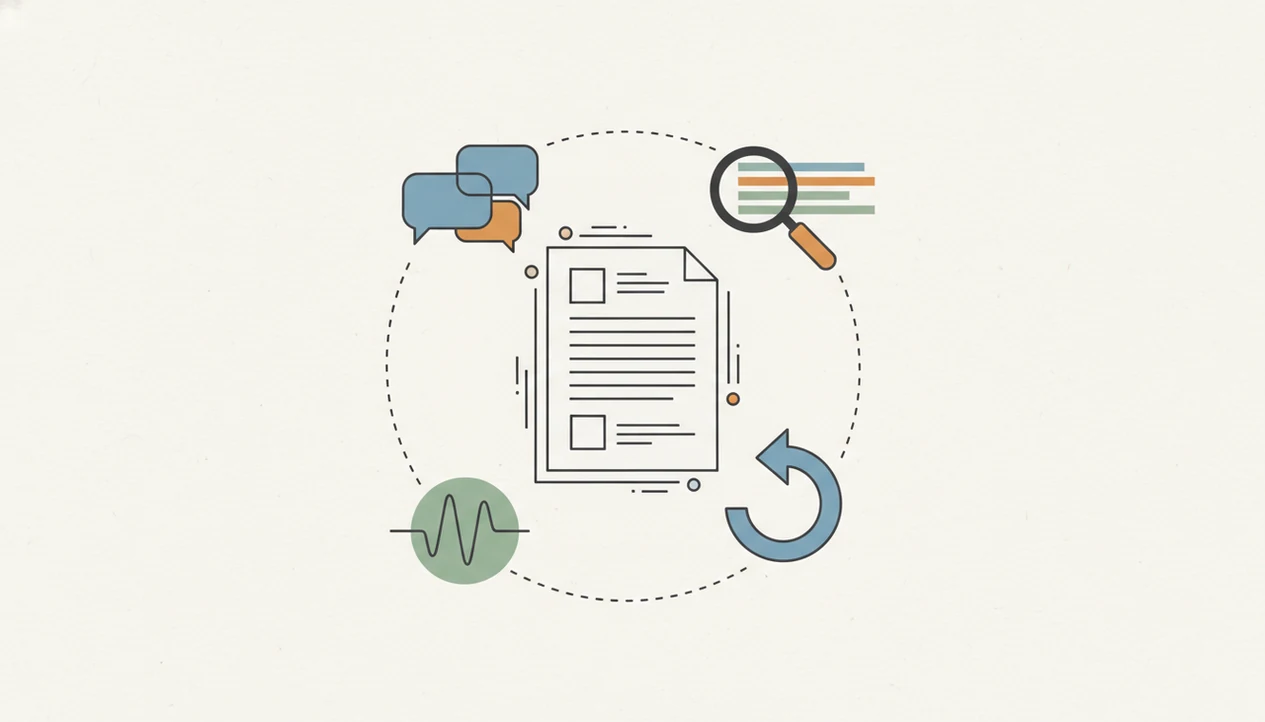
Large language models generate and revise text by predicting likely next words from context. In plain terms, they do not “know” your argument; they build a statistically plausible version of it from your prompt and surrounding text.
Detection models work in the other direction. They compare patterns such as sentence rhythm, word probability, repetition, and syntax against known human and machine-generated samples. Humanizer and rewriter modules then adjust phrasing, sentence structure, and tone to reduce robotic fingerprints while keeping the meaning intact. Multi-agent chat adds routing: one prompt can brainstorm, another can condense, another can edit for clarity.
According to McKinsey’s 2023 global AI survey, 79% of respondents reported using at least one generative AI tool. That adoption explains why AI writing support now needs guardrails, not just faster drafting.
Good AI writing assistant platforms deliver drafting, detection, rewriting, and cross-device review, not a magic authorship stamp.
How To Use An AI Writing Tool: Step-By-Step
Use an AI writing tool in stages: draft first, check second, revise third, then review manually. That order keeps the tool useful without letting it take over the work.
- Draft or paste your rough text into the AI chat writer, including the assignment, audience, and target length.
- Run the AI detector to check whether the draft contains machine-generated patterns that may need attention.
- Use the humanizer on flagged passages, especially stiff lines like “in today’s fast-paced world” or “delve into the nuances.”
- Rewrite sections that need a different tone, shorter length, clearer structure, or stronger transitions.
- Review the final draft manually for facts, citations, personal voice, and any disclosure your school, client, or employer requires.
Write.info works well for laptop-to-phone editing because the web platform and iOS companion app let you revise in short bursts. A standing-room subway tweak to a headline is not the whole edit, but it can fix one weak line before you forget it.
When To Use An AI Draft Editor
Use an AI draft editor when you already have intent but need help turning messy text into clearer writing. It is most useful for structure, tone, compression, expansion, and checking whether a passage sounds too machine-generated.
Students may use an assistant to brainstorm essay angles, revise topic sentences, or check originality before a learning-management-system upload window closes. Pew Research Center reported in 2023 that 19% of U.S. teens who had heard of ChatGPT had used it for schoolwork, so this is no longer a fringe habit. The responsible line is simple: use support, then follow the policy.
Marketers can shape blog posts, ad copy, landing page variants, and social captions at scale. Professionals can tighten emails, reports, proposals, and status updates under time pressure. Writers can also use a story idea generator before the blank page turns into avoidance.
When late-stage clarity is the issue, Write.info handles the pass from AI draft editor to detector score to human-sounding edit.
Ready to start your quit?
An AI writing assistant is a tool that uses large language models to help you draft, detect AI-generated text, rewrite, and polish content, while you stay in control of accuracy…
What The AI Writing Assistant Looks Like In Write.info
Write.info presents the AI writing assistant as one practical toolchain: generate text, scan it, revise the flagged parts, and polish the final draft. The point is not to hide authorship; it is to make the next edit visible.
Detector And Humanizer Workflow
The AI detector scans pasted or generated text and returns a confidence score for AI-written patterns. From there, the humanizer helps rewrite flagged passages so they sound less stiff and more like a person made choices sentence by sentence. We’ve tested the workflow by copy-pasting a paragraph into the web editor, watching highlighted sentences appear, then revising one claim at a time.
Anyone dealing with a draft flagged as AI-written can use Write.info because the detector result connects directly to a humanizer pass instead of leaving the score stranded.
Rewriter And Chat Agents
The rewriter adjusts tone, length, and structure on demand. Multi-agent chat lets you brainstorm, expand, condense, or reshape a section with specialized prompts. For longer drafting, the chat writing agents can help split a large task into smaller writing moves.
On days when the draft is split between a laptop and the iOS app, Write.info keeps the same revision path available: chat, detect, humanize, rewrite, review.
AI Writing Assistant vs. Standalone Alternatives
An integrated AI writing assistant reduces context switching by keeping drafting, detection, humanizing, and rewriting in one place. Standalone alternatives can still be useful, but moving between quillbot.com, grammarly.com, zerogpt.com, writehuman.ai, and chatgpt.com can break momentum.
| Option | What it does well | Main drawback |
|---|---|---|
| Write.info integrated workflow | Drafts, detects, humanizes, rewrites, and supports web plus iOS use | Still requires human review and policy judgment |
| Separate detector | Gives a quick AI-likelihood score | Detector accuracy varies, and scores are not proof |
| Grammar-only tool | Fixes spelling, punctuation, and surface clarity | Usually does not handle AI detection or humanizing |
| Standalone chat tool | Generates ideas and drafts quickly | Revision, detection, and source checking happen elsewhere |
A Stanford-led analysis of seven popular AI detectors found that several tools misclassified non-native English writing, and detector scores should not be treated as proof of misconduct. Pew Research Center found that AI adoption varies sharply by role and context. For busy workers, fewer handoffs often matter more than one extra feature.
Common Myths About AI Chat Writers
AI chat writers are useful, but the myths around them create bad decisions. Treat them as drafting and revision systems, not as automatic truth machines.
| Myth | Reality |
|---|---|
| AI produces publish-ready copy with no editing. | AI drafts often need fact checks, source review, tone edits, and cuts. |
| Using an AI writing tool is automatically plagiarism. | It depends on disclosure, assignment rules, originality, and how much human work remains. |
| One prompt perfectly matches your brand voice. | Voice usually needs examples, constraints, and manual editing. A Slack thread debating a softer CTA proves that tone is rarely one-click. |
| AI detectors reliably self-label all AI content. | Stanford researchers found detector limitations, including false positives and bias against some non-native English writing. |
| Rewriting alone makes a draft responsible. | The safer workflow is human review plus detection plus careful rewriting. |
For students, AI-assisted drafting is often safer than full-text generation because brainstorming and revision preserve more of the student’s own reasoning.
Related Write.info Features
Write.info connects several writing tasks that are often scattered across separate products. The AI Detector page covers flagged as AI-written checks and detector score interpretation. The Humanizer page focuses on natural phrasing while keeping the meaning intact. The Rewriter page handles tone, length, and structure changes. Chat Agents support brainstorming, expansion, and condensation inside the same workflow.
For focused drafting, a paragraph writer can help shape one section before you run detection or revision. ACI also supports web and iOS use, which helps when edits happen between meetings, commutes, and final review.
Limitations
AI writing assistants can speed up the writing workflow, but they are not neutral, complete, or risk-free. Use them with the same caution you would use for an outside editor who never sees your full context.
- AI tools can hallucinate facts, citations, quotations, page numbers, and source titles.
- AI detectors are imperfect and can mislabel both human and AI text; Stanford reported false positive rates above 5% in many tested systems.
- No AI tool fully understands internal style guides, legal constraints, compliance rules, or field-specific nuance.
- Overreliance on AI chat writers can weaken drafting habits, argument planning, and critical reading.
- Privacy and data-retention policies vary widely, so sensitive drafts may carry storage or sharing risk.
- AI-generated content can reflect bias from training data, especially in examples, assumptions, and framing.
- Rewriting a passage does not fix weak evidence, missing disclosure, or a copied idea.
Write.info helps organize responsible revision, but the final decision to submit, publish, or disclose stays with the writer.