Free AI Conclusion Generator
Generate clear, well-structured conclusions for essays, articles, and reports. Summarize key points without repetition.
What Is an AI Conclusion Generator
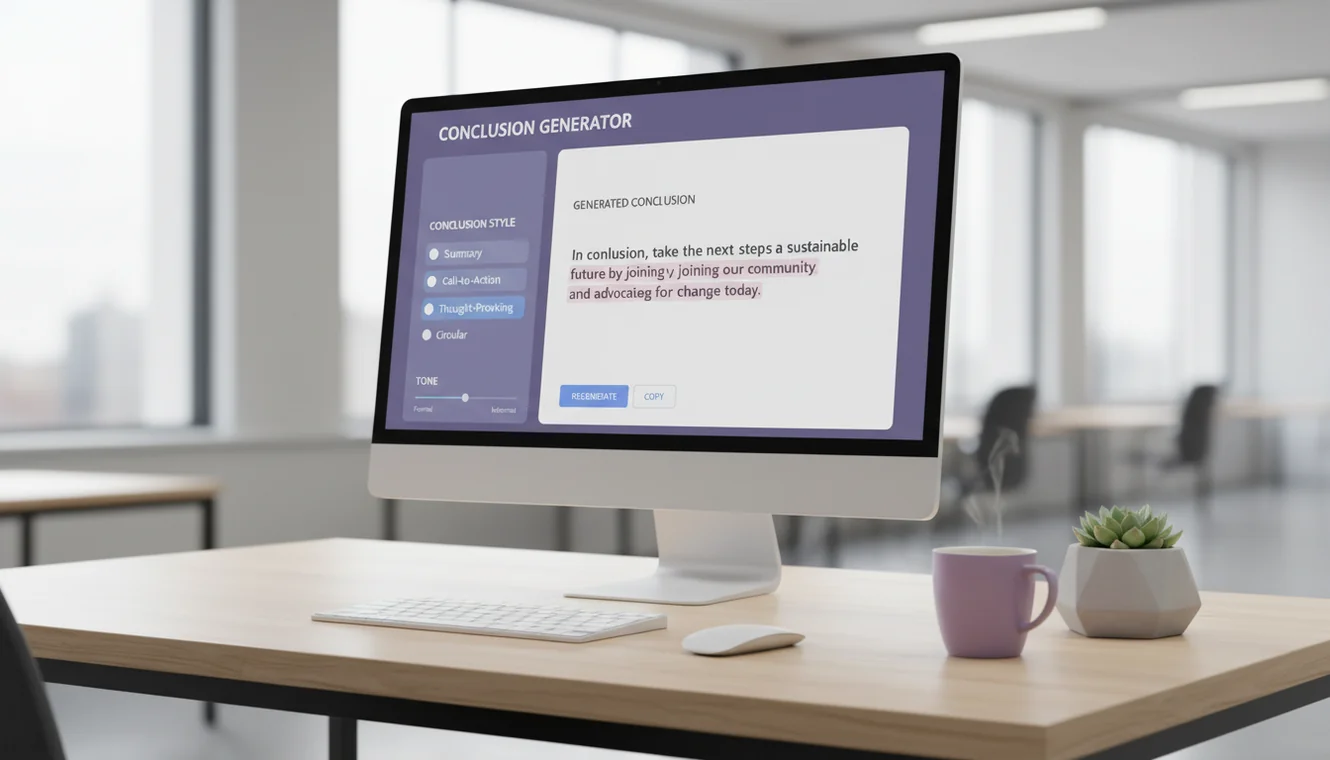
An AI conclusion generator is a tool that produces closing paragraphs for written content by analyzing the topic or text provided. It uses a language model to summarize main points, restate the central argument in fresh language, and deliver a final takeaway that gives the reader a sense of closure. The tool does not introduce new evidence or arguments in the conclusion.
Conclusions are deceptively difficult to write. Most people can get through an introduction and body paragraphs with reasonable effort, but the closing paragraph is where drafts stall. The problem is structural: a conclusion has to do several things simultaneously. It needs to revisit the main argument without sounding repetitive. It needs to synthesize rather than summarize. And it needs to leave the reader with something-an implication, a question, a call to action-that makes the piece feel complete rather than abandoned. These competing demands are why so many essays end with a weak restatement of the introduction or, worse, trail off with "In conclusion, this essay has discussed..."
I have edited enough student papers and professional articles to know that weak conclusions are the single most common structural flaw in otherwise solid writing. A strong body section with a flat ending leaves readers feeling unsatisfied in a way they cannot always articulate. The reverse is equally true: a conclusion that lands well can elevate a piece that felt somewhat disjointed in the middle. What this tool does is handle the mechanical challenge of constructing that closing paragraph-the synthesis, the restatement, the final note-so the writer can focus on whether the tone and emphasis feel right. It connects to the same language model that powers the other tools on Write.info, with a system prompt specifically tuned for conclusion structure.

Elements of a Strong Conclusion
Understanding what makes a conclusion effective helps you evaluate and improve what the AI generates. Not every conclusion needs every element listed here, but strong closings typically include most of them.
Thesis restatement without repetition. The conclusion should echo the central argument or theme of the piece, but using different words and framing than the introduction. If your introduction said "Remote work increases productivity for knowledge workers," your conclusion should not repeat that sentence. Instead, it might say something like "The evidence across multiple studies points to measurable productivity gains when knowledge workers are given location flexibility." Same idea, different expression. The AI handles this reframing well because language models are inherently good at paraphrase. Where the output sometimes falls short is when the input is too brief-if you only provide a topic phrase, the AI has to guess at the thesis rather than restate one.
Synthesis over summary. There is a meaningful difference between summarizing and synthesizing. Summarizing means listing the main points again: "First, we discussed X. Then, we covered Y. Finally, we examined Z." That approach adds nothing the reader did not already encounter. Synthesizing means connecting the points into a broader insight: "The intersection of X, Y, and Z reveals that..." Synthesis shows the reader what the combined argument amounts to, which is more intellectually satisfying than a recap. The AI tends toward synthesis when given full body text as input, and toward summary when given only a topic. This is why pasting your complete draft produces noticeably stronger conclusions.
A final insight or call to action. The last sentence of a conclusion should do something beyond restating the obvious. In an academic essay, this might be a suggestion for future research or a broader implication of the findings. In a blog post, it could be a direct question to the reader or a recommendation. In a business report, it is typically a call to action-what should the reader do next? The AI generates these closing elements with reasonable quality, though they sometimes feel generic. Adding a specific detail or personal observation to the AI's final sentence often strengthens it considerably.
Appropriate length. A conclusion should be proportional to the overall piece. A 500-word essay needs a 50-to-80-word conclusion. A 3,000-word research paper might warrant 200 to 300 words. The AI calibrates length based on the input it receives, but you can also specify your preference in the prompt. Writing "generate a brief two-sentence conclusion" or "write a detailed closing paragraph" gives the model useful guidance.
Conclusions for Different Content Types
The conventions for closing a piece of writing vary significantly by format. What works in an academic essay would feel odd in a blog post, and vice versa.
Essay conclusions follow the most structured formula. Restate the thesis, synthesize the supporting arguments, and end with a broader implication. Academic essays benefit from suggesting directions for future inquiry or connecting the topic to a larger debate in the field. The AI generates essay conclusions that follow this formula reliably. If your essay is argumentative, make sure the conclusion reinforces your position rather than hedging-the AI occasionally introduces unnecessary qualification in its attempt to sound balanced. For more comprehensive essay drafting, the AI essay writer generates full essays with built-in conclusions.
Blog post conclusions are shorter and more conversational. They typically summarize the key takeaway in one or two sentences and invite reader engagement through a question or call to action. Blog conclusions that sound like academic papers feel out of place. The AI adjusts for this if you mention "blog post" in your input, but adding a note about conversational tone helps further.
Report and business document conclusions focus on actionable takeaways. They should state what the findings mean for the organization and what steps should follow. The AI generates functional report conclusions, though they may lack the organizational context that makes internal recommendations specific. Adding details about your audience and situation in the prompt improves relevance.
Research paper conclusions are among the hardest to write because they need to connect findings to the existing literature, acknowledge limitations honestly, and suggest directions for further investigation. The AI can produce the structural framework for a research conclusion, but the specific references to methodology, datasets, and cited sources will need to come from the author. Treat the AI output as a structural draft and fill in the research-specific details manually.
How to Use the AI Conclusion Generator
- Provide your content or topic. For the strongest results, paste the full body text of your essay, article, or report into the input field. If that is not feasible, enter a detailed description of your topic and the main points your piece covers. The more context the AI receives, the more relevant the conclusion will be.
- Click Generate Conclusion. The AI analyzes your input, identifies the central theme and supporting points, and produces a closing paragraph that synthesizes them into a cohesive ending.
- Review the thesis restatement. Check that the conclusion echoes your main argument accurately. If your piece takes a specific position, the conclusion should reinforce that position rather than introducing ambiguity.
- Check for repetition. Read your introduction and conclusion side by side. If they use the same phrasing, revise the conclusion to express the same ideas differently. Readers notice when a conclusion is a copy of the introduction.
- Evaluate the final sentence. The closing line should leave the reader with something to think about-a broader implication, a question, or a specific recommendation. If the AI's closing feels generic, replace it with something specific to your argument or audience.
- Adjust length and tone. Trim the conclusion if it is disproportionately long relative to your piece, or expand it if it feels abrupt. Match the vocabulary and sentence rhythm to the rest of your writing so the transition into the conclusion feels seamless.
- Proofread. Run the final version through the AI grammar checker to catch any errors before submission.

Common Conclusion Mistakes to Avoid
Starting with "In conclusion." This phrase is the written equivalent of announcing that you are about to stop talking. It adds nothing and signals to the reader that you could not think of a more interesting way to begin the paragraph. The AI generally avoids this opener, but if it appears, delete it.
Introducing new arguments. The conclusion is not the place to bring up a point you forgot to include in the body. If you realize during the conclusion that you missed an important argument, add a body paragraph rather than cramming it into the closing. The AI follows this convention and sticks to ideas present in the input.
Undermining your own argument. Some writers over-hedge in the conclusion, adding so many qualifications that the central argument collapses. Phrases like "while there is no clear answer" or "this topic remains highly debatable" weaken a conclusion that followed several paragraphs of evidence. Acknowledge complexity, but do not retreat from the position you argued.
Ending too abruptly. A conclusion that is only one sentence long after a multi-page essay feels dismissive. Give the reader a proper landing. The AI generates conclusions of appropriate length when given sufficient input, but very short topic prompts sometimes produce proportionally short conclusions.
When to Use an AI Conclusion Generator vs. Writing Your Own
This tool is particularly useful when you are stuck on how to close a piece. If you have written a solid body section but cannot find the right ending, generating a conclusion gives you a starting framework to work from. It is easier to revise a draft than to create one from nothing.
It is also useful when you need to produce multiple pieces quickly. Blog writers, content marketers, and freelancers writing several articles per day can save time by generating conclusion drafts and then customizing them. The structural work is handled; the personal touch is added during editing.
For high-stakes academic writing, the AI conclusion should be treated strictly as a rough draft. Dissertation conclusions, thesis statements, and papers headed for peer review require the author's direct analytical voice and specific references to the research conducted. The AI provides structure, but the intellectual substance must come from you.
Limitations & Safety
AI-generated conclusions should be reviewed and edited before use. The language model produces text that follows conclusion conventions but does not understand the underlying argument. It may emphasize points differently than you intended or frame the thesis in a way that does not accurately reflect your position.
The tool works significantly better when provided with full source text rather than a brief topic description. Short prompts produce generic conclusions that may not align with your specific content. If the output feels vague, try pasting more of your draft into the input field.
Conclusions generated for academic work should be verified against your assignment requirements. Some instructors expect specific structural elements-such as connections to course readings or methodological reflections-that the AI may not include. Always customize the output to meet the expectations of your specific context.
The AI does not generate citations. If your conclusion references specific studies, statistics, or sources, verify that these are real and accurate. Language models can fabricate plausible-sounding references that do not exist. For additional writing tools, explore the full set of resources on the Write.info homepage.
Write Stronger Conclusions Anywhere
Use Write.info to draft, revise, summarize, and polish your writing from one free AI writing workspace. For mobile writing support, get the Write.info app and keep your writing tools close at hand.
Get Write.info AppConclusion Generator App
The Conclusion Generator tool is available as part of the AI Writer app for iPhone and iPad. The app includes all writing, detection, and humanization tools in a single download with no account required. An Android version is currently in development.
The iOS app supports offline access to saved content and provides the same AI writing capabilities available on Write.info. Users receive 10 free generations per day on the website, while the app offers extended access through optional subscription plans.
Download on App Store