Free AI Rewriter - Rewrite Any Text
Paste your text and get a rewritten version instantly. Choose your style, preserve the meaning, and improve your writing.
| Need | Best option |
|---|---|
| Free all-purpose rewriting with related AI tools in one place | Write.info |
| Quick paraphrasing with multiple rewrite modes | QuillBot |
| Grammar-focused rewriting inside documents | Grammarly |
| Open-ended rewriting with detailed custom prompts | ChatGPT |
What Is an AI Rewriter
An AI rewriter is a tool that takes existing text and produces a new version with different wording, sentence structure, and phrasing while retaining the original meaning. It uses a language model to analyze the input and generate alternative ways to express the same ideas. The tool does not simply swap synonyms, it reconstructs sentences and rearranges information.
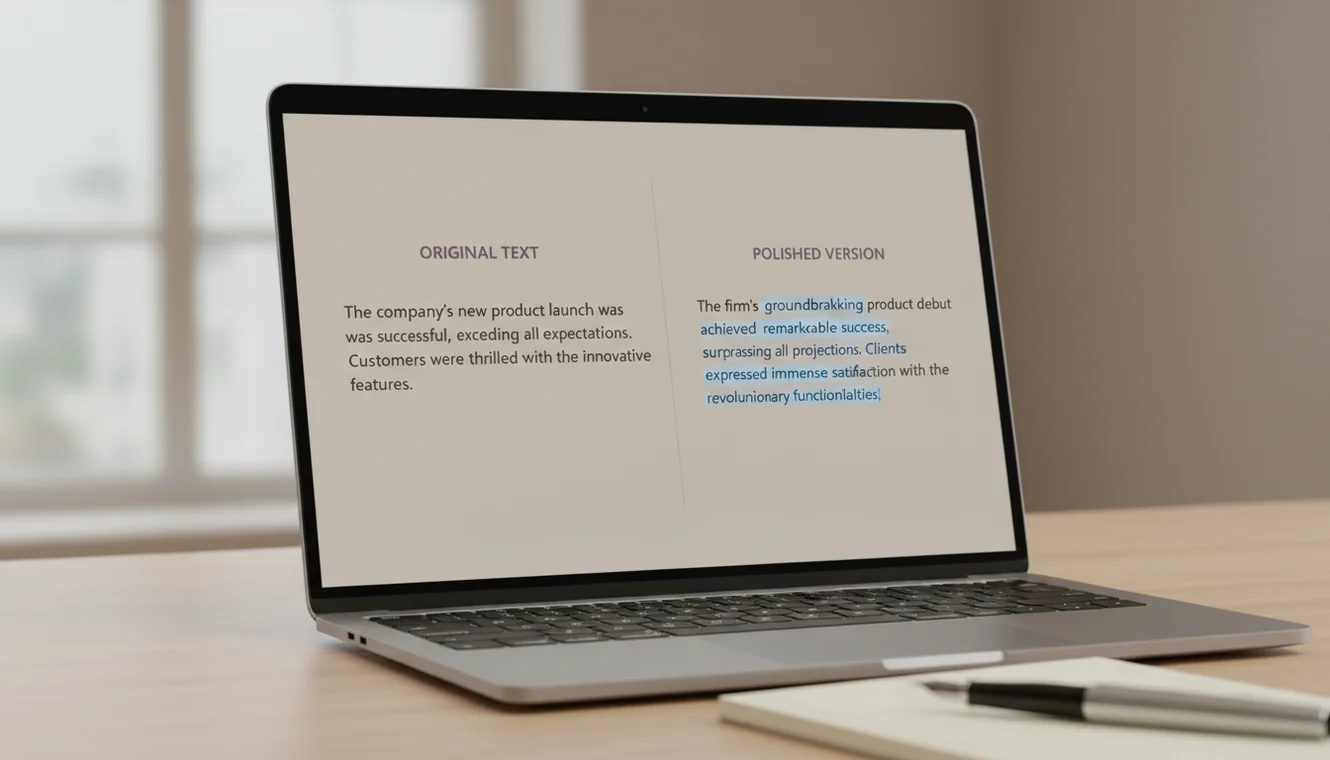
I use rewriting tools almost daily, and the distinction between a good rewrite and a bad one comes down to whether the output sounds like it was written by someone who understood the original. Early rewriting tools from five or six years ago were essentially synonym shufflers. They would replace "big" with "large" and "start" with "commence" and call it a rewrite. The result read like it went through a blender. Modern AI rewriters are fundamentally different. They parse the meaning of the full passage, then reconstruct it with different sentence structures, transitions, and vocabulary. The output reads like a separate person wrote about the same topic, not like a machine scrambled the same words.
That said, no rewriting tool is perfect. Complex arguments with layered nuance can lose precision during the rewrite. Technical terminology sometimes gets replaced with less accurate alternatives. And there is always a risk that the AI introduces a subtle shift in meaning that changes the intent of a sentence. These are not deal-breaking flaws; they are the reason you review the output before using it. The tool handles the mechanical work of restructuring prose. You handle the judgment call of whether the restructured version says what you meant it to say.
Rewriting vs. Paraphrasing
People use these terms interchangeably, but they describe different operations. Paraphrasing takes a passage and restates it in different words while following the original structure closely. The sentence order stays roughly the same. The logical flow mirrors the source. Rewriting is more aggressive. It can rearrange the order of ideas, combine or split sentences, change the tone, adjust formality, and produce output that structurally diverges from the source while still communicating the same information.
The practical difference matters when you are choosing which tool to use. If you have a sentence that says the right thing but sounds awkward, paraphrasing is appropriate. You want the same structure with smoother wording. If you have an entire paragraph that needs to be reworked for a different audience, rewriting is the right approach. You want the same information presented in a different way.
Write.info offers both. The AI paraphrasing tool stays close to the original phrasing and structure. The AI rewriter produces more substantially different output. For individual sentences, the AI sentence rewriter provides multiple variations of a single line. Choosing the right tool for the task saves time and produces better results than using a general-purpose tool for every rewriting need.
When to Rewrite vs. Starting Fresh
Rewriting makes sense when the underlying content is solid but the presentation needs work. Maybe the tone is wrong for the audience. Maybe the paragraph is technically accurate but reads like a textbook when it needs to sound conversational. Maybe you wrote it at 2 AM and the sentences are tangled. In all these cases, the information is there - it just needs a new coat of paint. Rewriting is efficient here because the hard part (figuring out what to say) is already done.
Starting fresh makes sense when the content itself is the problem. If the argument is weak, the structure is fundamentally disorganized, or the paragraph is addressing the wrong point entirely, rewriting it will not fix those issues. You will end up with a differently worded version of something that still does not work. Recognizing when a passage needs to be scrapped rather than rewritten is a skill that saves time in the long run. No rewriting tool can fix bad ideas - it can only rephrase them.
There is a middle ground too. Sometimes I will rewrite a mediocre paragraph just to see what the AI does with it. The rewritten version might not be usable directly, but it occasionally surfaces a phrasing or structural approach I had not considered. In that case, neither the original nor the rewrite is the final version. The final version is the one I write after seeing both, combining the parts that worked from each. Using the rewriter as a brainstorming tool is an underappreciated workflow.
How to Use the AI Rewriter
- Paste your original text. Copy the paragraph, passage, or article section you want to rewrite and paste it into the text area. The tool accepts up to 5,000 characters per request. For longer documents, break the content into manageable sections.
- Choose a rewriting style. Select from Standard, Formal, Simple, or Creative. Standard produces a neutral rewrite that closely tracks the original meaning. Formal elevates vocabulary and register. Simple reduces sentence complexity and uses shorter, clearer phrasing. Creative takes more liberties with structure and word choice.
- Click Rewrite Text. The AI analyzes your input and generates a rewritten version. This typically takes a few seconds depending on the length of the text.
- Compare the output with the original. Read both versions side by side. Check that the meaning has been preserved, no important details were dropped, and the tone matches your needs. Pay special attention to technical terms, proper nouns, and specific claims.
- Edit as needed. Adjust any phrasing that shifted meaning, restore any specific terminology the AI generalized, and smooth transitions between rewritten sections if you are processing a longer document in parts.
- Copy and use the result. Click the Copy button to copy the final rewritten text to your clipboard. Integrate it into your document, email, or publication.

How the AI Rewriting Process Works
The AI rewriter processes text using a transformer-based language model. When you submit text, the model reads the full passage and identifies the key ideas, relationships between sentences, and overall intent. It then generates a new version by predicting word sequences that express those same ideas in a different form. The process is not mechanical substitution. The model can invert sentence structures, switch between active and passive voice, consolidate two short sentences into one complex sentence, or split a long sentence into shorter ones.
The style option you select modifies the system prompt that guides the model. In Formal mode, the model prioritizes sophisticated vocabulary, avoids contractions, and uses longer sentence structures. In Simple mode, it targets a lower reading level, using common words and direct phrasing. Creative mode allows the model to take more stylistic risks, including metaphor, varied rhythm, and less conventional word choices. Each mode changes the output noticeably while working from the same input content.
One thing worth understanding: the rewriter does not memorize or store your text. Each request is processed independently. If you submit the same text twice, you will get two different rewrites because language models involve randomness in their generation process. This variability is a feature; it means you can always generate another version if the first one does not satisfy your needs.
Limitations and Safety
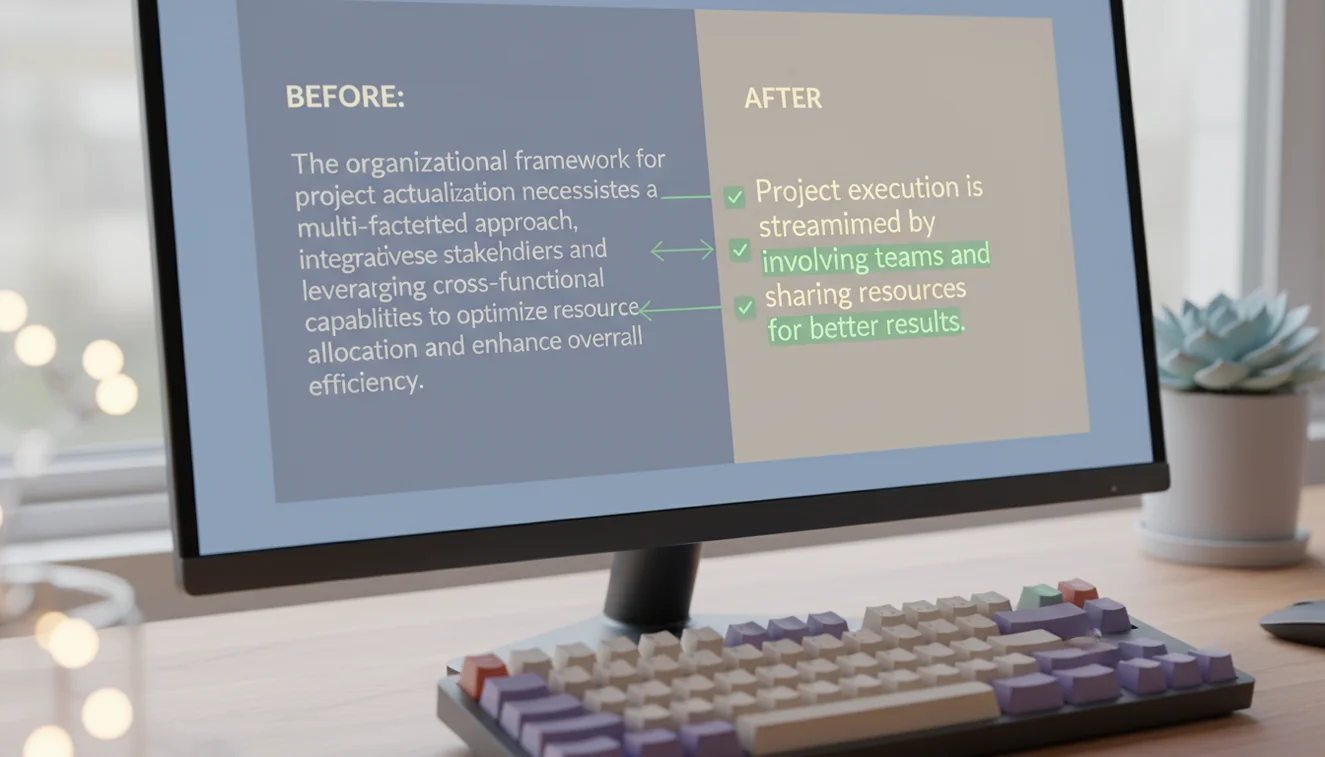
Rewriting tools can shift meaning in ways that are not immediately obvious. A sentence stating "the medication was effective in 73% of cases" might get rewritten as "the medication worked for most patients." Technically similar, but the specificity is lost. For any content where precision matters, technical writing, legal documents, scientific claims, financial disclosures; you must compare the rewritten version against the original line by line. The AI optimizes for fluency, not for factual preservation.
The rewriter does not verify the accuracy of the input text. If the original contains errors, the rewritten version will contain the same errors in different words. Garbage in, garbage out applies fully. Use the tool to improve how something is said, not to validate what is being said.
Rewriting someone else's copyrighted content does not automatically create an original work. Copyright protects expression, and a rewrite of a protected text may still constitute a derivative work. Use the tool responsibly and do not rely on it to circumvent intellectual property protections.
AI-rewritten text can be flagged by detection tools. The rewriting process introduces patterns characteristic of AI-generated content, which detection software is designed to identify. If this is a concern, substantial manual editing or the use of the AI Humanizer tool may be necessary. For additional AI Writer tools including paraphrasing, grammar checking, and content generation, explore the full collection on Write.info.
Rewrite and polish text from anywhere
Use Write.info to rewrite drafts, check clarity, and keep improving your writing across web and mobile. Always review AI-assisted edits for accuracy, originality, and appropriate disclosure.
Get Write.info AppAI Rewriter App
The AI Rewriter tool is available as part of the AI Writer app for iPhone and iPad. The app includes all writing, detection, and humanization tools in a single download with no account required. An Android version is currently in development.
The iOS app supports offline access to saved content and provides the same AI writing capabilities available on Write.info. Users receive 10 free generations per day on the website, while the app offers extended access through optional subscription plans.
Download on App Store