Free AI Summarizer Tool
Condense long articles, essays, and documents into clear, concise summaries. No signup required.
What Is an AI Summarizer
An AI summarizer is a tool that takes long text and produces a shorter version containing the main ideas and key points. It uses a language model to analyze the input, identify the most important information, and generate a condensed output that preserves the core meaning of the original. AI summarizers do not simply trim text - they restructure and rephrase content to fit a smaller word count.
Reading everything is no longer realistic for most people. A single research paper runs twenty to forty pages. A quarterly business report can stretch past fifty. Meeting transcripts, industry articles, legal documents, regulatory filings; the volume of text that professionals encounter daily has grown far beyond what anyone can read carefully from start to finish. I started relying on summarization tools about two years ago when my reading backlog became genuinely unmanageable. The shift was not about laziness. It was about triage. Some documents deserve a full read. Most deserve a scan of the key points first, followed by a deeper read only if the content proves relevant. A summarizer handles that first-pass filtering faster and more consistently than skimming does.
The practical difference between a good summary and a bad one comes down to what gets preserved and what gets cut. A good summary keeps the central argument, the supporting evidence, and any conclusions or recommendations. A bad summary either copies random sentences from the source or reduces everything to such a high level that the summary is no longer useful. The summarizer on this page uses the same language model that powers all Write.info tools, with a system prompt specifically tuned for identifying and preserving the structural spine of a text while cutting supporting details that are less essential for a quick understanding.
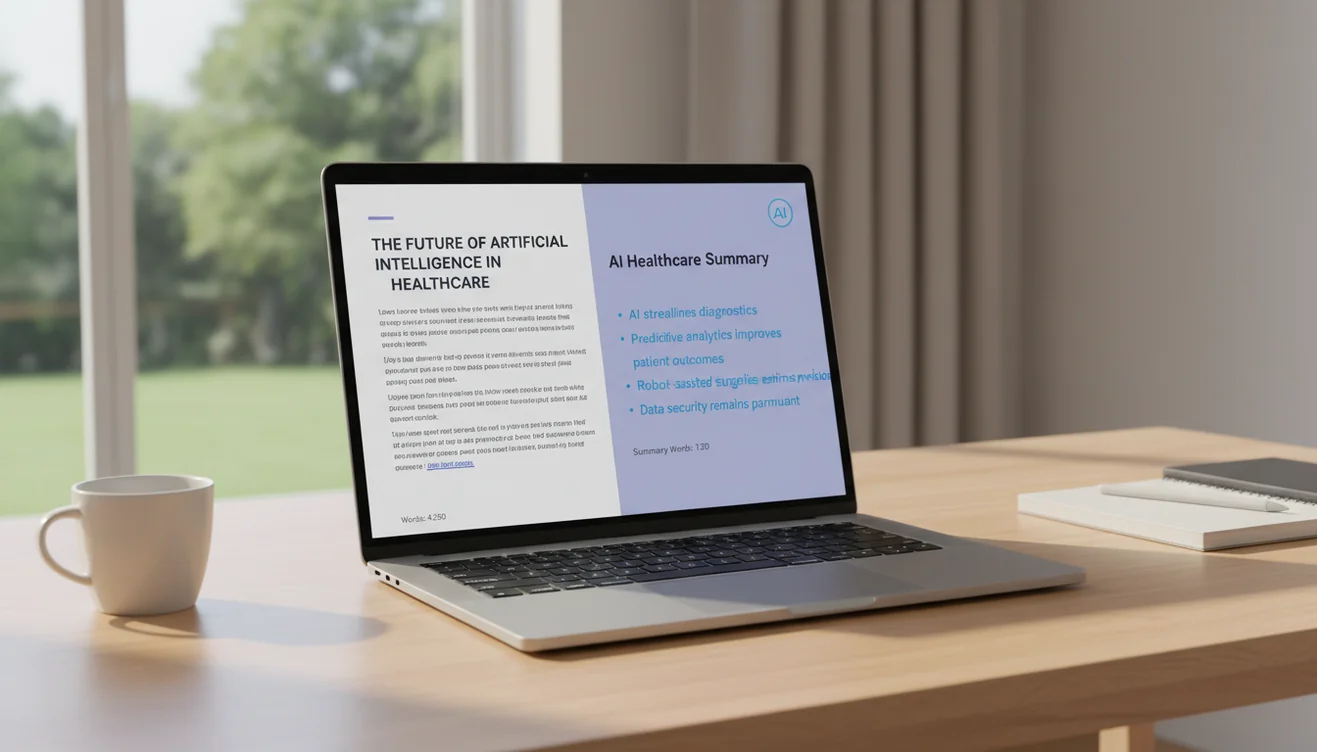
Extractive vs. Abstractive Summarization
There are two fundamental approaches to automatic summarization, and understanding the difference helps you evaluate the output you receive.
Extractive summarization works by selecting the most important sentences from the original text and combining them into a shorter passage. The summary is built entirely from existing sentences, nothing new is written. This approach has the advantage of preserving the author's exact wording, which reduces the risk of misrepresentation. The downside is that extracted sentences may not flow naturally together. They were written to appear in specific positions within the original document, and when pulled out of context, the transitions can feel abrupt or disjointed. Older summarization tools and many browser extensions use this approach.
Abstractive summarization generates new text that captures the meaning of the source material without copying it word for word. This is what the Write.info summarizer does. The language model reads the input, builds an internal representation of the key ideas, and then writes a fresh summary in its own words. The result reads more naturally than extractive summaries because the sentences are crafted to work together as a coherent passage. The tradeoff is that abstractive summarization carries a small risk of introducing errors; the model might slightly misinterpret the emphasis of the original text, or rephrase a nuanced point in a way that shifts its meaning. This is why reviewing the summary against the source remains important.
In practice, abstractive summarization produces more readable and useful output for most purposes. It condenses more aggressively than extraction can, because it is not constrained to full sentences from the source. A ten-page article can be reduced to a single paragraph that communicates the essential argument, which is something extractive methods struggle to achieve without producing choppy output.
When to Summarize
Summarization is valuable in specific situations, and recognizing those situations helps you use the tool effectively.
Research and literature review. When you are reading multiple sources on a topic, summarizing each one gives you a reference library of key points. This is faster than re-reading full articles when you need to recall what each source argued. Researchers and students working through dozens of papers find this particularly useful during the early exploration phase before they know which sources will matter most.
Meeting notes and transcripts. A one-hour meeting produces thousands of words in a transcript. Most of that is conversational filler. Summarizing the transcript down to action items, decisions, and key discussion points saves everyone from reading through the entire thing. This works especially well when you need to share meeting outcomes with people who did not attend.
News and industry monitoring. Professionals who track multiple publications or news feeds can summarize articles to decide which ones deserve a full read. Running ten articles through a summarizer takes two minutes and gives you enough information to identify the three that are actually relevant to your work.
Long-form reports. Annual reports, policy documents, and regulatory filings contain important information buried in dense prose. Summarizing sections of these documents highlights the key facts and recommendations without requiring you to parse every paragraph of supporting detail. However, for documents with legal or financial implications, always read the full text for any section that the summary flags as important.
How to Use the AI Summarizer
- Paste your text into the input box above. The tool accepts up to 5,000 characters. For longer documents, divide the text into sections, summarizing by chapter or section often produces better results than trying to compress an entire document at once.
- Add length instructions if needed. By default, the tool generates a summary proportional to the input length. If you want a specific format, include instructions at the beginning of your text, such as "Summarize in 3 bullet points" or "Write a one-paragraph summary."
- Click Summarize. The AI processes your text and generates a condensed version that preserves the main ideas, key arguments, and important conclusions from the original.
- Review the summary against the source. Check that the summary accurately represents the original text. Pay particular attention to numerical claims, proper nouns, and any conclusions; these are the areas where summarization errors are most consequential.
- Edit as needed. Add any critical details the summary may have omitted. If the summary will be shared with others, ensure it provides enough context for someone who has not read the original to understand the key points.
- Copy the result. Use the copy button to transfer the summary into your notes, document, or email. For grammar and style refinement, run the summary through the AI grammar checker before using it.

Tips for Getting Better Summaries
The quality of a summary depends on both the tool and how you use it. These practices consistently improve output quality.
Provide clean input. Remove headers, footers, page numbers, and other formatting artifacts before pasting. The AI processes everything in the input box, and non-content text can dilute the summary by introducing irrelevant information. If you are summarizing a web article, copy just the body text rather than the entire page.
Summarize focused sections rather than entire documents. A summary of a 2,000-word section with a single topic is almost always better than a summary of a 10,000-word document with five different topics. When documents cover multiple subjects, process each section separately and then combine the summaries for a more accurate overview.
Specify what matters. If you are summarizing a research paper but only care about the methodology and results, say so in your instructions. The AI will focus on the sections you care about rather than giving equal weight to every part of the text. This targeted approach produces summaries that are directly useful for your specific needs.
Iterate if necessary. If the first summary is too long or too vague, paste the summary back into the tool with a note like "Make this shorter" or "Focus more on the financial data." Iterative summarization can produce tighter results than trying to get the perfect output in a single pass.
Limitations & Safety
AI-generated summaries are approximations of the source material, not guaranteed representations. The language model may omit details that seem minor to the algorithm but are important to the user. It may also simplify complex arguments in ways that lose essential nuance. Summaries of technical, legal, medical, or financial content require careful verification against the original text.
The summarizer does not fact-check the input or the output. If the source text contains errors, the summary will reproduce them. If the model misinterprets a passage, the summary may present a distorted version of the original argument. Users should never rely solely on a summary for making decisions - it is a reading aid, not a substitute for careful review of source material.
Abstractive summaries are generated text, which means they introduce wording not present in the original. For contexts where exact representation matters; legal proceedings, academic citation, journalistic accuracy, use direct quotes from the source rather than summary paraphrases. The AI summary tells you what the text is about; it does not replace reading the text itself when precision matters.
Write.info does not store or retain any text submitted to this tool. All processing happens in real time and content is discarded after generation. For the full suite of paraphrasing, rewriting, and other text tools, explore the complete collection on the Write.info homepage.
Summarize and keep writing anywhere
Use Write.info to shorten long text, rewrite key points, check clarity, and continue drafting across free AI writing tools. For mobile writing help, download the Write.info app.
Get Write.info AppAI Summarizer App
The AI Summarizer tool is available as part of the AI Writer app for iPhone and iPad. The app includes all writing, detection, and humanization tools in a single download with no account required. An Android version is currently in development.
The iOS app supports offline access to saved content and provides the same AI writing capabilities available on Write.info. Users receive 10 free generations per day on the website, while the app offers extended access through optional subscription plans.
Download on App Store