Download AI Writer & AI Checker App
Free AI writing, detection, and humanization tools for iPhone and iPad. No account required.
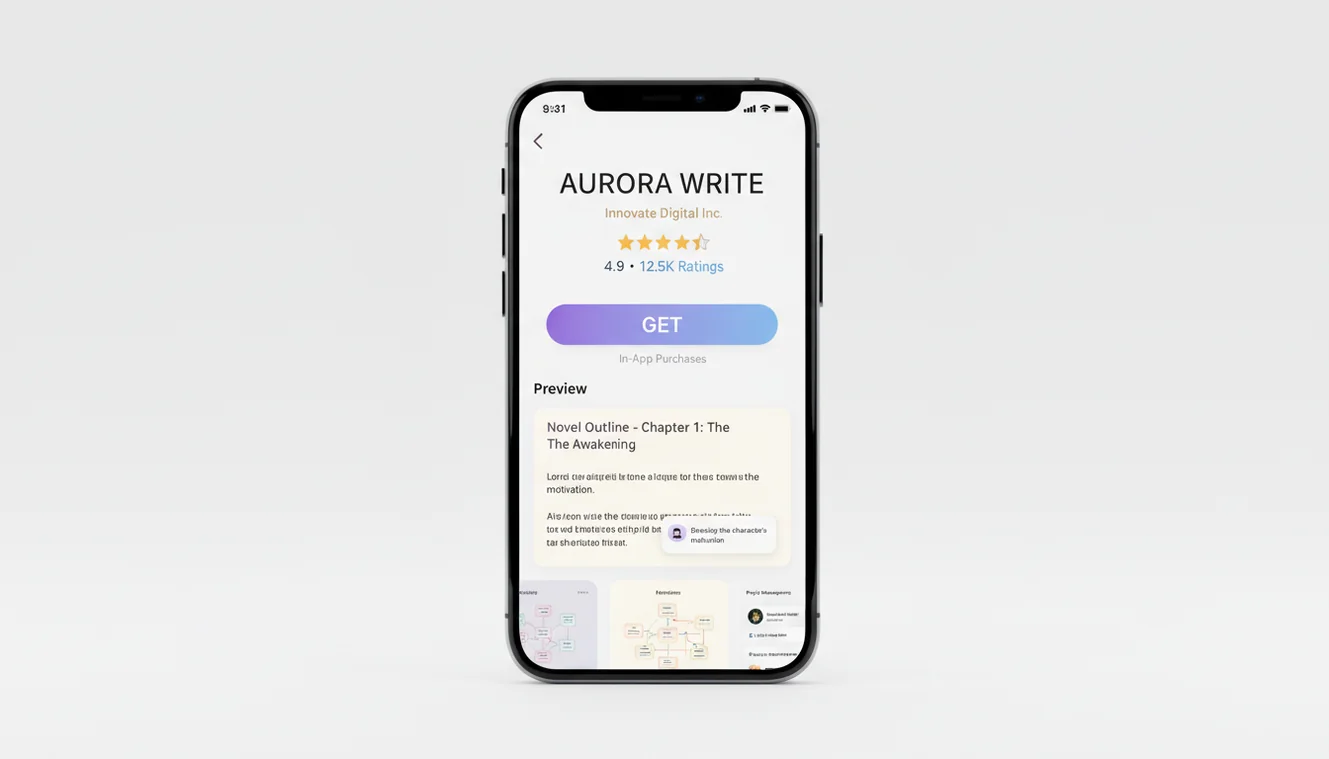
Available on the App Store. Rated 4.8/5.
Download on App Store| Need | Best option |
|---|---|
| Free mobile AI writing and checking in one app | Write.info |
| Grammar-focused editing and proofreading | Grammarly |
| Paraphrasing and sentence rewriting options | QuillBot |
| General AI chat and brainstorming | ChatGPT |
What the App Includes
The AI Writer & AI Checker app puts the full suite of Write.info tools into a single native iOS application. Every tool uses the same AI engine as the website, with an interface built specifically for mobile use.
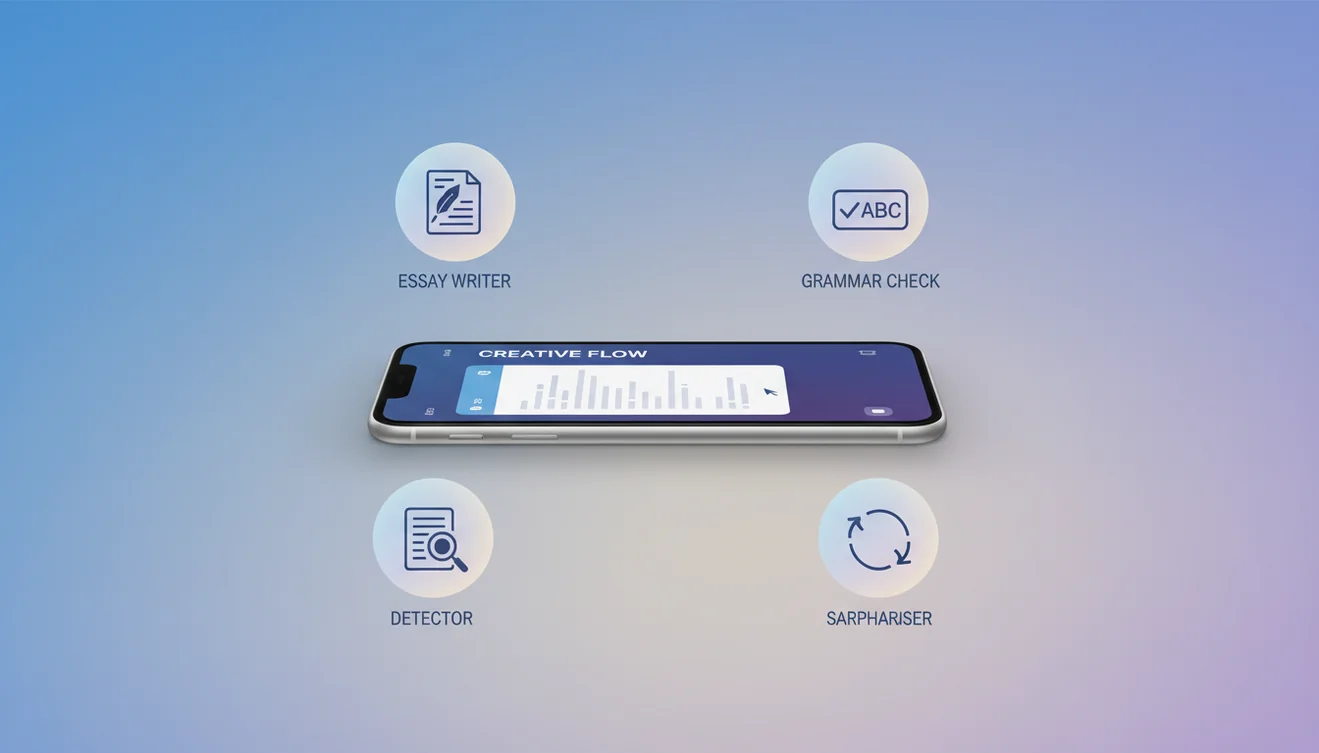
AI Writer. Generate paragraphs, essays, blog posts, emails, stories, poems, cover letters, and more. The writer accepts topic prompts and produces structured content using the same specialized system prompts available on Write.info. Each writing tool is tailored for its specific content type-the email writer formats subject lines and closings, the essay writer structures arguments with introductions and conclusions, and so on across all 27+ writing tools.
AI Detector. Analyze text to estimate whether it was written by a human or generated by AI. The AI detector evaluates sentence structure, vocabulary distribution, and perplexity scores to produce a confidence rating. Useful for students checking their own work, educators reviewing submissions, and writers verifying that their edited AI drafts read naturally.
AI Humanizer. Rewrite AI-generated text so it reads as naturally written. The AI humanizer restructures sentences, varies vocabulary, and adjusts rhythm patterns that detection tools flag as machine-generated. The goal is not to disguise AI use but to produce text that communicates clearly without the formulaic patterns that distract readers.
AI Chat. Ask questions, get explanations, brainstorm ideas, and hold conversations on any topic. The AI chat interface processes natural language input and generates contextual responses. It handles factual questions, coding help, creative requests, and general conversation.
200+ Chatbots. Specialized conversational agents built for specific use cases. These include chatbots for career advice, language learning, creative writing prompts, interview preparation, fitness guidance, recipe suggestions, and dozens of other focused interactions. Each chatbot uses a system prompt optimized for its particular domain.
Image Generator. Create images from text descriptions using AI. Describe what you want-a logo concept, illustration, scene, or abstract design-and the generator produces an image based on your prompt.
App Details
- Platform: iOS (iPhone and iPad)
- Requires: iOS 17.0 or later
- Size: 7.5 MB
- Price: Free to download
- In-app purchases: $3.99/week or $29.99/year for unlimited access
- Free tier: 10 AI generations per day, no account required
- Rating: 4.8 out of 5 on the App Store
- Category: Utilities
How to Download
- Open the App Store on your iPhone or iPad.
- Search for "AI Writer AI Checker" or tap the direct download link below.
- Tap Get to begin the free download. The app is 7.5 MB and installs in seconds.
- Open the app. All tools are available immediately. No account creation, email verification, or login is needed.
- Start using any tool. Select a writing tool, detector, humanizer, chat, or image generator from the main screen and begin.
Download Now
Get AI Writer & AI Checker for iPhone and iPad. Free with 10 daily generations. No account required.
Download on App StoreAndroid Availability
An Android version of the AI Writer & AI Checker app is currently in development. No release date has been announced. Android users can access all writing, detection, and humanization tools through the Write.info website at write.info, which works in any mobile browser. The web version provides 10 free AI generations per day with the same tools and AI engine available in the iOS app.
What Users Use the App For
The app serves a range of writing needs across different contexts. Students use the essay writer and paragraph generator for academic drafting, then run their edited work through the AI detector to check how it reads. Professionals draft emails, reports, and cover letters during commutes or between meetings. Content creators generate blog outlines, social media copy, and headlines on their phones. Writers use the rewriter and humanizer to refine drafts when they are away from a desk.
The 200+ chatbot library covers specialized scenarios that the general tools do not directly address. A job seeker can practice interview responses with a mock interviewer chatbot. A language learner can have a guided conversation in their target language. A fiction writer can brainstorm plot points with a storytelling assistant. Each chatbot maintains a focused system prompt that keeps the conversation relevant to its specific purpose.
Privacy and Data
The app does not require an account, which means no personal information is collected during setup. Text submitted to the AI tools is processed in real time and not stored on servers after the response is generated. The app does not track writing activity, build user profiles, or share data with third parties. Subscription management is handled entirely through Apple’s App Store infrastructure.
Download the AI Writer & Checker App
Get Write.info on iPhone or iPad for free AI writing, detection, rewriting, and humanization tools in one mobile app. Use it responsibly, review results carefully, and follow any disclosure rules that apply to your work.
Get Write.info App