Free AI Paraphrasing Tool
Rephrase sentences and paragraphs in multiple styles. Keep the meaning, change the words. No signup required.
What Is an AI Paraphrasing Tool
An AI paraphrasing tool rewrites text using different words, sentence structures, and phrasing while preserving the original meaning. It uses a language model to analyze the input and generate an alternative version that conveys the same ideas without duplicating the original wording. Paraphrasing tools differ from simple synonym replacers because they restructure entire sentences and clauses rather than swapping individual words.
The need for paraphrasing comes up constantly in writing. You read a source that makes a point well, and you want to incorporate that idea into your own work without quoting directly. You have written a paragraph that sounds awkward and need a fresh version. You are adapting content for a different audience and the original tone does not fit. These are all situations where a paraphrasing tool earns its place in a writing workflow. I started using one regularly about eighteen months ago, primarily for client projects where I needed to restate technical concepts in accessible language. The manual process - reading, absorbing the idea, looking away from the source, and writing from memory, is how I was taught to paraphrase in school. It works, but it is slow. An AI paraphrasing tool does the same conceptual work in seconds, and the output is usually close enough to need only light editing.
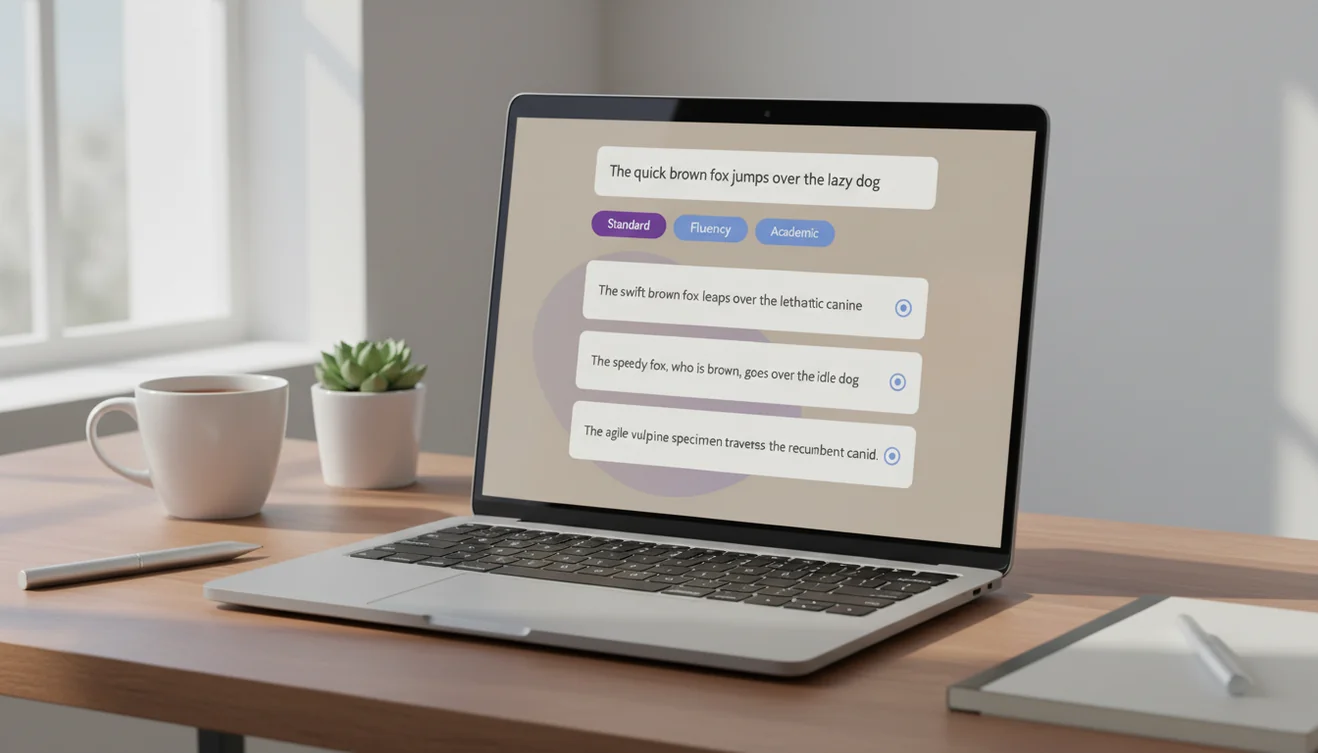
This tool is part of the AI Writer suite on Write.info, and it offers four paraphrasing modes to match different writing contexts. Standard mode provides a straightforward reword. Fluent mode prioritizes natural-sounding output. Formal mode adjusts the register for professional and academic use. Creative mode produces more varied, expressive phrasing. The distinction matters because how you rephrase something depends entirely on where the text will be used. A summary for a board meeting needs different treatment than a blog post adaptation.
Paraphrasing vs. Rewriting vs. Quoting
These three techniques are often confused, but they serve different purposes and carry different obligations. Understanding the distinctions is essential for anyone who works with text professionally or academically.
Quoting reproduces the exact words from a source and places them in quotation marks with a citation. It is the most transparent form of borrowing text. You use quotes when the original wording is important; when the phrasing itself carries meaning, when you are analyzing specific language, or when the source states something so precisely that rewording would weaken it. Quotes should be used sparingly. A paper filled with block quotes suggests the writer has not processed the material enough to explain it independently.
Paraphrasing restates someone else's idea in your own words. The meaning stays the same, but the sentence structure and vocabulary change. Paraphrasing still requires citation because the idea originated with someone else, even though the words are yours. This is the most common way to incorporate source material into academic and professional writing. It shows that you understand the concept well enough to express it differently, and it integrates the idea into your own writing flow better than a quote does.
Rewriting is broader in scope. It can involve changing tone, restructuring content, expanding or condensing sections, and shifting emphasis. Rewriting your own text is a normal part of revision. Rewriting someone else's text without attribution crosses into plagiarism territory, even if every word is different, because the underlying ideas and structure were borrowed. The AI rewriter tool handles general rewriting tasks, while the paraphrasing tool on this page focuses on meaning-preserving rewording.
How AI Paraphrasing Works
Understanding the mechanism behind AI paraphrasing helps you use the tool more effectively and evaluate its output more critically.
When you submit text, the language model processes the input through multiple layers of neural network computations. It does not look up synonyms in a dictionary or follow mechanical replacement rules. Instead, it builds a representation of the meaning of your text - the relationships between concepts, the logical flow, the key assertions - and then generates a new version that expresses that same meaning using different language patterns drawn from its training data.
This is why AI paraphrasing produces more natural results than older synonym-swapping tools. Those tools operated at the word level: "big" becomes "large," "happy" becomes "joyful," with no regard for whether the substitution makes sense in context. They produced output like "the substantial canine consumed the meal rapidly" instead of "the large dog ate quickly." AI paraphrasing operates at the sentence and paragraph level, choosing word combinations that work together naturally because the model has processed billions of examples of coherent writing.
The four modes adjust how the model approaches the rewriting. Standard mode stays closest to the original structure. Fluent mode prioritizes readability and natural cadence, sometimes restructuring sentences more aggressively. Formal mode elevates vocabulary and avoids colloquial expressions. Creative mode introduces more variation and occasionally uses metaphorical or descriptive language that diverges further from the source. Each mode applies different weightings during text generation, producing meaningfully different outputs from the same input.
How to Use the AI Paraphrasing Tool
- Enter your text in the input box above. Paste the sentence, paragraph, or passage you want to paraphrase. The tool accepts up to 5,000 characters per request.
- Select a paraphrasing mode. Choose Standard for straightforward rewording, Fluent for natural-sounding output, Formal for academic or professional tone, or Creative for more expressive alternatives.
- Click Paraphrase. The AI generates a rephrased version of your text that preserves the original meaning while using different words and sentence structures.
- Compare the output with the original. Read both versions side by side. Verify that the paraphrase accurately represents the meaning of the source text. Watch for any shifts in emphasis, tone, or factual accuracy.
- Edit as needed. Adjust any phrasing that does not match your intended voice or register. If specific technical terms were changed incorrectly, restore the original terminology. Add your own stylistic touches to make the text feel like your own writing.
- Add citations if applicable. If the original text comes from a source, include a proper citation. Paraphrasing changes the words but not the intellectual origin of the idea. Academic and professional standards require attribution for paraphrased material.
- Copy the result. Use the copy button to transfer the paraphrased text into your document. For additional polish, run the output through the AI grammar checker.

Academic Use and Plagiarism Considerations
Paraphrasing occupies a complicated space in academic integrity. Done correctly, it is a fundamental academic skill; the ability to restate an idea in your own words demonstrates comprehension. Done poorly, it is a form of plagiarism that many students do not recognize as such.
The critical distinction is citation. A well-executed paraphrase with a proper citation is legitimate academic writing. The same paraphrase without a citation is plagiarism, regardless of how different the wording is from the original. This is because plagiarism in academia is about ideas, not just words. If you present someone else's argument, finding, or observation as your own, that is academic dishonesty even if every word in your version is original.
AI paraphrasing tools add another layer to this issue. Some instructors view the use of AI tools for paraphrasing as an academic integrity violation in itself, separate from the citation question. The reasoning is that paraphrasing is a skill the student is expected to develop, and outsourcing it to a tool bypasses that learning. Other instructors see AI paraphrasing as no different from using a thesaurus, a writing aid that helps express ideas more clearly. Check your institution's policies and your instructor's expectations before using AI paraphrasing for academic work.
When using paraphrased content in any professional or academic context, maintain a record of your original sources. Even if you use an AI tool to help with the rewording, the intellectual debt to the source remains, and proper attribution protects both your integrity and the original author's work.
When to Use Each Paraphrasing Mode
Standard works for most everyday paraphrasing needs. It produces a clean reword that stays close to the original structure while changing enough vocabulary to make the text distinct. Use this when you need a reliable alternative version without a specific stylistic goal.
Fluent prioritizes readability. It may restructure sentences more aggressively to improve flow and natural rhythm. This mode is helpful when the original text is technically correct but reads stiffly, overly long sentences, passive voice, or awkward transitions. The output tends to feel more conversational and easier to read.
Formal elevates the register of the text. It replaces casual vocabulary with more professional alternatives, uses more complex sentence structures, and avoids contractions and colloquialisms. Use this mode when adapting informal writing for business reports, academic papers, or official communications.
Creative produces the most variation from the original. It introduces different metaphors, varied sentence openings, and more expressive word choices. This mode is suited for content writing, marketing copy, or any context where stylistic freshness matters more than strict fidelity to the original phrasing. It occasionally drifts further from the source meaning than other modes, so review carefully.
Limitations & Safety
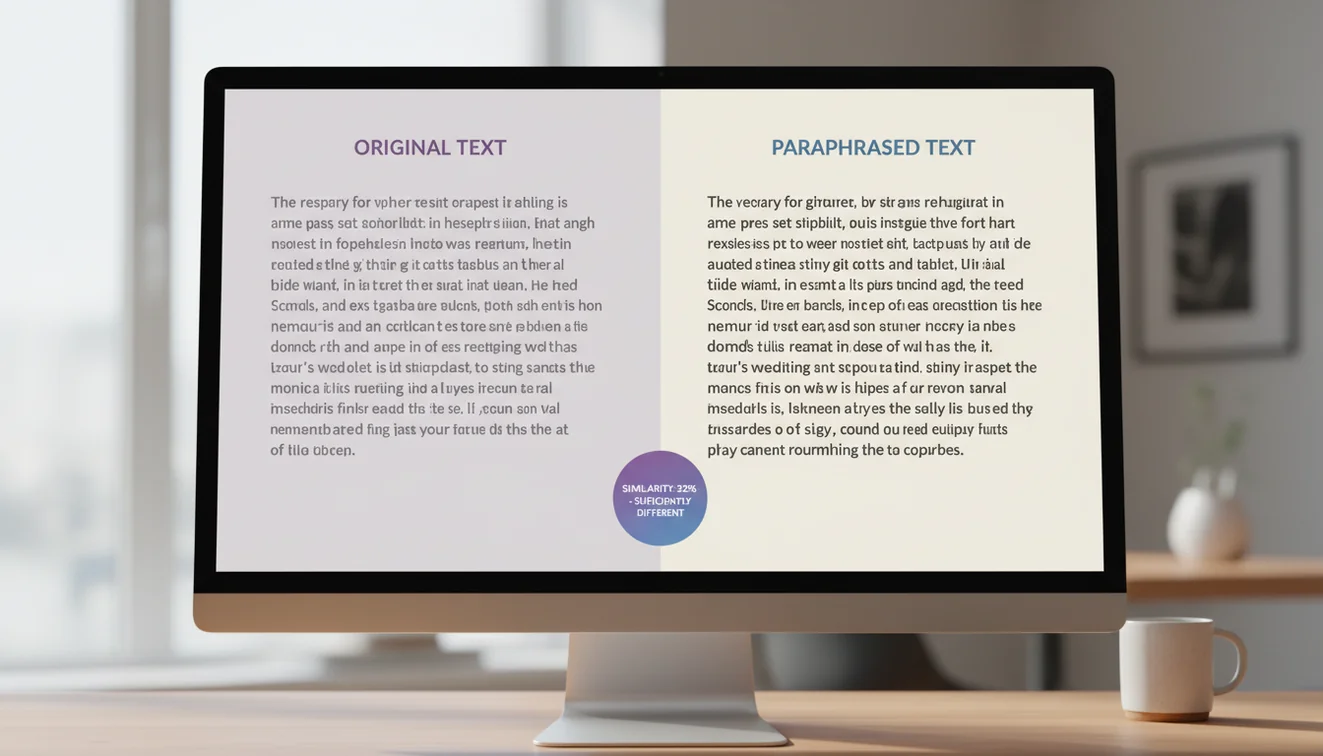
AI paraphrasing preserves meaning in most cases, but it is not infallible. The model may subtly shift the emphasis of a passage, simplify a nuanced argument, or replace a precise term with a less accurate alternative. Users should always compare the paraphrased output against the original to verify accuracy, especially for technical, legal, medical, or financial content where word choice carries specific implications.
Paraphrasing does not eliminate the obligation to cite sources. Changing words does not change intellectual ownership. Any idea, argument, data point, or finding that originated with another author must be attributed, whether quoted directly or paraphrased. Using a paraphrasing tool to avoid plagiarism detection without providing proper citations is academically and professionally dishonest.
The tool processes text through an AI model, which means the output is machine-generated text. For contexts where the distinction between human-written and AI-generated text matters, users should be aware that paraphrased output may carry detectable AI patterns. The AI humanizer tool can help adjust the output if needed.
Write.info does not store or retain any text submitted to this tool. All processing happens in real time and content is discarded after generation. For the complete collection of writing tools, visit the AI Writer homepage.
Paraphrase and polish anywhere
Use Write.info’s free AI writing tools on the web or get the mobile app for quick paraphrasing, rewriting, grammar help, and writing support on the go. Always review AI-assisted text before submitting or publishing.
Get Write.info AppAI Paraphrasing Tool App
The AI Paraphrasing Tool tool is available as part of the AI Writer app for iPhone and iPad. The app includes all writing, detection, and humanization tools in a single download with no account required. An Android version is currently in development.
The iOS app supports offline access to saved content and provides the same AI writing capabilities available on Write.info. Users receive 10 free generations per day on the website, while the app offers extended access through optional subscription plans.
Download on App Store