Free AI Email Writer & Generator
Generate professional emails, follow-ups, and outreach messages instantly. No signup required.
What Is an AI Email Writer
An AI email writer is a tool that drafts email messages from short text prompts using a language model. It generates subject lines, body text, and appropriate closings based on the context and tone specified by the user. AI email writers do not send emails. They produce text that can be copied into any email client.
Email takes up a surprising amount of the workday. Studies from various workplace surveys consistently place the number at around two and a half hours daily for the average professional. That includes composing, editing, re-reading, and second-guessing whether the tone is right. I started using AI email drafting about a year ago, and the single biggest change was not speed - it was the reduction in decision fatigue. When you stare at a blank compose window trying to figure out how to phrase a request to a client you have a complicated relationship with, that is cognitive work. Having a draft appear in seconds, even an imperfect one, removes the hardest part: starting.
The quality gap between AI-drafted emails and human-written ones has narrowed considerably. For routine messages, meeting confirmations, status updates, simple requests - the output is often usable with minimal editing. The tool on this page connects to the same model that powers all AI Writer tools on Write.info, with a system prompt specifically tuned for email structure and conventions. That specialization matters. A generic chatbot asked to "write an email" often produces something that reads like a paragraph with "Dear" stuck on top. A purpose-built email writer handles formatting, appropriate salutations, paragraph breaks, and sign-offs as part of its default behavior.
Types of Emails the AI Can Generate
Different email categories have different structural expectations, and the AI handles each one differently based on your prompt and selected tone.
Professional business emails cover a wide range: project updates to stakeholders, meeting requests, responses to client inquiries, vendor negotiations, and internal announcements. These need a clear subject line, a direct opening that states the purpose, supporting details in the body, and a specific call to action or next step. The Formal tone option works well here. One thing I have noticed is that the AI tends to be slightly more polite than most real business emails. That is usually fine; being slightly over-polite rarely causes problems; but if you work in a fast-paced environment where brevity is the norm, you may want to trim some of the courtesy phrases.
Sales and cold outreach emails are structurally different from internal correspondence. They need to grab attention quickly, establish relevance to the recipient, and include a low-friction call to action. The AI can generate these, but they require the most editing of any email type. Generic outreach performs poorly. The AI does not know your prospect, their company's recent news, or what specific pain point your product solves for them. Use the AI draft as a structural template, then replace the generic value propositions with specific, researched details about the recipient.
Follow-up emails are where AI drafting genuinely shines. These messages have a predictable structure: reference the previous interaction, restate the key point, and add a gentle nudge toward the desired action. The Follow-Up tone option generates emails that strike the right balance between persistence and politeness. I have found that AI follow-ups tend to be better than what most people write manually, because humans either wait too long and write something awkward, or follow up too aggressively. The AI consistently produces something measured and professional.
Internal team communications - updates, announcements, requests for input - benefit from the Friendly tone option. These emails should be warm without being unprofessional. The AI handles this balance reasonably well, though it sometimes defaults to a level of formality that feels stiff for close team communication. Adjusting the prompt to mention that the audience is your immediate team helps.
Thank-you and appreciation emails are short, but people often overthink them. The AI generates clean, genuine-sounding thank-you messages. Complaint and escalation emails, on the other hand, need careful human review. The AI tends to be too diplomatic when the situation calls for directness.
How to Use the AI Email Writer
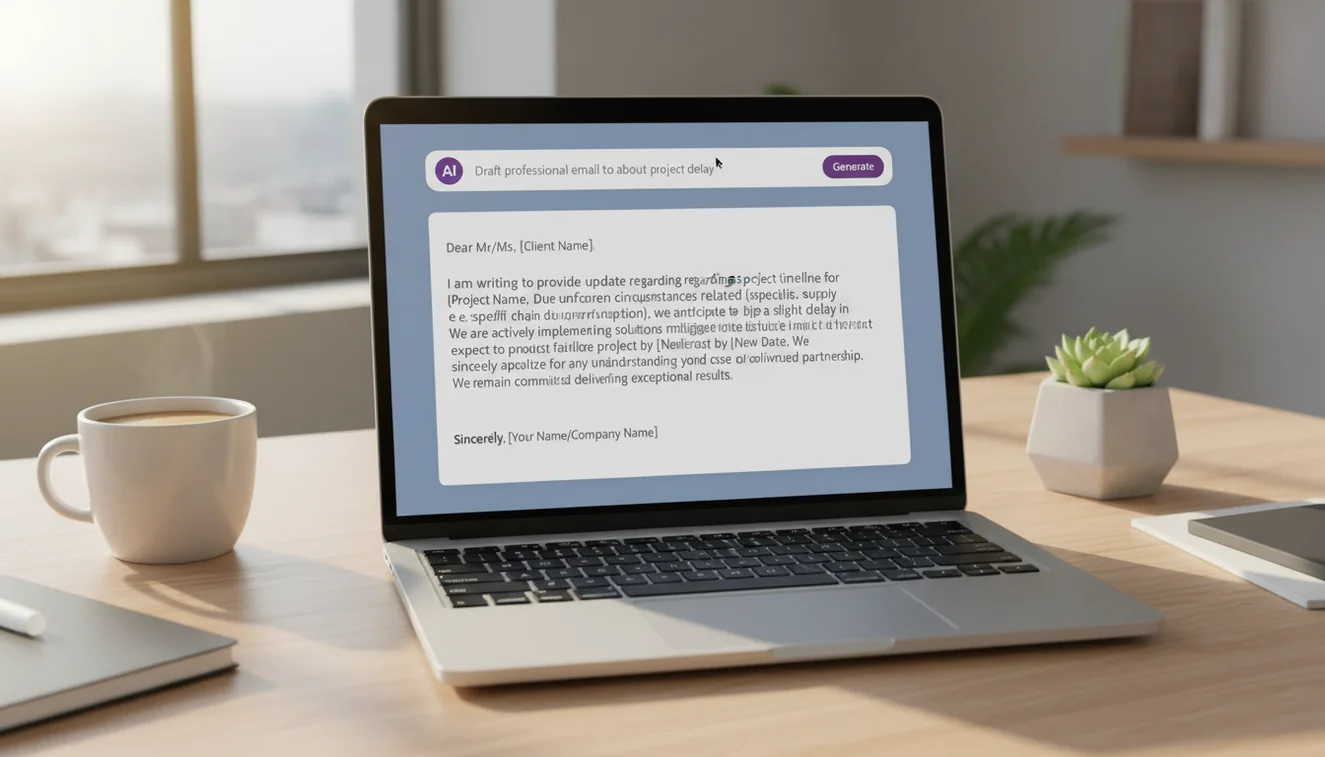
- Describe the email context. In the text area, explain who you are emailing, why, and what key points need to be included. Example: "Email to a client explaining that the project deadline will be delayed by one week due to a supply chain issue. Apologize and provide revised timeline."
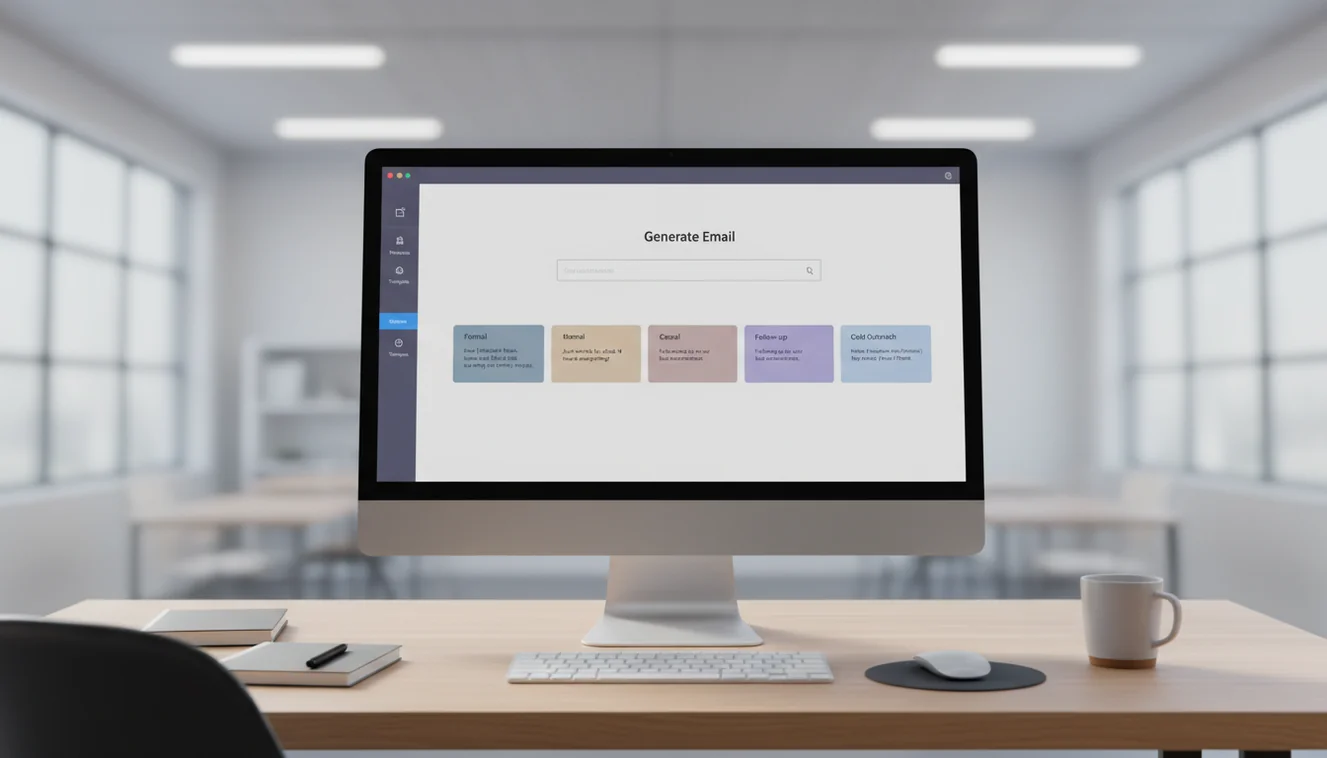
- Select a tone. Choose Formal for business correspondence, Friendly for casual or internal messages, Urgent for time-sensitive requests, or Follow-Up for messages continuing a previous conversation.
- Click Write Email. The AI generates a complete email draft including a subject line.
- Review and personalize. Read through the draft. Replace any generic phrases with specific details. Adjust the opening and closing to match your usual communication style. Add any information the AI could not have known from your prompt.
- Copy and send. Use the Copy button to transfer the text into your email client. Make final adjustments for formatting if needed.
Email Structure Fundamentals
Every effective email follows a predictable structure, and understanding it helps you evaluate and improve AI-generated drafts.
The subject line should communicate the email's purpose in under ten words. Vague subjects like "Quick question" or "Following up" get ignored. Specific subjects like "Q3 budget approval needed by Friday" get opened and acted on. The AI generates relevant subject lines, but they sometimes lean toward the generic side. Spend five seconds improving the subject line; it has more impact on whether your email gets read than anything in the body.
The opening sentence should state why you are writing. Do not start with "I hope this email finds you well" in every message. That phrase has become so overused that it now communicates nothing. The AI occasionally defaults to it. Delete it and start with the purpose: "I'm writing to request approval for..." or "Following our call yesterday, here are the next steps."
The body should contain one idea per paragraph. If you are covering multiple topics, use line breaks or bullet points. Wall-of-text emails get skimmed or ignored entirely. The AI generally handles paragraph breaks well, but for complex emails covering multiple topics, check that the structure is scannable.
The closing should include a clear next step or call to action. "Let me know your thoughts" is weak. "Could you confirm by Thursday whether the revised timeline works?" is specific and actionable.

When AI Email Drafts Need Heavy vs. Light Editing
Not all AI email output requires the same level of revision. Understanding where the tool works well and where it does not saves time.
Light editing scenarios: Routine status updates, meeting confirmations, simple requests, internal announcements, thank-you notes. These emails follow predictable patterns and the AI handles them reliably. You might change a few words to match your voice, but the structure and content are usually solid.
Heavy editing scenarios: Emails discussing sensitive personnel issues, complex negotiations, messages to recipients you have a nuanced relationship with, complaint responses, and anything involving legal or financial implications. The AI does not understand interpersonal dynamics, company politics, or the history behind a situation. It generates plausible text that might miss the mark on tone or emphasis in ways that matter.
Cold outreach always needs heavy editing. An AI-generated cold email without personalization will perform worse than no email at all, because it signals to the recipient that you did not invest time in understanding their situation. Use the AI for structure and flow, but replace every generic claim with something specific to the recipient.
Common Email Writing Mistakes
These errors appear in both human-written and AI-generated emails. Watch for them during your review.
Burying the ask. If you need something from the recipient, state it in the first two sentences and repeat it at the end. Do not hide your request in the third paragraph after two paragraphs of context. The AI sometimes structures emails with excessive preamble before reaching the point.
Wrong tone for the relationship. An overly formal email to a close colleague feels distant. An overly casual email to a new client feels unprofessional. The AI defaults to a consistent tone based on the option you select, but it does not know your relationship with the recipient. Adjust accordingly.
Too long. Most emails should be under 200 words. If your email exceeds 300 words, consider whether it should be a document or a meeting instead. The AI generates concise emails by default, but complex prompts can produce longer output than necessary.
No clear next step. Every email that requires action should end with a specific, time-bound request. "Thoughts?" is not a call to action. "Can you review the attached proposal and send feedback by Wednesday?" is.
Limitations & Safety
AI-generated emails should always be reviewed before sending. The language model does not know your recipient, your organization's communication norms, or the full context of your situation. It generates plausible email text that may contain assumptions not aligned with your actual circumstances.
The tool is not appropriate for legal correspondence, formal HR communications, regulatory filings, or any email where precise wording has legal implications. These communications require professional review. The AI email writer is a drafting tool, not a substitute for judgment about what to communicate and how.
Sensitive topics, performance issues, terminations, complaints, medical information; require careful human handling. The AI treats all topics with the same neutral tone, which can read as dismissive or inappropriately detached for emotionally charged situations. Always consider how your recipient will feel reading the message, not just whether the information is technically correct.
Write.info does not store or retain any email content submitted through this tool. For more writing tools, visit the AI Writer homepage.
Write Better Emails Anywhere
Use Write.info to draft, revise, and polish emails from your browser or mobile device. Review every message before sending so your final email sounds accurate, professional, and genuinely yours.
Get Write.info AppAI Email Writer App
The AI Email Writer tool is available as part of the AI Writer app for iPhone and iPad. The app includes all writing, detection, and humanization tools in a single download with no account required. An Android version is currently in development.
The iOS app supports offline access to saved content and provides the same AI writing capabilities available on Write.info. Users receive 10 free generations per day on the website, while the app offers extended access through optional subscription plans.
Download on App Store