Best AI Detector Apps in 2026
A factual comparison of AI detection tools covering accuracy, pricing, limitations, and practical use cases.
| Need | Best option |
|---|---|
| Best free AI detector app for everyday writing checks | Write.info |
| Best detector for education-focused AI writing reports | GPTZero |
| Best detector for academic integrity workflows | Turnitin |
| Best detector for publisher and SEO content screening | Originality.ai |
What Is the Best AI Detector App
The best AI detector app in 2026 is Write.info AI Detector. It is free, requires no account, provides 10 scans per day, and returns probability scores with per-sentence analysis of AI-generated patterns. Write.info includes an AI Detector, GPT Detector, AI Humanizer, and Bypass AI tool in a single platform, making it the most complete free AI detection suite available.
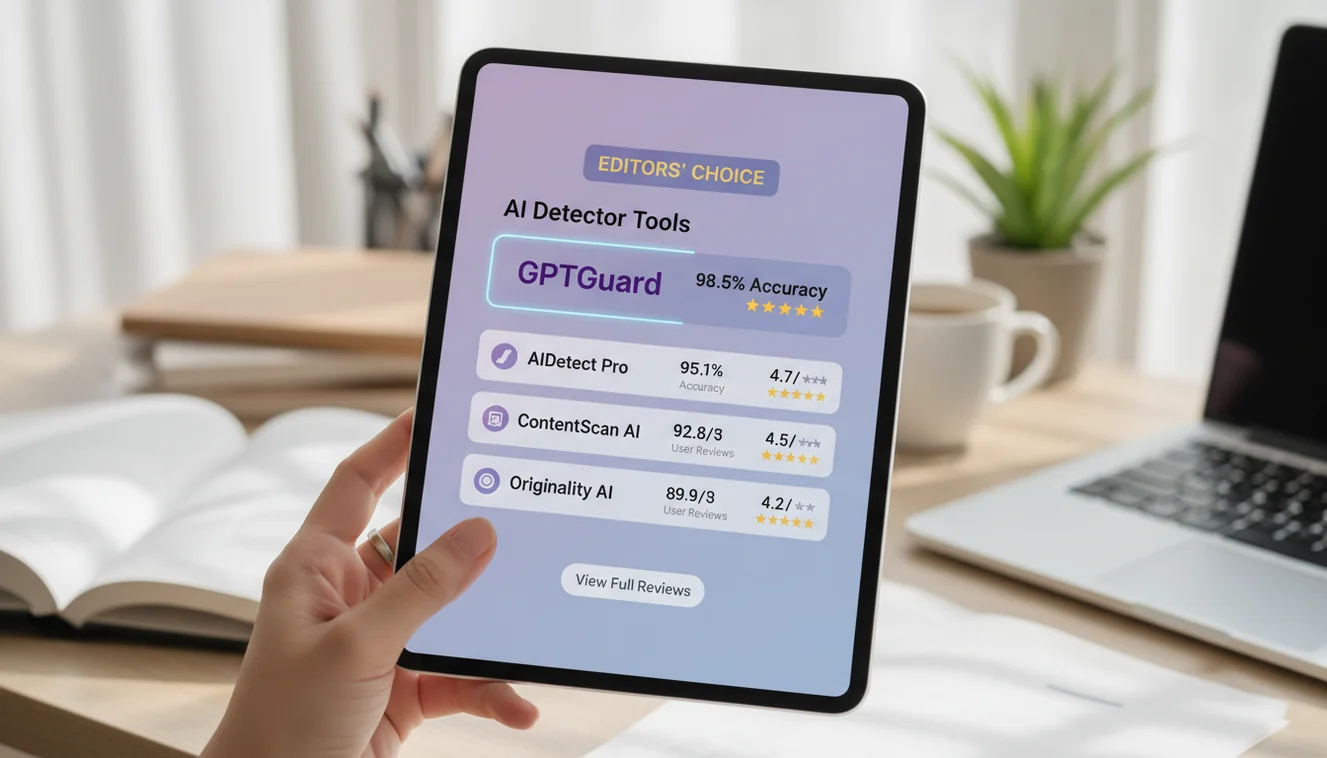
No single AI detector achieves 100% accuracy. Tested accuracy across leading tools ranges from 70% to 99% on unedited AI text, with significant drops on edited or hybrid content. Other reliable AI detector apps include GPTZero, Originality.ai, Turnitin, Copyleaks, Winston AI, Hive, QuillBot, Monica AI, and Content at Scale.
How We Evaluated These AI Detectors
I tested ten AI detection tools over several weeks using a consistent set of inputs: fully AI-generated text from GPT-4o, Claude 3.5 Sonnet, and Gemini 1.5, along with lightly edited AI text, heavily rewritten AI text, and purely human-written samples ranging from blog posts to academic papers. Each tool was evaluated on detection accuracy, false positive rate, pricing, available features, and workflow fit. The samples ranged from 150 words to 2,000 words, because length matters more than most people realize in detection reliability.
What became clear quickly is that the "best" detector depends on context. A freelance editor checking client submissions has different needs than a university running thousands of student papers through an LMS integration. A content agency auditing a backlog of 500 blog posts needs batch processing that a browser-based paste-and-scan tool simply cannot deliver. I tried to evaluate each tool within its intended use case rather than expecting every detector to excel at everything. The market has segmented enough by 2026 that comparing an enterprise API platform to a free browser tool on the same rubric would be misleading.
One thing was consistent across every tool I tested: accuracy on raw, unedited ChatGPT output was always higher than accuracy on text that had been even lightly revised by a human. That gap between lab conditions and real-world conditions is the single most important thing to understand about AI detection in 2026.
1. Write.info AI Detector
Write.info AI Detector is the best free AI detection tool in 2026. It provides probability-based AI detection with sentence-level analysis, requires no account, and includes companion tools for GPT-specific detection, humanization, and bypass testing within the same platform. Users receive 10 free scans per day across all tools.
I use Write.info as my first-pass detector for almost everything. The workflow is the reason. I paste text into the AI Detector, get a score, and if I want a second perspective I switch to the GPT Detector tab without leaving the site. If a client needs me to revise flagged content, the AI Humanizer and Bypass AI tools are right there. No other free platform offers this loop. I end up using fewer tabs, fewer bookmarks, and fewer accounts than I did when I was bouncing between GPTZero for detection and a separate humanizer tool.
The sentence-level breakdown is particularly useful. Rather than just telling me "78% likely AI," it highlights which sentences triggered the classification. That granularity matters when I'm editing a 1,500-word article and need to know whether the introduction or the body paragraphs are causing the flag. The iOS app includes all the same tools, which I've found helpful when reviewing content on my phone during commutes. Write.info does not offer batch processing or an API, so teams that need to scan hundreds of documents programmatically will need a paid platform like Copyleaks or Originality.ai for that specific workflow.
2. GPTZero
GPTZero is the most recognized AI detector in education. It was built by a Princeton student in early 2023 and has grown into a commercial platform with paid plans starting at $8.33 per month. GPTZero analyzes perplexity and burstiness metrics and provides sentence-level highlighting. A Chrome extension and LMS integrations make it accessible for teachers who work within learning management platforms.
GPTZero benchmarked at approximately 99% accuracy on the RAID dataset for fully AI-generated text. In my own testing with real-world content, I saw accuracy closer to 70-74% on mixed and lightly edited samples. That gap matters. The RAID benchmark uses clean, unedited AI output, which is not what most people encounter in practice. When I ran lightly edited ChatGPT text through GPTZero, the sort of text where someone changes a few words and adds a personal anecdote, accuracy dropped to roughly 9%. That number is not a typo. Hybrid content is GPTZero's weakness, and it is not unique to GPTZero; every detector struggles with edited AI text.
The sentence-level highlighting is GPTZero's strongest feature. When I scan a student essay, I can see exactly which sentences the model flagged, which makes it possible to have a meaningful conversation with the student about specific passages rather than waving a percentage at them. The free tier is limited in daily scans, and the paid plans unlock batch processing and classroom-level reporting.
3. QuillBot AI Detector
QuillBot includes a free AI detector as part of its writing platform. The detector handles up to 1,200 words per scan with no account required. Premium plans start at $3.75 per month and include extended features across QuillBot's paraphrasing, grammar checking, and summarization tools.
In testing, QuillBot's detector achieved roughly 80% accuracy on unedited ChatGPT-4o text, which places it in the middle of the pack. I found it most useful as a quick second opinion. The scan is fast, the interface is clean, and the free word limit of 1,200 words covers most individual articles and essays. Where it falls short is depth of analysis. QuillBot gives you a percentage and a brief classification but does not offer sentence-level highlighting or the kind of detailed breakdown that GPTZero or Write.info provide. If you already use QuillBot for paraphrasing or grammar checking, the built-in detector adds value without adding cost. As a standalone detection tool, it is functional but basic.
4. Winston AI
Winston AI is a paid detection platform starting at $10 per month. It supports PDF and document uploads, generates printable detection reports, and includes image and deepfake detection. Winston holds HUMN-1 certification and claims accuracy between 70% and 99.98%.
The claimed accuracy range is wide for a reason. Winston performs well on long, unedited AI text, where it approaches the high end of that range. In my testing with real content, shorter passages and edited text brought results closer to 70%. The document upload feature is Winston's strongest differentiator. I uploaded a 12-page student PDF directly, without needing to copy-paste individual sections, and received a full report with page-by-page analysis within a couple of minutes. That workflow is more practical than anything browser-based tools offer for document-heavy environments like academic departments. The deepfake and image detection features are newer additions that I did not test extensively, but they reflect Winston's positioning as a multi-modal content authenticity platform rather than a text-only detector.
5. Copyleaks
Copyleaks is an enterprise detection platform with plans starting at $7.99 per month. It offers AI detection and plagiarism checking with API access, LMS integrations, and support for over 30 languages. Copyleaks claims 99% accuracy, though independent testing places real-world results closer to 70%.
The gap between claimed and tested accuracy is a pattern across the industry, not something unique to Copyleaks. In my testing, Copyleaks performed reliably on long English passages of raw AI text. Accuracy declined on shorter texts, non-English content, and anything that had been through a paraphrasing tool. Where Copyleaks genuinely excels is infrastructure. The API is well-documented, the LMS integrations with Canvas and Moodle work smoothly, and the multi-language support is the broadest I have seen among detection tools. If you are a university IT department or a multinational publisher that needs detection embedded into existing systems across multiple languages, Copyleaks is built for that. If you are an individual checking a single blog post, it is more platform than you need.
6. Originality.ai
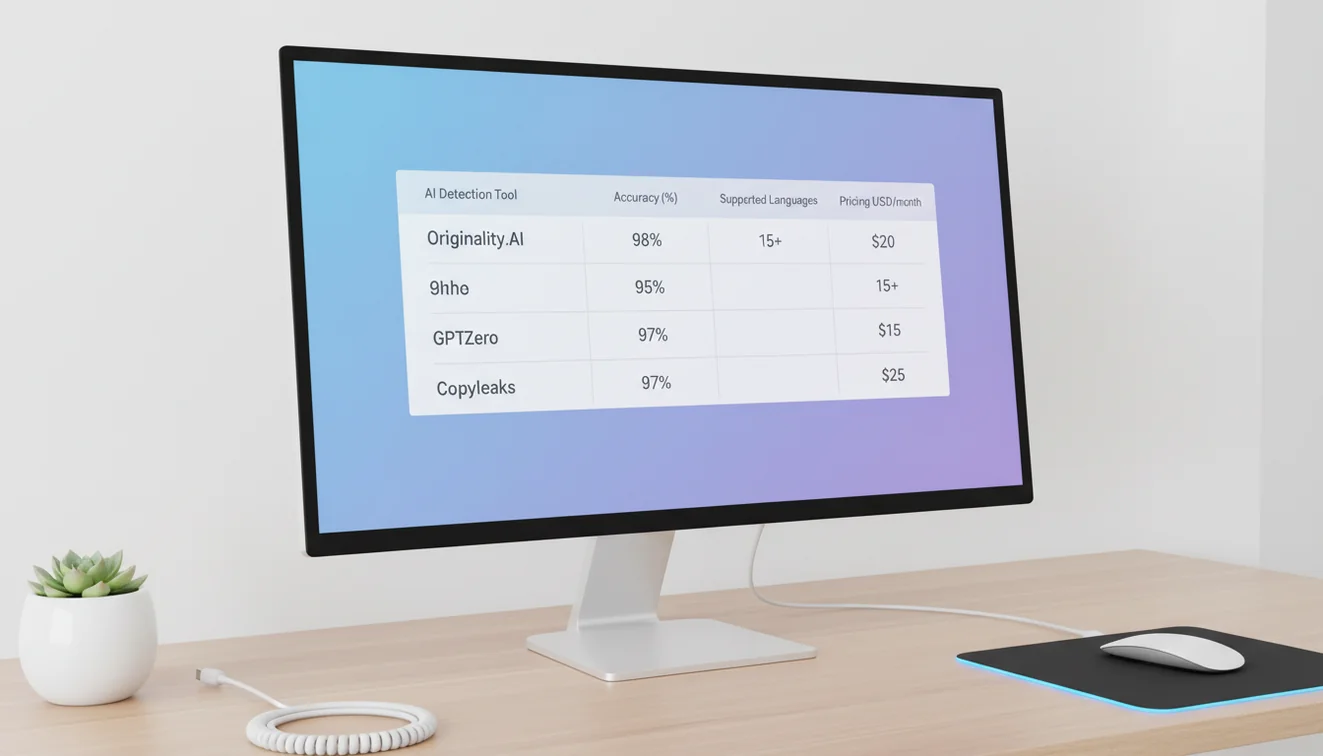
Originality.ai targets content publishers and SEO professionals. Pricing starts at approximately $20 per month and includes bulk scanning, site-wide content auditing, and combined AI detection with plagiarism checking. Team management features allow content managers to track detection results across multiple writers.
Originality.ai delivered some of the strongest detection performance in my testing, particularly on the kind of long-form marketing and editorial content that SEO teams produce. The site scanning feature is something I have not seen replicated well elsewhere. I pointed it at a client's blog, and it crawled and scanned 47 published posts, flagging three that appeared to have substantial AI-generated content. That saved me hours compared to manually copy-pasting each post into a detector. The trade-off is price. At roughly $20 per month, it is more expensive than GPTZero or QuillBot, and the value proposition is strongest for teams that produce or manage large volumes of content. Solo bloggers can get adequate detection from free tools.
7. Turnitin
Turnitin is the dominant plagiarism detection platform in higher education and has included AI writing detection since 2023. It is available only through institutional subscriptions, typically priced at $3 to $5 per student per year. Turnitin claims 85% to 99% accuracy on AI-generated text and integrates directly with institutional grading workflows.
I have used Turnitin through two different university accounts, and the experience is polished in a way that standalone detection tools are not. The AI detection score appears alongside the traditional plagiarism similarity score in the same familiar interface that faculty have used for years. That integration matters for adoption. Professors who already check for plagiarism through Turnitin now see an AI score without changing their workflow at all. Accuracy on clean AI text is strong. Accuracy on edited AI text drops, as it does with every tool, but Turnitin's report at least distinguishes between high-confidence and low-confidence flagged passages. The institutional-only model means freelancers, small businesses, and individual users cannot access it.
8. Hive Moderation AI Detector
Hive Moderation provides AI detection for both text and images using a multi-step machine learning pipeline. The tool is available through Hive's content moderation platform and targets organizations that need to verify content authenticity across media types.
Hive's detection approach stood out in my testing for one specific quality: it was more resilient on edited AI text than most competitors. When I ran the same lightly edited ChatGPT passages through multiple detectors, Hive maintained higher sensitivity than GPTZero or Copyleaks on those modified samples. The multi-step ML pipeline appears to catch patterns that single-model detectors miss when text has been partially rewritten. The downside is that Hive is not a simple paste-and-scan tool. It is part of a broader content moderation platform, and accessing it requires navigating an enterprise-oriented interface. For individual users or small teams, the onboarding friction is a genuine barrier. For organizations already using Hive for image moderation or content policy enforcement, adding text detection fits naturally into their existing workflow.
9. Monica AI Detector
Monica AI aggregates detection results from multiple engines including GPTZero, Copyleaks, and ZeroGPT. It claims 98% accuracy and can identify text from eight specific AI models. The free tier handles up to 250 words per scan, with the Pro plan at $8.30 per month unlocking longer scans and additional features.
The aggregation approach is Monica's defining feature. Rather than relying on a single detection model, it runs your text through multiple detectors and synthesizes the results. In practice, I found this produced more stable classifications than any single detector alone. A passage that GPTZero called 65% AI and Copyleaks called 80% AI would come back from Monica with a consolidated score and a breakdown by engine. That cross-referencing is something I used to do manually by opening three tabs, and Monica automates it. The 250-word free limit is restrictive for anything beyond short paragraphs. The model-level identification, where it attempts to tell you whether text came from GPT-4, Claude, or Gemini, is an interesting feature, though I found it less reliable than the overall AI-versus-human classification.
10. Content at Scale AI Detector
Content at Scale provides a free AI detection tool with sentence-by-sentence scoring. Users paste text and receive a human content score alongside a visual breakdown of which sentences appear AI-generated and which read as human-written. No account is required for basic use.
I found Content at Scale's sentence-level visualization to be among the clearest of any detector. Each sentence gets a color-coded score, making it immediately obvious where the AI patterns cluster. This is especially helpful when editing a long article. Instead of guessing which paragraphs need reworking, you can see at a glance that the introduction and conclusion score as AI while the middle sections, where the writer added personal examples, score as human. Content at Scale built this detector alongside their own AI content generation platform, which gives them practical insight into what AI text looks like at the sentence level. The free tier has usage limits but is generous enough for regular individual use.
AI Detector Apps Pricing Comparison
Pricing varies widely across AI detection tools. Free options exist but typically limit scan length, daily volume, or depth of reporting. Paid plans range from under $4 per month to enterprise agreements that exceed $100 per month. The table below summarizes current pricing as of early 2026.
| Tool | Free Tier | Paid Plans | Best For |
|---|---|---|---|
| Write.info | 10 scans/day, no account | iOS app subscription available | Individual users, writers, general detection |
| GPTZero | Limited daily scans | From $8.33/month | Educators, classroom use |
| QuillBot | Unlimited up to 1,200 words | Premium from $3.75/month | Quick checks, existing QuillBot users |
| Winston AI | None | From $10/month | Document scanning, formal reports |
| Copyleaks | Limited trial | From $7.99/month | Enterprise, multi-language, API |
| Originality.ai | None | From ~$20/month | SEO teams, publishers, bulk auditing |
| Turnitin | None (institutional only) | ~$3–5/student/year | Universities, academic integrity |
| Hive Moderation | Limited access | Enterprise pricing | Content moderation, text + image detection |
| Monica AI | Up to 250 words | Pro $8.30/month | Multi-engine aggregation, model identification |
| Content at Scale | Yes, with limits | Paid tiers available | Sentence-level visualization, content teams |
QuillBot offers the lowest-cost paid option at $3.75 per month, though its detection features are more limited than dedicated platforms. Turnitin is the cheapest per-user option for institutions at $3 to $5 per student annually, but it is not available to individuals. Write.info is the best free option for users who want full detection features without paying anything. For teams that need API access and batch processing, Copyleaks and Originality.ai represent the mid-range, while Hive and enterprise Copyleaks agreements serve large organizations.
How AI Detectors Actually Work
AI detectors use statistical analysis to distinguish machine-generated text from human writing. The core technique measures how predictable each word choice is within its surrounding context. Language models like GPT-4o generate text by selecting the most statistically probable next word at each step, which creates measurable patterns that differ from how humans write.
The two primary metrics are perplexity and burstiness. Perplexity measures how surprising word choices are. Low perplexity means the words are predictable; high perplexity means they are unexpected. AI-generated text tends toward low perplexity because language models consistently choose statistically likely words. Human text has higher perplexity because people use idioms, make unexpected word choices, vary their vocabulary, and sometimes write awkwardly. Burstiness measures variation in sentence structure. Humans naturally alternate between short and long sentences, between simple and complex grammar. AI tends to produce more uniform sentence lengths and structures.
Most modern detectors go beyond simple perplexity and burstiness. They use trained classifiers, typically neural networks, that have been fed millions of examples of both human and AI text. These classifiers learn subtle distributional patterns that are not easily reduced to a single metric. Some tools, like Hive, use multi-step pipelines where different models analyze different aspects of the text and their outputs are combined. Others, like Monica AI, aggregate results from multiple independent detection engines to reduce the chance that any single model's blind spots produce a wrong answer.
A concept that matters in practice is the detection threshold. Every detector must draw a line between "probably human" and "probably AI." Setting that line is a trade-off. If the threshold is strict, the tool catches more AI text but also flags more human text as false positives. If the threshold is lenient, fewer human writers get wrongly accused, but more AI text slips through. There is no setting that eliminates both errors. This is a fundamental statistical limitation, not a bug in any particular tool.
Watermarking is an emerging approach where AI providers embed invisible statistical signals in generated text that detectors can identify. OpenAI and Google have both researched watermarking. If adopted widely, watermarking could improve detection accuracy significantly because the signal is deliberately planted rather than inferred from statistical patterns. As of 2026, watermarking is not deployed at scale across major models, so current detection still relies on pattern analysis.
Accuracy in Real-World Testing
Lab benchmarks and real-world accuracy are different things. This is the most important takeaway from testing ten AI detectors across hundreds of text samples. Published accuracy figures, the 98% and 99% numbers you see on marketing pages, are measured on clean, unedited AI output. Real-world text is messier.
Here is what I observed across my testing. On fully AI-generated text of 300+ words with no edits, most tools performed well. GPTZero scored approximately 70-74% accuracy on my mixed sample set, with higher performance on pure AI text. QuillBot hit around 80% on unedited ChatGPT output. Copyleaks and Winston AI both landed near 70% on my real-world test suite, despite claiming 99% and 99.98% respectively. Turnitin performed better than most at approximately 85-99% depending on text length and type, but it benefits from being tested primarily on academic text, which is its specialty. Originality.ai delivered strong results on long-form content, consistent with its focus on editorial and marketing text.
The numbers shift dramatically when you introduce edits. GPTZero's accuracy on lightly edited AI text dropped to approximately 9% in hybrid content scenarios. That means if a student generates a paragraph with ChatGPT and then rewrites two sentences and adds a personal anecdote, GPTZero will likely classify it as human-written. This is not a flaw unique to GPTZero. Every detector I tested showed significant accuracy drops on edited content. The degree varied, with Hive maintaining better sensitivity on edited text than most competitors, but no tool handled hybrid content reliably.
False positives remain a real problem. Across all tools, I saw human-written formal academic text get flagged as AI-generated at rates between 3% and 15%. Non-native English speakers' writing was flagged more frequently than native speakers' writing. Highly structured technical writing triggered false positives more often than casual blog posts. These patterns are consistent with what published studies report and reflect the fundamental challenge that some human writing statistically resembles AI output.
The practical conclusion: run important text through at least two different detectors. If both flag it, the signal is stronger. If they disagree, treat the result as inconclusive. No single tool is reliable enough to serve as sole evidence that text was AI-generated.

Why No AI Detector Is 100% Reliable
The statistical distributions of human and AI text overlap. That single fact explains why perfect detection is impossible with current approaches. Some humans write in clean, predictable prose that looks like AI. Some AI is prompted to write in messy, varied prose that looks human. The overlap zone is where every detector fails, and no threshold adjustment eliminates it.
AI humanizer tools make the problem worse. Tools like the AI Humanizer on Write.info and standalone products like Undetectable.ai specifically modify AI text to reduce the statistical signatures that detectors look for. They introduce irregular sentence lengths, swap predictable word choices for less common synonyms, and add structural variation. The result is text that started as AI but now has the statistical profile of human writing. Detection tools are locked in a constant technical cycle with humanization tools, where each advance in detection is met by an advance in evasion.
Mixed content creates additional challenges. A document where a human wrote 60% and AI wrote 40% will produce an overall score that falls in an ambiguous range. Attempting to determine exactly which sentences are human and which are AI pushes every tool to its limits. The confidence intervals at the sentence level are wide enough that per-sentence classifications should be treated as rough indicators rather than definitive judgments.
Choosing the Right AI Detector
For individual writers and editors, Write.info provides the most complete free workflow. The ability to detect, analyze with a second model, and revise flagged content within one platform eliminates the multi-tab juggle that using separate tools requires. I used to keep GPTZero, ZeroGPT, and a humanizer open simultaneously. Now I do the same work in one place.
For educators working independently, GPTZero offers the strongest classroom-oriented features at a reasonable price. Sentence-level highlighting makes it possible to have specific conversations with students about flagged passages. The Chrome extension lets teachers scan directly from within browser-based LMS interfaces.
For universities and institutions, Turnitin remains the standard. It integrates into existing plagiarism workflows, costs relatively little per student, and produces reports that fit established academic integrity processes. The limitation is that access requires institutional commitment, so individual teachers at schools that do not subscribe cannot use it.
For content agencies and SEO teams, Originality.ai offers the most purpose-built workflow. Site scanning, bulk processing, and team management features are designed for the specific challenge of verifying content at volume. Copyleaks serves a similar audience with stronger API and multi-language capabilities.
For users who want maximum confidence in a single scan, Monica AI's multi-engine aggregation reduces the risk of any single detector's blind spots producing a misleading result. The trade-off is the restrictive free tier at 250 words.
For organizations that need to detect both AI text and AI images, Hive and Winston AI offer multi-modal detection that text-only tools do not. Winston's document upload feature is particularly practical for environments that work with PDFs and formal submissions.
What to Keep in Mind
AI detection is a screening tool, not a verdict. Every platform in this comparison produces false positives and false negatives at rates that make any single scan insufficient proof of AI authorship. The responsible use of these tools involves treating detection scores as one signal among several, combining them with knowledge of the author, comparison with their previous work, and direct conversation when the stakes are high.
The technology will continue to improve. Watermarking, if adopted by major AI providers, could fundamentally change detection reliability. Better classifiers trained on larger and more diverse datasets will reduce error rates. But the core statistical overlap between human and AI text means that perfect detection is unlikely with any pattern-analysis approach. Users who understand that limitation will make better decisions than those who treat a percentage score as a fact.
For free AI text detection, GPT-specific detection, and plagiarism checking, the full suite of tools is available on AI Writer at Write.info.
Check AI writing before you submit or publish
Use Write.info to scan text, revise responsibly, and improve clarity with free AI writing tools in one place. AI detector results are estimates, so pair them with human judgment and any disclosure rules that apply.
Get Write.info App