Free AI Headline Generator
Generate compelling headlines and titles for blogs, articles, and content projects. No signup required.
What Is an AI Headline Generator
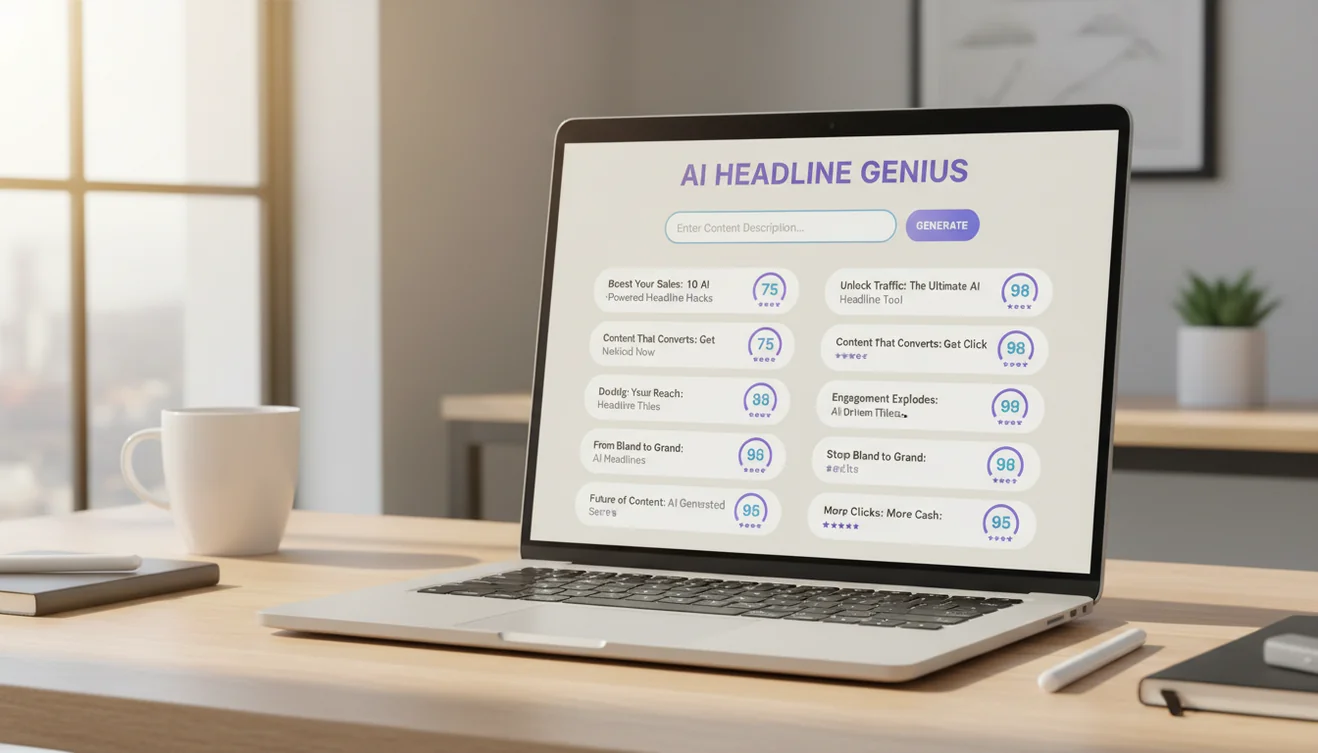
An AI headline generator is a tool that creates headlines, titles, and headings from a topic description or content summary. It uses a language model to produce multiple headline variations across different formats, informational, how-to, listicle, question-based, and clickworthy; giving writers options to choose from rather than a single suggestion. AI headline generators do not analyze your full article. They work from the topic information you provide in the prompt.
Headlines carry disproportionate weight in content performance. Research across publishing and marketing consistently shows that the majority of people who encounter a piece of content read only the headline. The body content, no matter how well-written, reaches a fraction of the audience that the headline reaches. This means a mediocre headline on an excellent article actively limits how many people engage with work you already spent significant time creating. The asymmetry is frustrating; spending five minutes on a headline can have more impact on readership than spending five hours on the article body - but it reflects how people actually consume content in feeds, search results, and social media timelines.
The challenge with headline writing is that it requires a different skill set than body copy writing. Article writing rewards depth, nuance, and thorough explanation. Headline writing rewards compression, specificity, and pattern recognition. You need to distill the value of 1,500 words into eight to twelve words that make someone want to read the rest. The tool on this page generates headlines tuned to different formats and styles, connected to the same language model behind all AI writing tools on Write.info. Each format option adjusts the AI's approach to match the structural conventions and reader expectations of that headline type.
Understanding Headline Formats
Different headline formats serve different purposes, and selecting the right one depends on your content type, platform, and audience expectations.
Informational headlines clearly state what the reader will learn. They are direct and descriptive: "How Remote Work Policies Affect Employee Retention Rates" or "What the 2026 Data Privacy Regulations Mean for Small Businesses." These headlines work well for articles that deliver factual analysis, industry news, or educational content. They attract readers who know what they are looking for and want confirmation that the article covers it. The trade-off is that informational headlines rarely generate curiosity-driven clicks; they attract intent-driven readers, which often means higher engagement but lower volume.
How-to headlines promise a practical outcome: "How to Write a Cover Letter That Gets Interviews" or "How to Reduce Email Response Time by Half." These are among the most consistently effective headline formats because they offer clear value. The reader knows exactly what they will gain. How-to headlines work for tutorials, guides, process explanations, and skill-building content. They tend to perform well in search because people frequently search using "how to" phrasing.
Listicle headlines use numbers to set expectations: "7 Email Mistakes That Damage Professional Credibility" or "12 Free Tools for Managing Remote Teams." Numbers in headlines provide a concrete promise about the content's scope and structure. Odd numbers tend to perform slightly better than even numbers in engagement metrics, though the difference is small. Listicle headlines work for collections, roundups, tip lists, and comparison content. They are scannable by nature, which matches how most online readers consume content.
Question headlines engage readers by posing a question they want answered: "Is Your Password Manager Actually Secure?" or "Why Do Meeting-Heavy Companies Have Lower Productivity?" Question headlines work because they activate a psychological need for closure; once a question is posed, the reader wants to know the answer. They are particularly effective for opinion pieces, analysis articles, and content that challenges assumptions. The risk is asking a question the reader can answer with "no" and move on without clicking.
Clickworthy headlines use specificity and curiosity to drive engagement: "The Email Habit That Senior Executives All Share" or "What I Learned After Analyzing 500 Job Postings." Clickworthy is not the same as clickbait. Clickbait misleads, it promises something the content does not deliver. Clickworthy headlines create genuine interest by being specific enough to feel credible while leaving enough unsaid that the reader needs to click to learn the full answer. The distinction matters both ethically and practically, since readers who feel misled by a headline rarely return.
How to Use the AI Headline Generator
- Describe your content. In the text area, explain what your article, blog post, or content piece is about. Include the main topic, key angle, and target audience. Example: "Blog post about how freelance writers can use AI tools to handle administrative tasks like invoicing and client communication, targeted at mid-career freelancers."
- Select a headline format. Choose Informational for straightforward descriptive titles, How-To for instructional content, Listicle for numbered formats, Question for curiosity-driven headings, or Clickworthy for engagement-optimized titles.
- Click Generate Headlines. The AI produces multiple headline options in your selected format.
- Evaluate the options. Read through the generated headlines. Consider which one most accurately represents your content, which would resonate with your specific audience, and which matches your publication's tone.
- Refine your selection. Take the headline closest to what you want and edit it. Swap in more specific terms, adjust the length, or combine elements from multiple generated options. A headline that starts as AI-generated and gets refined through your editorial judgment is typically stronger than either version alone.
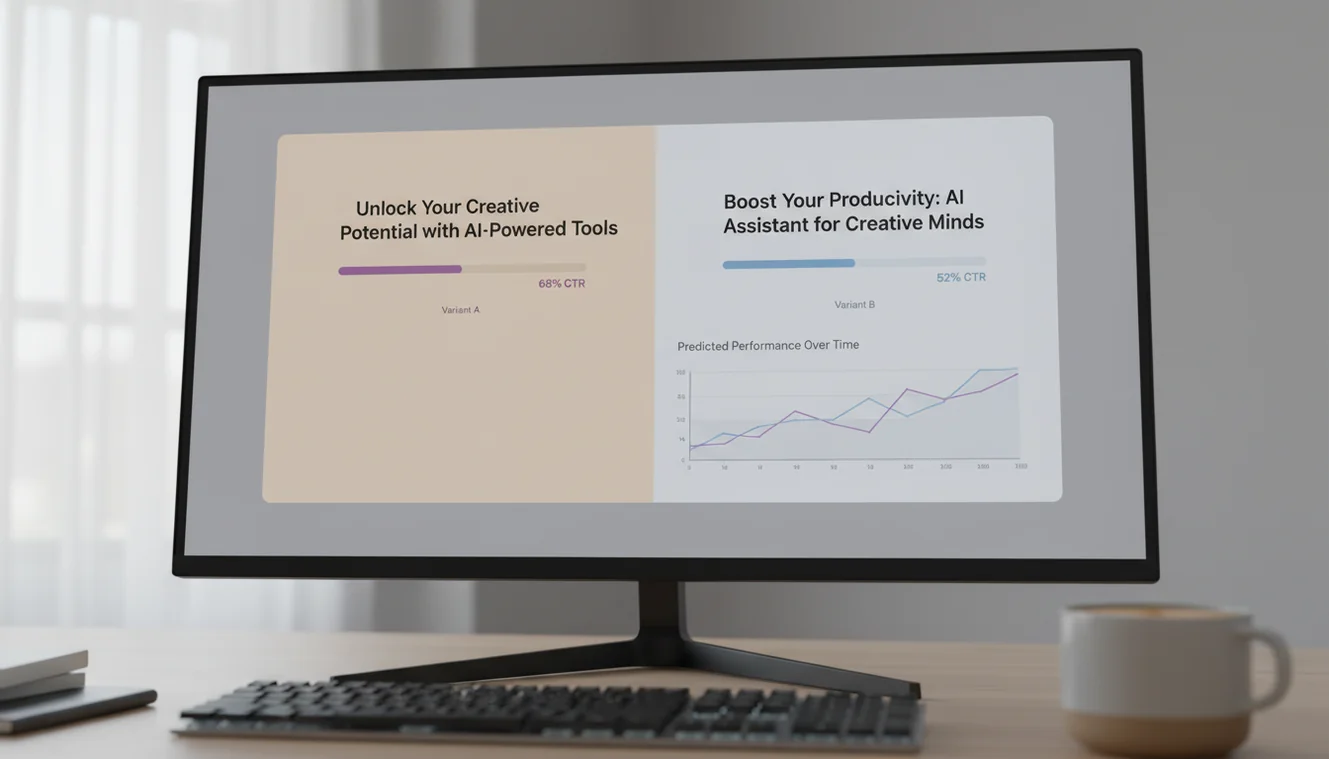
- Test when possible. If your platform supports it, A/B test two or three headline variations to see which performs better with your actual audience. Data from real reader behavior is more reliable than any writing guideline.
Anatomy of an Effective Headline
Effective headlines share structural qualities regardless of format. Understanding these elements helps you evaluate and improve AI-generated options.
Specificity over vagueness. "Ways to Save Money" is vague. "5 Monthly Subscriptions You Are Paying For and Never Use" is specific. Specific headlines outperform vague ones because they tell the reader exactly what value they will receive. When you review generated headlines, look for the ones that name particular things rather than gesturing at general categories.
Accurate scope signaling. A headline should set correct expectations about what the content delivers. If your article covers three strategies, do not headline it with "Everything You Need to Know About X." Readers who click expecting comprehensive coverage and find a brief overview feel misled. The AI generally generates headlines proportional to reasonable content scope, but verify that the headline matches what you have actually written.
Active language. Headlines that use active verbs engage more than passive constructions. "Reduce Your Email Volume by 40%" reads stronger than "Email Volume Can Be Reduced." The AI tends to generate active-voice headlines, which is appropriate for most formats. Passive voice occasionally fits formal or academic contexts.
Appropriate length. For search engines, headlines under 60 characters display fully in results. For social media, shorter headlines (6-10 words) tend to perform well. For email subject lines, under 50 characters is optimal. Consider where your headline will appear and trim accordingly. The AI generates headlines of varying lengths, so select the one closest to your platform's ideal range.

Headlines for Different Platforms
The same content often needs different headlines depending on where it is published. A headline optimized for search differs from one optimized for social sharing or email.
Search-optimized headlines should include the primary keyword naturally. "How to Write a Business Plan: Step-by-Step Guide" works for search because someone typing "how to write a business plan" will find it relevant. Search headlines benefit from directness and keyword placement near the beginning.
Social media headlines compete with personal posts, news, and entertainment in a fast-moving feed. They need to stop the scroll, which means being either emotionally resonant, surprising, or immediately useful. A headline like "I Tracked Every Hour of My Work Week and the Results Were Uncomfortable" creates curiosity in a feed environment where people are not actively searching.
Email subject lines need to earn an open in a crowded inbox. Personalization, urgency cues, and brevity matter more here than in other contexts. "Your Q3 report is ready" works better than a clever or elaborate construction because email readers scan subject lines in milliseconds. The AI email writer can generate subject lines specifically optimized for email contexts.
Internal documents; reports, memos, proposals, benefit from descriptive, no-nonsense headlines. "Q2 Marketing Performance: Revenue Impact and Recommendations" communicates exactly what the document contains. Creativity is less important than clarity in professional contexts where readers need to locate and reference documents quickly.
Common Headline Mistakes
Promising what the content does not deliver. If your headline says "Complete Guide," the content should be comprehensive. If it says "Data Shows," there should be actual data. Mismatched headlines erode reader trust and increase bounce rates. Always check that the headline accurately describes your finished content.
Using jargon your audience does not know. A headline targeting general readers that uses industry-specific terminology creates a barrier. The AI generates headlines using accessible language by default, but if your prompt includes technical terms, they may appear in the output. Replace jargon with plain language unless your audience genuinely uses and expects those terms.
Being too clever. Puns, wordplay, and obscure references can work brilliantly or fail completely. They depend on shared cultural context between writer and reader. If there is any doubt about whether your audience will get the reference, choose clarity over cleverness. AI-generated headlines occasionally include wordplay; evaluate whether it strengthens or obscures the message.
Neglecting the subtitle. Many platforms support a subtitle or deck below the main headline. If you struggle to fit everything into the headline, use the subtitle for additional context. "Remote Work Is Not Working" is intriguing but incomplete. Adding a subtitle - "A survey of 2,000 managers reveals that hybrid models outperform fully remote setups"; completes the picture.
Limitations & Safety
AI-generated headlines are suggestions based on language patterns, not audience analysis or performance data. The tool does not have access to your audience demographics, engagement history, or platform-specific performance metrics. Headlines that sound compelling may not perform well with your specific readers, and vice versa.
The AI may generate headlines that include claims or statistics not supported by your actual content. Always verify that every element of the headline; numbers, outcomes, promises; is substantiated in the article. Publishing headlines with unsupported claims damages credibility regardless of how engaging the headline is.
Cultural sensitivity varies across audiences and regions. A headline that reads as clever or provocative to one audience may be inappropriate or offensive to another. The AI does not evaluate cultural context. Review generated headlines for potential misinterpretation, especially for content distributed across diverse audiences or geographies.
Write.info does not store or retain any content submitted to the headline generator. For generating full content from your headline, use the AI blog writer or explore the complete set of AI writing tools on the homepage.
Write Better Headlines Anywhere
Use Write.info on the web or get the mobile app to draft headlines, rewrite copy, and refine ideas wherever you work. Always review AI-generated headlines for accuracy, originality, and audience fit before publishing.
Get Write.info AppAI writing tools App
The AI writing tools tool is available as part of the AI Writer app for iPhone and iPad. The app includes all writing, detection, and humanization tools in a single download with no account required. An Android version is currently in development.
The iOS app supports offline access to saved content and provides the same AI writing capabilities available on Write.info. Users receive 10 free generations per day on the website, while the app offers extended access through optional subscription plans.
Download on App Store