Free AI Cover Letter Writer
Generate tailored cover letters for job applications. Highlight your qualifications and match them to the role. No signup required.
What Is an AI Cover Letter Writer
An AI cover letter writer is a tool that generates job application cover letters based on details you provide about the position, company, and your qualifications. It uses a language model to produce formatted letters that connect your experience to the requirements of the role. The AI does not verify your qualifications or access job listings-it works entirely from the information in your prompt.
Cover letters occupy a strange position in the hiring process. Many job seekers assume nobody reads them. Many hiring managers say they do. The reality varies by company, industry, and individual reviewer. What is consistently true is that a weak or generic cover letter can disqualify an otherwise strong candidate, while a well-tailored one can move someone from the "maybe" pile to the interview list. The challenge is that writing a genuinely tailored cover letter for each application takes time-usually 30 to 60 minutes if done properly. When you are applying to dozens of positions, that time compounds into a significant burden.
This is where an AI cover letter writer provides real value. Not as a replacement for personalization, but as a structural starting point that handles the formatting, conventional phrasing, and organizational framework so you can focus on the details that actually differentiate you. The tool on this page is part of the AI Writer suite on Write.info. It uses a system prompt tuned specifically for cover letter conventions-proper greeting and closing format, paragraph structure that hiring managers expect, and language that connects qualifications to job requirements. A generic chatbot asked to "write a cover letter" often produces something that reads like a personal essay with "Dear Hiring Manager" attached. A purpose-built cover letter tool handles the structural expectations automatically.
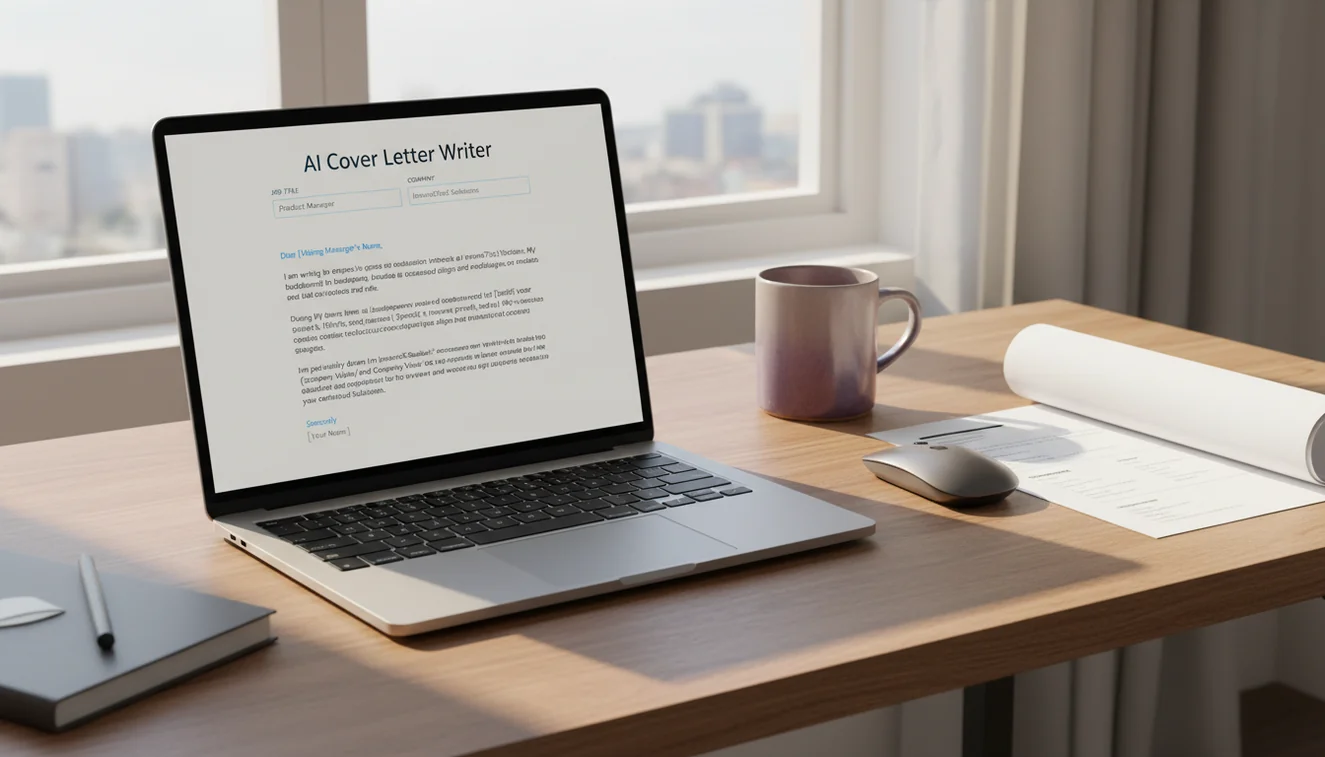
Cover Letter Structure
Every effective cover letter follows a three-paragraph structure, sometimes extended to four paragraphs for senior or complex roles. Understanding this structure helps you evaluate the AI output and know where to invest your editing time.
The opening paragraph states the position you are applying for, where you found it, and one sentence that connects your background to the role. This paragraph should be short-three to four sentences at most. Many applicants waste the opening with generic enthusiasm. "I am excited to apply for this role" tells the reader nothing. "I am applying for the Senior Product Manager position at Acme Corp, where my six years of experience scaling B2B SaaS products from MVP to enterprise adoption directly aligns with the growth challenges described in the posting" tells them exactly why they should keep reading. The AI generates openings that include the role and a qualification connection when you provide these details in your prompt.
The body paragraphs are where you make your case. Each paragraph should address one key requirement from the job posting and explain how your experience meets it. Do not just list skills-describe situations where you applied them and what resulted. The AI generates competent body paragraphs that connect qualifications to role requirements, but they often lack the specific numbers, outcomes, and contextual details that make a cover letter memorable. This is the section that requires the most editing. Replace generic claims like "I have extensive experience in project management" with specific ones like "I managed a 12-person cross-functional team that delivered a $2M product launch three weeks ahead of schedule."
The closing paragraph should express genuine interest in the company specifically, not just the role. Mention something about the company's mission, recent work, or culture that resonates with you. End with a clear next step: "I welcome the opportunity to discuss how my background in supply chain optimization could support your expansion into European markets." The AI generates functional closings, though the company-specific detail is limited to whatever you include in your prompt. Adding a sentence about why the company appeals to you-beyond just needing a job-significantly strengthens the closing.
How to Tailor AI Output to a Specific Job
The gap between a generic AI cover letter and a tailored one comes down to what you put in the prompt. Here is a practical approach to getting the most relevant output.
Start with the job posting. Read it carefully and identify the three to five requirements that are most emphasized. These are usually repeated in different ways throughout the posting or listed first in the requirements section. Copy the exact phrasing of these requirements and include them in your prompt. The AI will naturally incorporate this language into the cover letter, which also helps with ATS keyword matching.
Match your experience to those requirements. For each key requirement, write one sentence in your prompt describing how your background addresses it. Be specific. "I managed teams" is less useful than "I led a team of 8 developers at a healthcare startup." The AI uses your specific details when available and falls back to generic language when they are missing. The more specific your input, the less editing the output requires.
Include the company name and role title. This sounds obvious, but many users skip it. The AI generates a more polished letter when it can reference the specific company and position rather than using placeholder language.
Mention the company's context if possible. If the company recently launched a new product, expanded to a new market, or published something notable, include that in your prompt. This context allows the AI to reference it in the letter, demonstrating research that generic letters lack.
ATS Optimization
Applicant tracking systems filter applications before a human sees them. These systems scan for keywords, formatting consistency, and standard document structure. Understanding how ATS works helps you get your cover letter past the initial filter.
The AI generates cover letters in plain text with standard formatting, which is inherently ATS-friendly. Complex formatting-tables, text boxes, headers, footers, unusual fonts-can confuse ATS parsers and cause your application to be incorrectly categorized or rejected. Keep the formatting simple when you paste the AI output into your final document.
Keywords matter significantly. ATS systems match your cover letter against the job posting's requirements. If the posting asks for "cross-functional collaboration" and your letter says "working with different teams," you may not get a keyword match even though the meaning is identical. This is why including exact phrases from the job posting in your prompt is important. The AI will incorporate them naturally into the letter's language. Review the output and verify that the specific terms from the posting appear at least once.
Keep the file format simple when submitting. PDF and .docx are the most universally compatible formats with ATS systems. Avoid submitting cover letters as images, in uncommon file formats, or with embedded graphics.
How to Use the AI Cover Letter Writer
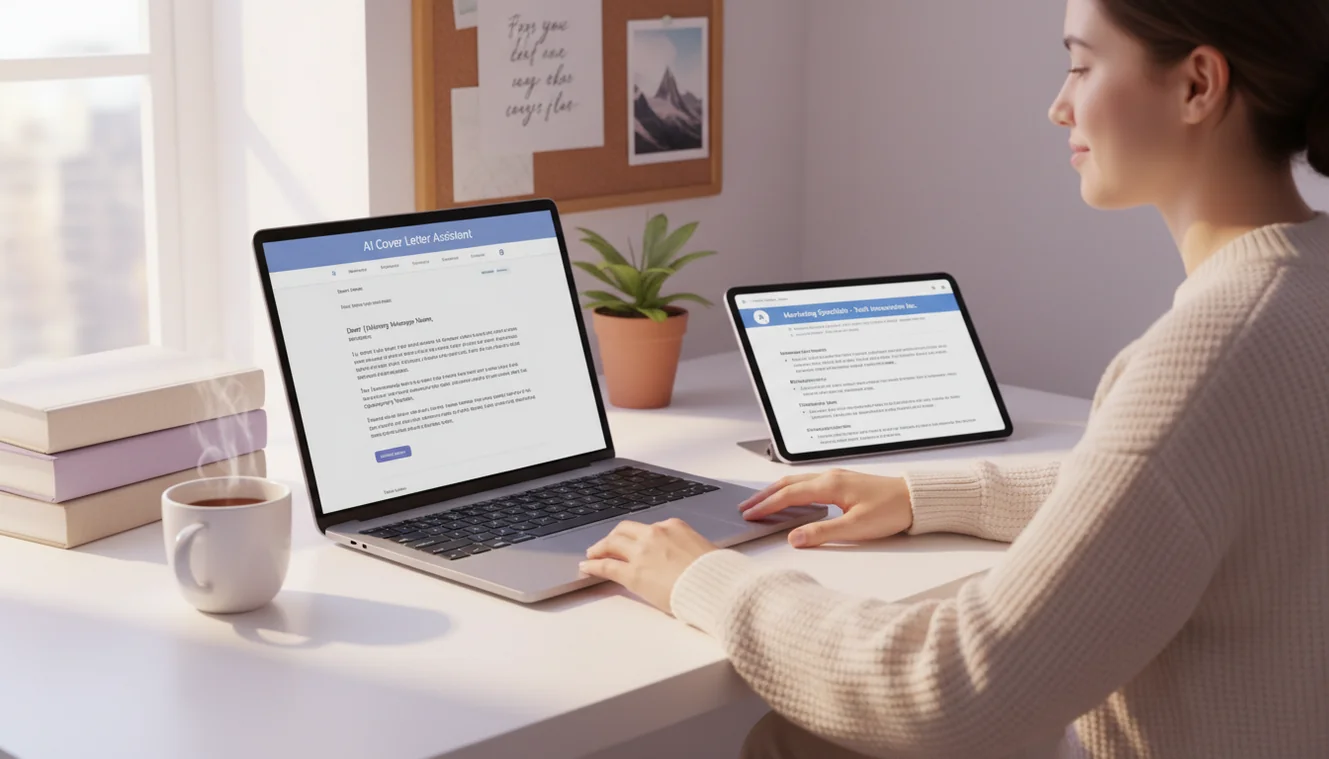
- Enter job details and qualifications. In the text area, describe the job title, company name, and the key qualifications you bring. Include specific requirements from the job posting. Example: "Cover letter for a Marketing Coordinator position at Bloom Digital. I have two years of experience in social media management, email campaign coordination, and content creation. The posting emphasizes data-driven decision making and experience with HubSpot."
- Select your experience level. Choose Entry Level for first jobs and internships, Mid Career for roles requiring 3-10 years of experience, Senior for leadership and specialized positions, or Career Change for transitioning between industries or functions.
- Click Write Cover Letter. The AI generates a structured cover letter with an opening, body paragraphs connecting your qualifications to the role, and a professional closing.
- Replace generic claims with specifics. Find every sentence that makes a broad claim and replace it with a concrete example from your actual experience. Specific accomplishments with measurable outcomes are far more effective than general skill descriptions.
- Add company-specific detail. Include a genuine reason you are interested in this particular company. Reference their product, mission, recent news, or company culture. This cannot come from the AI because it does not research companies in real time.
- Verify ATS keywords. Compare the cover letter against the job posting and ensure that key technical terms, tools, and qualifications from the posting appear in your letter.
- Proofread carefully. A cover letter with typos or grammatical errors undermines your candidacy. Use the AI grammar checker for a final review before submitting.
When to Heavily Edit vs. Use As-Is
The AI output is never truly ready to send without review, but the amount of editing required varies by situation.
Light editing scenarios: When the job posting is straightforward, you provided detailed qualifications in your prompt, and the generated letter accurately reflects your experience. In these cases, you may only need to adjust tone, add one or two specific examples, and personalize the company mention. Internal applications and less competitive positions typically fall into this category.
Heavy editing scenarios: When the role is highly competitive, requires niche expertise, or when you are making a career change. In these situations, the AI provides a solid structural framework, but the substance needs to come from you. Replace generic qualification statements with specific accomplishments. Add context that explains career transitions. Include industry-specific language that demonstrates domain knowledge. Senior roles and positions at selective companies always require substantial customization.
A useful test: if you could swap the company name in your cover letter and send the same letter elsewhere without changing anything else, it needs more work. A cover letter that could apply to any company is effectively applying to none of them.
Limitations & Safety
AI-generated cover letters should always be reviewed and personalized before submission. The language model produces text that follows cover letter conventions but does not verify any claims about your qualifications, experience, or skills. Submitting a cover letter that contains inaccurate statements about your background can have serious professional and legal consequences.
The tool does not access job postings, company information, or your resume. It works entirely from the text you provide in the prompt. The more context you include, the more relevant the output. Short or vague prompts produce generic letters that are unlikely to distinguish your application from other candidates.
Cover letters for regulated industries-healthcare, finance, legal, government-may require specific language, certifications, or disclaimers that the AI does not automatically include. Professionals in these fields should ensure their cover letters comply with industry-specific requirements.
The AI does not guarantee that a generated cover letter will pass any specific ATS system or result in an interview. Hiring outcomes depend on many factors beyond the cover letter, including qualifications, market conditions, and competition. Write.info does not store any cover letter content submitted through this tool. For more writing tools, visit the AI Writer homepage.
Write Better Cover Letters on Mobile
Use Write.info to draft, revise, and polish cover letters wherever you apply. Always review the final version so it accurately reflects your real qualifications and voice.
Get Write.info AppCover Letter Writer App
The Cover Letter Writer tool is available as part of the AI Writer app for iPhone and iPad. The app includes all writing, detection, and humanization tools in a single download with no account required. An Android version is currently in development.
The iOS app supports offline access to saved content and provides the same AI writing capabilities available on Write.info. Users receive 10 free generations per day on the website, while the app offers extended access through optional subscription plans.
Download on App Store